Prompts
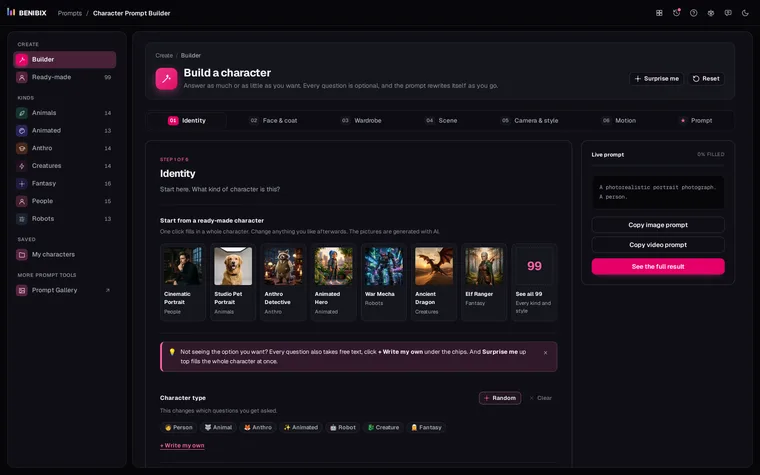
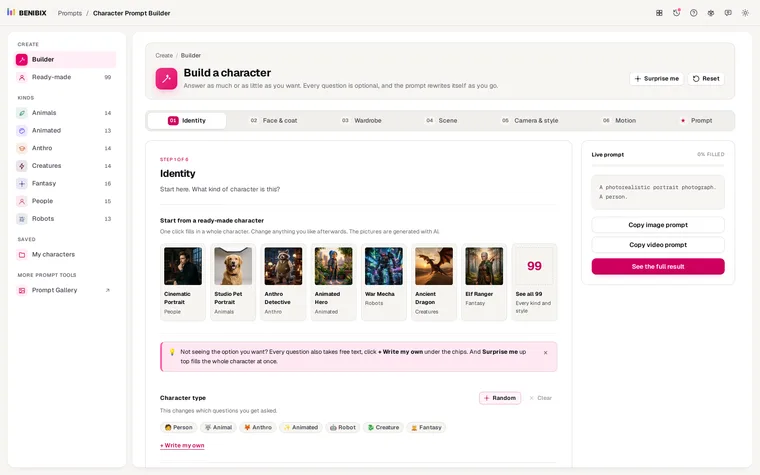
Character Prompt Builder
Answer a few questions about a person, animal, creature or robot and get prompts for stills and video, plus an identity block that keeps them consistent.
Free tools for Claude Code, Codex, prompts, GitHub, data and design. Every one has its own page and runs right in your browser, with no sign-up and no tracking.
Each one is tested, focused and free. Open a card to read what the tool does, or press Open to go straight in. Press ⌘K anywhere to jump to any of the thirteen.
Answer a few questions about a person, animal, creature or robot and get prompts for stills and video, plus an identity block that keeps them consistent.
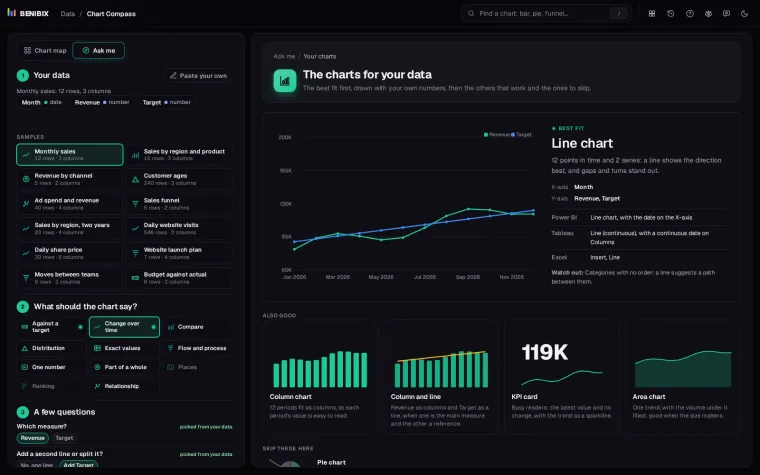
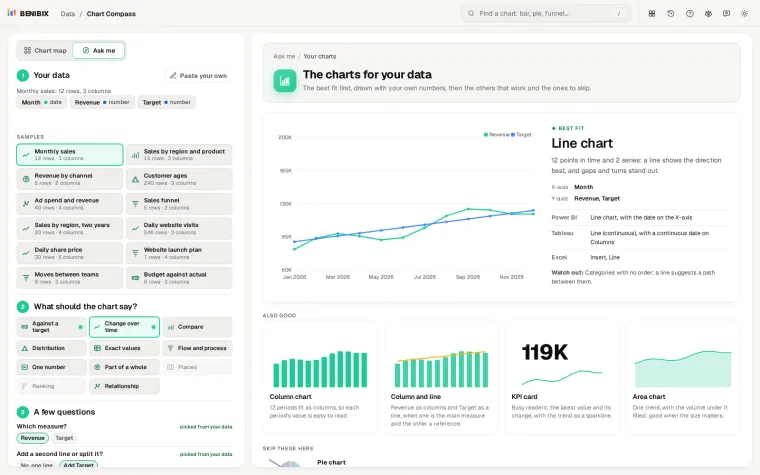
Paste your data, say what the chart should show, answer two or three questions, and see the charts that fit drawn with your own numbers, with their names in Power BI, Tableau and Excel.
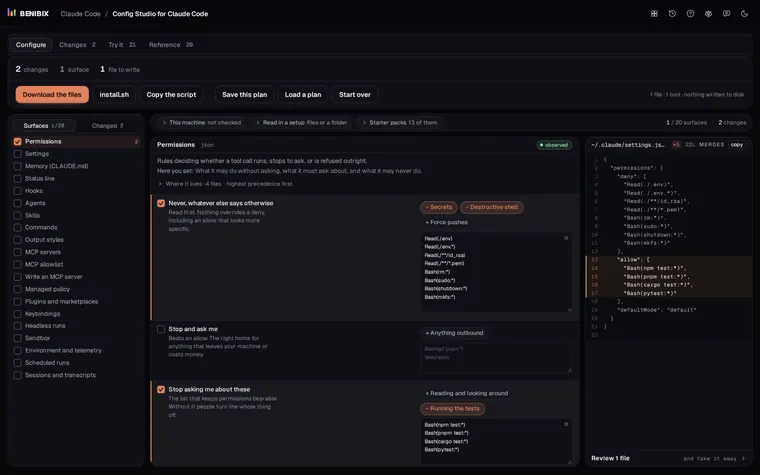
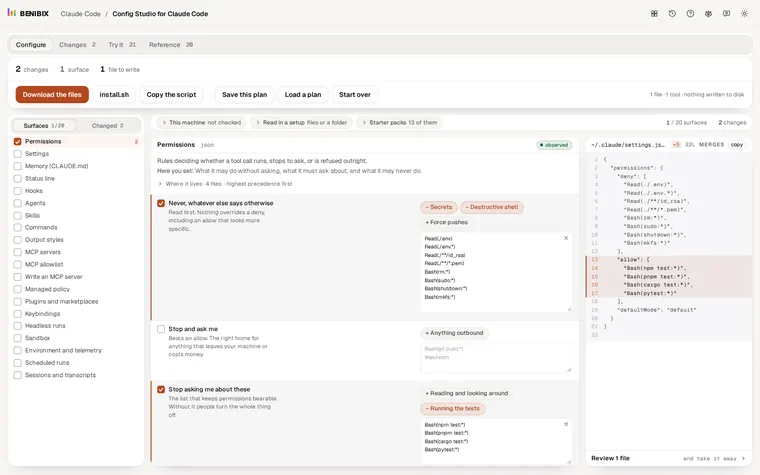
Every file Claude Code reads, explained: what each setting does, where it lives, which file wins, and an editor that writes it for you.
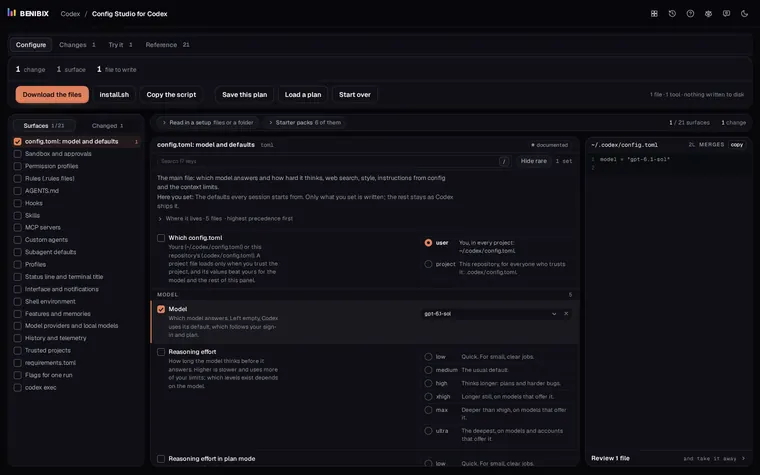
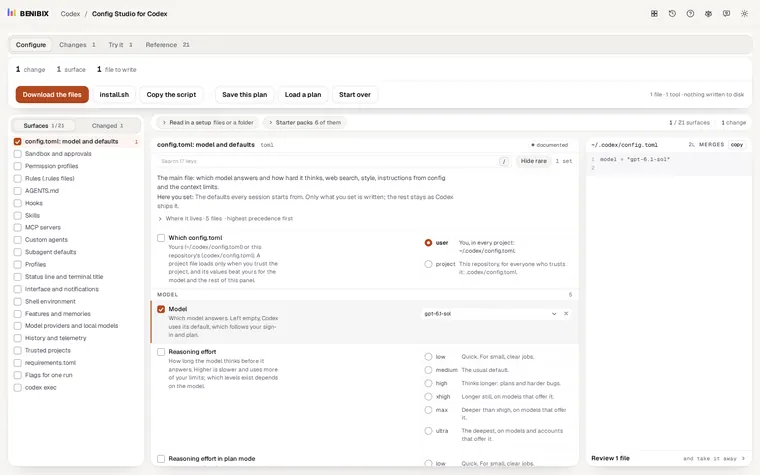
Every file Codex reads, explained: config.toml, sandbox and approvals, AGENTS.md, rules, hooks, skills, MCP servers and the status line, with an editor that writes them for you.
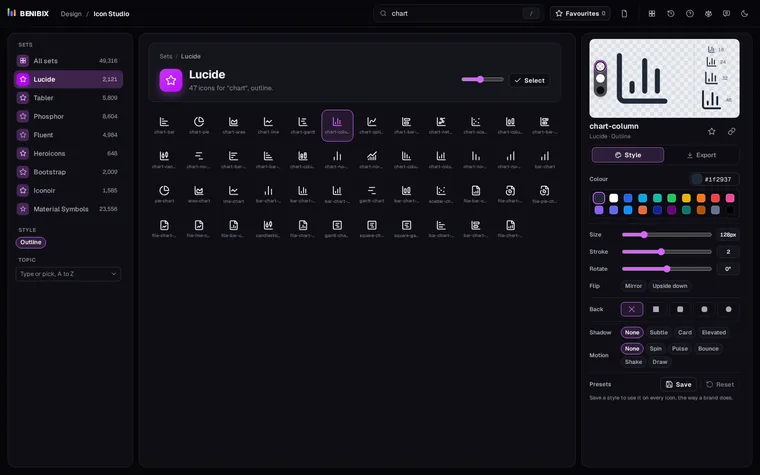
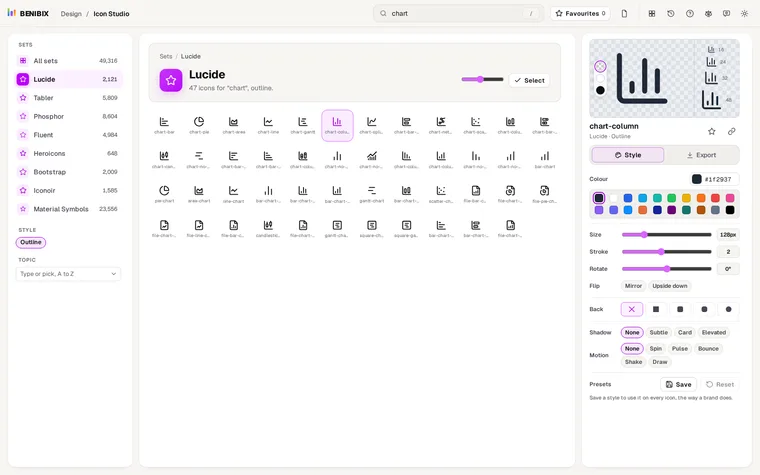
Search nearly 50,000 free icons from eight open-source sets, style them with colour, backgrounds, shadows and motion, and export SVG, PNG, React, CSS or a Power BI measure.
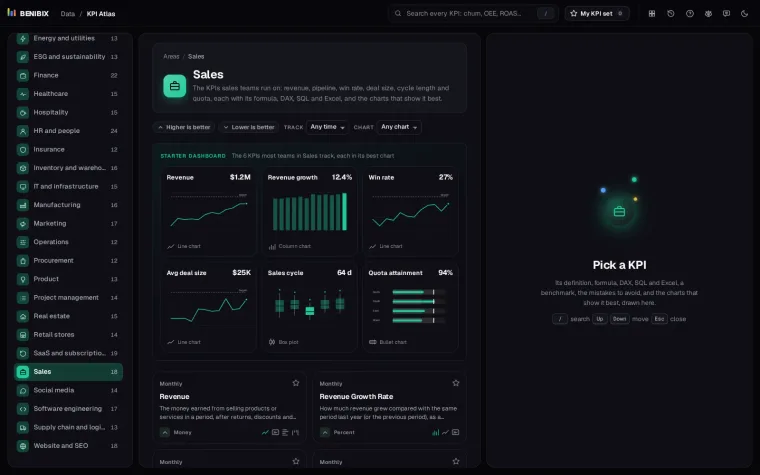
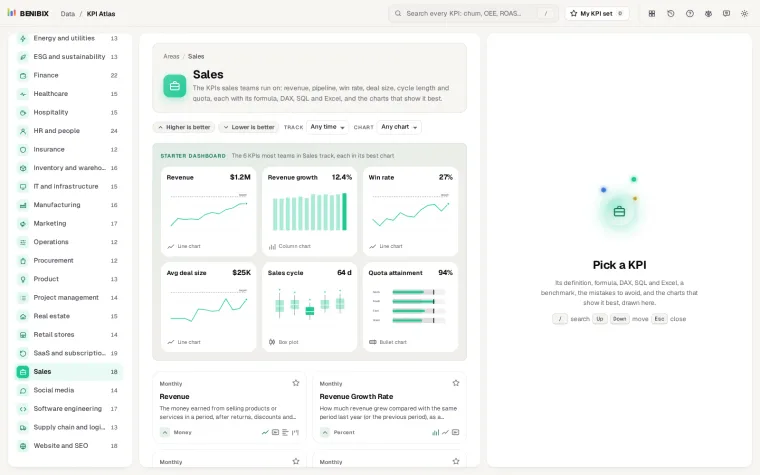
455 KPIs for 30 areas of a business, each with its definition, formula, DAX, SQL and Excel, a benchmark, the mistakes to avoid, and the charts that show it best, drawn.
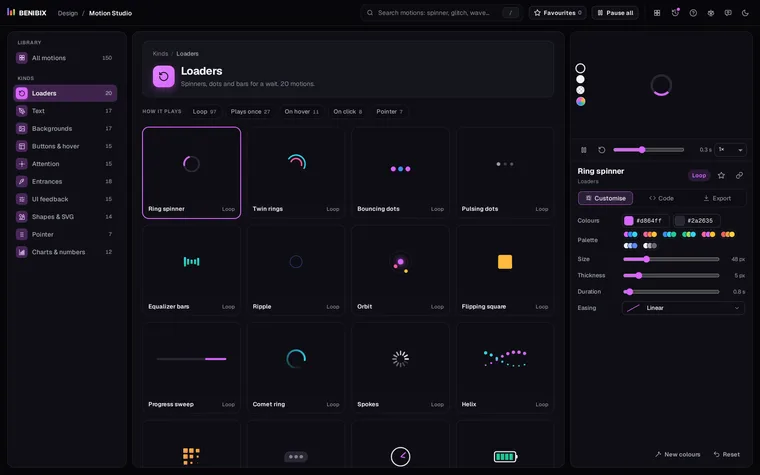
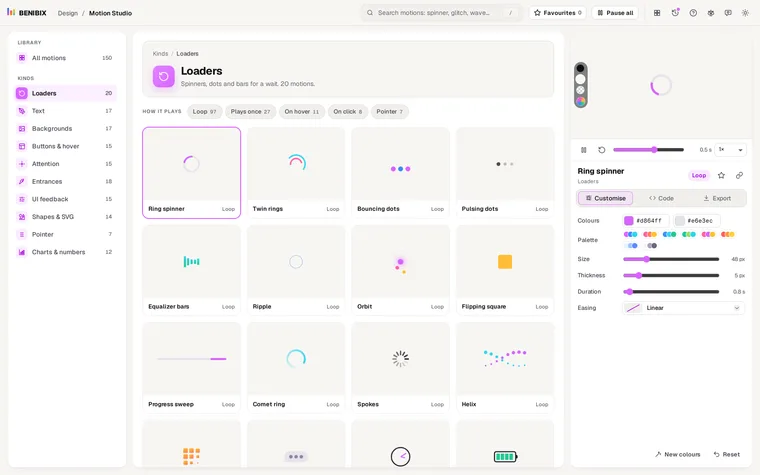
150 ready-made motion graphics, from loaders and text effects to animated backgrounds, hover effects, charts and cards that follow the pointer, all playing at once: change colours, size, speed and easing, then take HTML and CSS, React, Vue or Svelte, or a GIF, a video or an animated SVG.
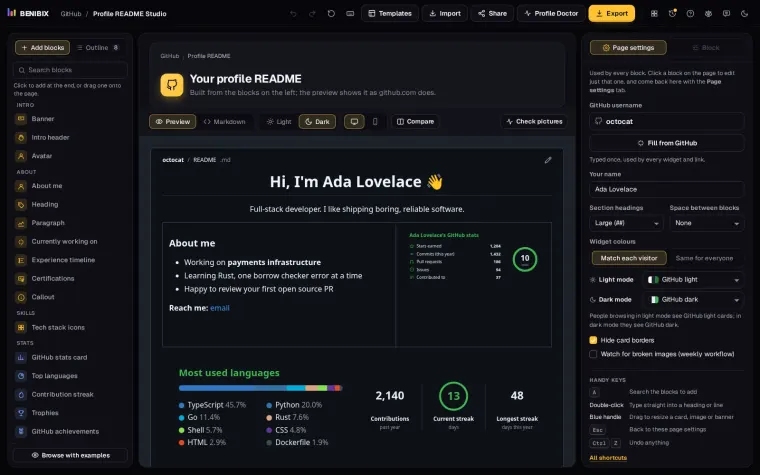
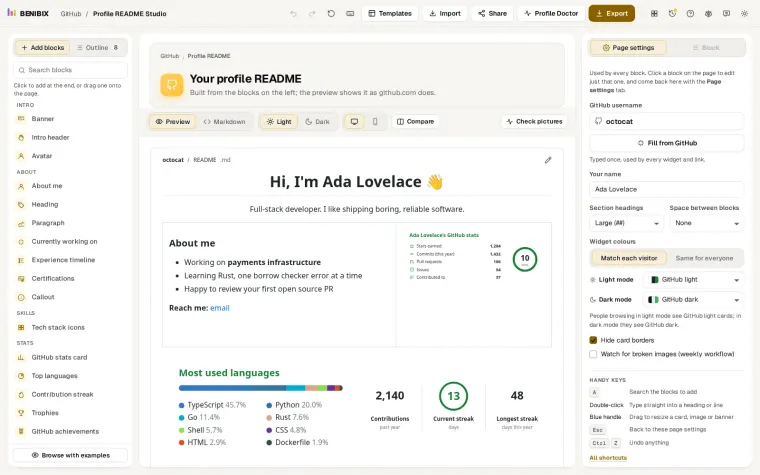
Build a GitHub profile README with a pixel-accurate preview, and badges, icons and cards the studio draws itself instead of outside servers.
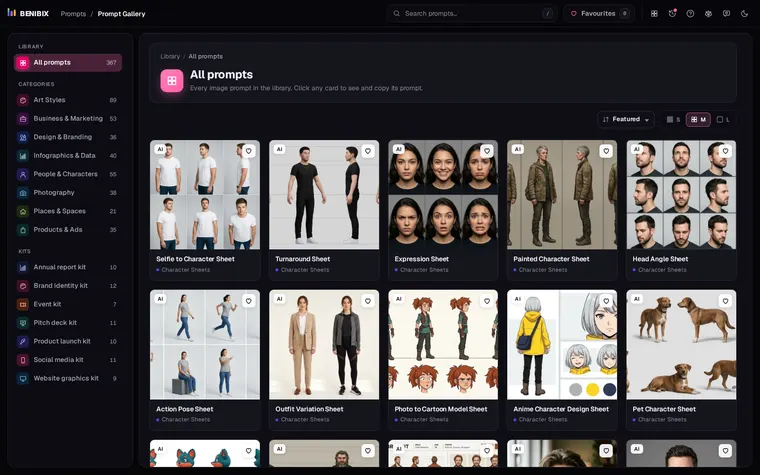
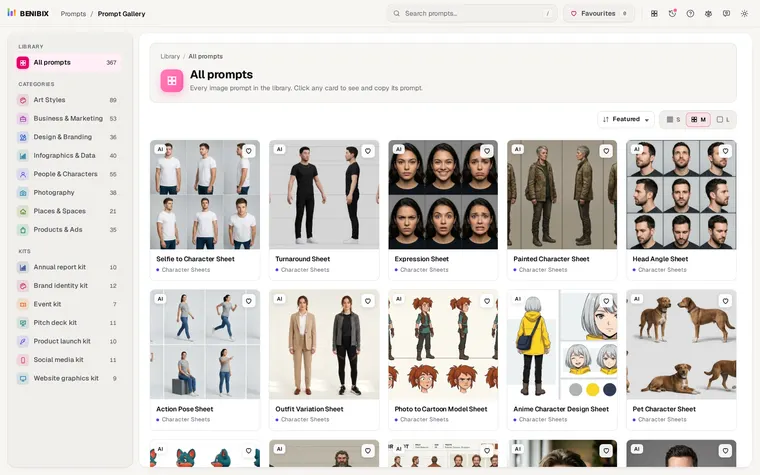
Tested image prompts for Midjourney, Flux, Nano Banana and more, with the real result next to each one, ready to copy.
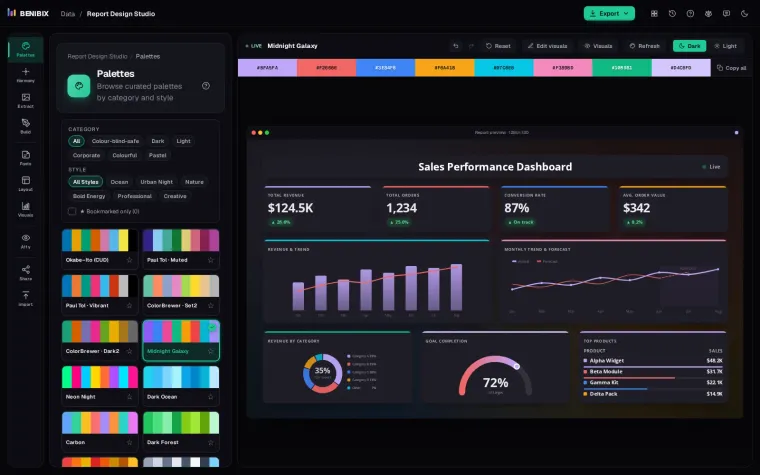
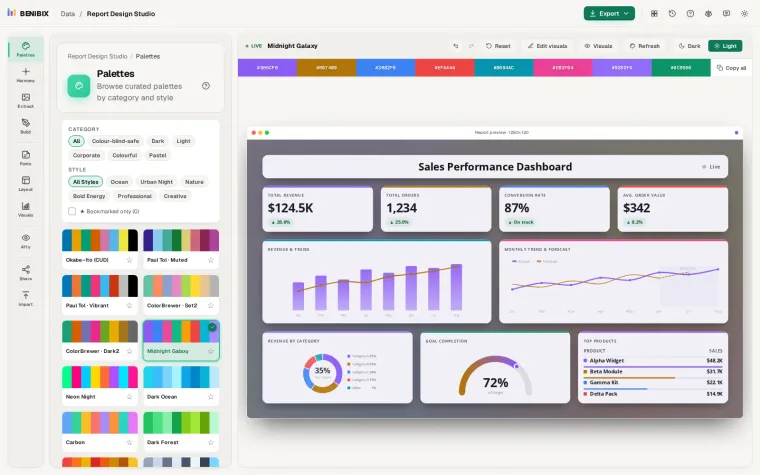
Design a report on a live preview: a Power BI theme (palette, fonts, every visual), a page layout with navigation, title bar and tiles, contrast and colour blindness checks, and exports for Power BI, Figma and PowerPoint.
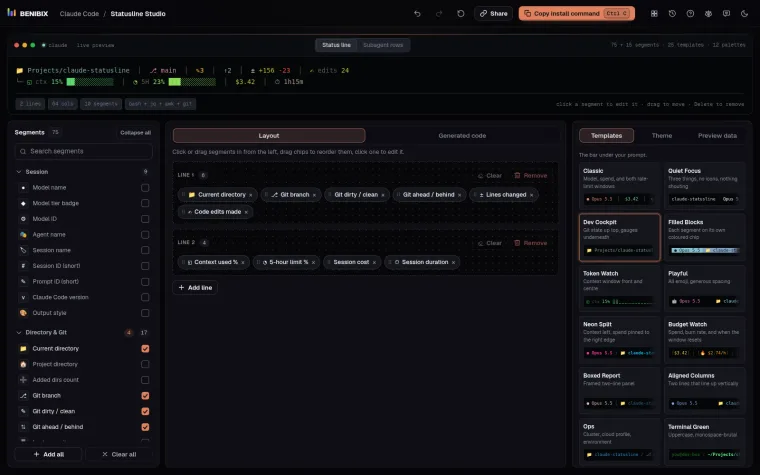
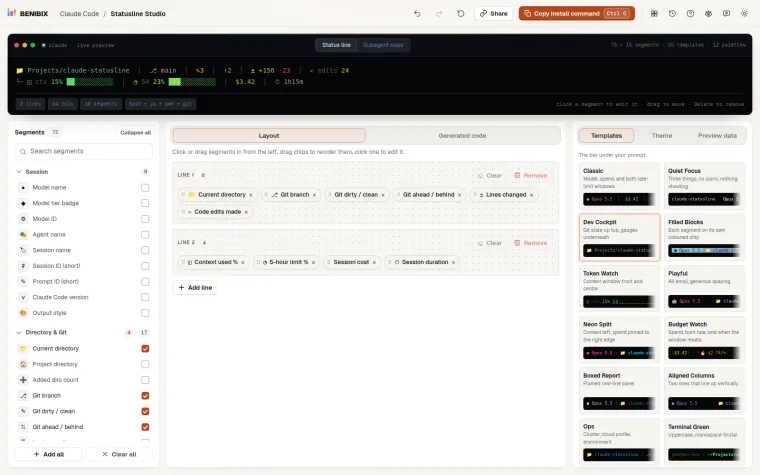
Pick from 75 segments, style each one and watch the status line render live, then copy a ready-to-run script in Bash, Python or Node.js.
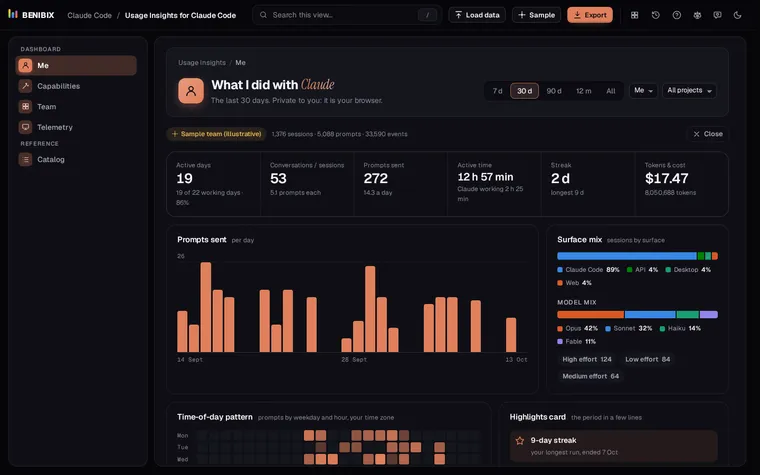
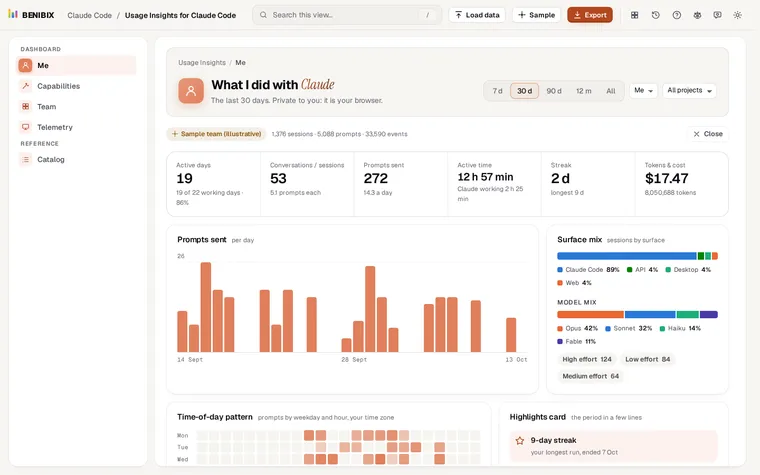
See what you and your team did with Claude: activity, what you built, the tools and skills you used, cost and telemetry, from your Claude Code history, in your browser.
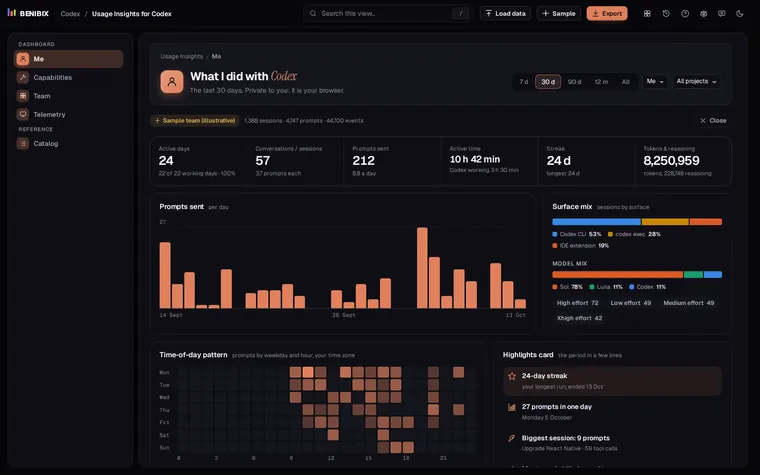
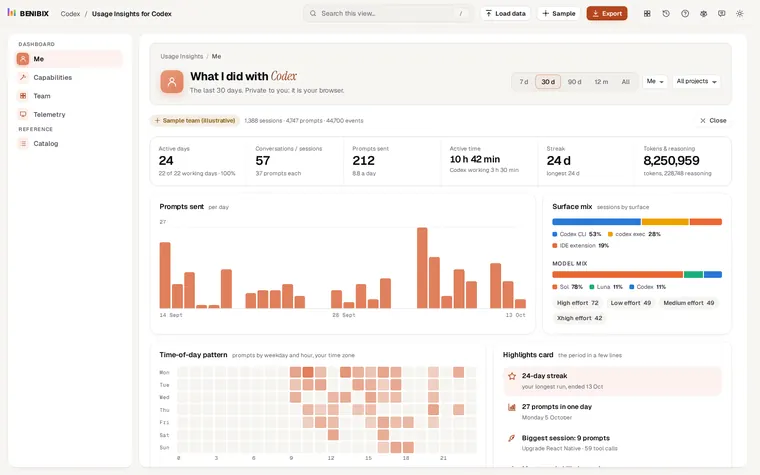
See what you and your team did with Codex: activity, patches and commits, tools and skills, tokens, your 5-hour and weekly limits and telemetry, from your Codex session files, in your browser.
Or start from a category: each one explains its topic and lists every tool in it.
One site, five categories, a page for every tool. Read what a tool does first, or skip straight to it: every live tool is one level below its page.
Coding agents, Data, Design, GitHub, Prompts. Each one explains its topic and lists its tools.
What it does, how to use it in three steps, and the questions people ask.
Every tool ends with something you can paste: a config, a script, a prompt.
BENIBIX is a free collection of 13 browser tools in 5 categories: Coding agents, Data, Design, GitHub, Prompts. They are Character Prompt Builder, Chart Compass, Config Studio for Claude Code, Config Studio for Codex, Icon Studio, KPI Atlas, Motion Studio, Profile README Studio, Prompt Gallery, Report Design Studio, Statusline Studio, Usage Insights for Claude Code and Usage Insights for Codex.
Yes, everything is free, and no, there is no account. Nothing is locked. You open a tool and use it.
Not to me. The tools run in your browser, and what you type into them is not sent to me, unless you send me feedback privately with the Feedback button. A few parts talk to another service, and only when you use them: GitHub's API in Profile README Studio, say, or YouTube once you press play on a video. The privacy page names each one. There are no cookies and no tracking; the server only counts page views, without your IP address. No tool changes the files on your computer: a tool gives you a file or a command, and you decide whether to use it.
No. BENIBIX is independent: it is not made, endorsed or supported by Anthropic, OpenAI, GitHub, Microsoft or any other company whose products the tools work with or refer to. Their product names are their trademarks and are used here only to say what the tools work with or refer to.
It is the line Claude Code shows under the prompt, and you decide what it says. You point the statusLine setting in settings.json at a script; Claude Code runs it and shows whatever it prints, such as the model, the git branch, the cost so far or how full the context is. Statusline Studio builds that script for you with a live preview.
Claude Code reads several settings files and merges them. Your own settings are in ~/.claude/settings.json; a project has .claude/settings.json (shared with the team) and .claude/settings.local.json (just for you). When two files set the same thing, the more specific one wins: project-local over project over user, and a managed policy set by an administrator over all of them. Config Studio for Claude Code shows this order for every setting, with the file each one lives in.