LivePrompts · free · no sign-up · runs in your browser
Prompt Gallery
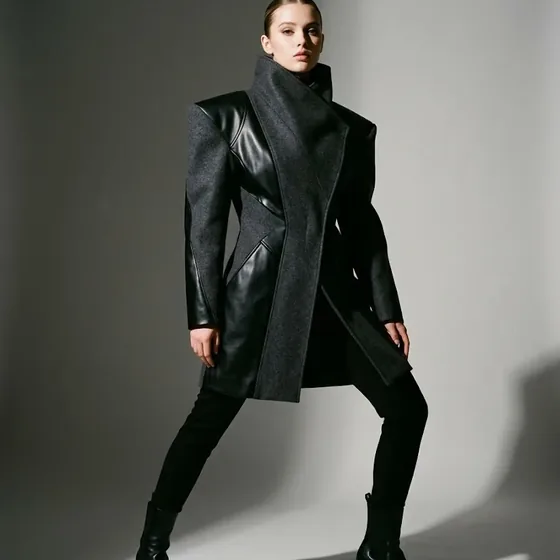
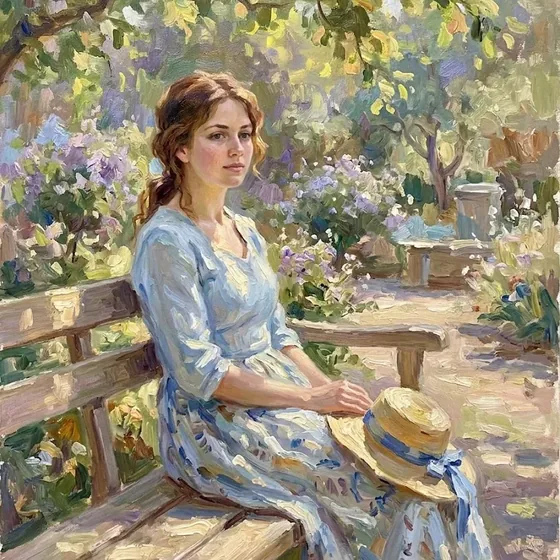
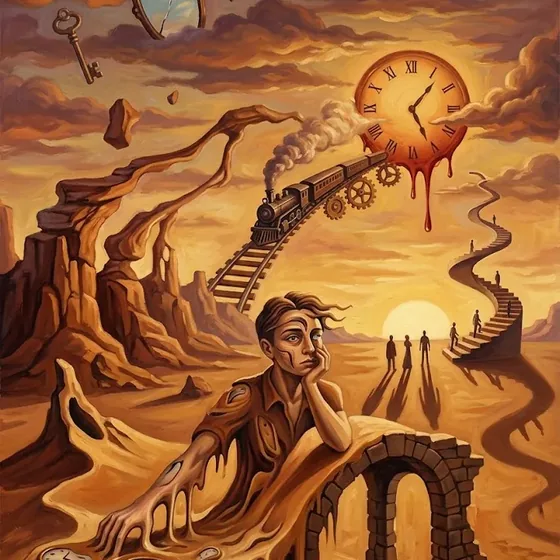
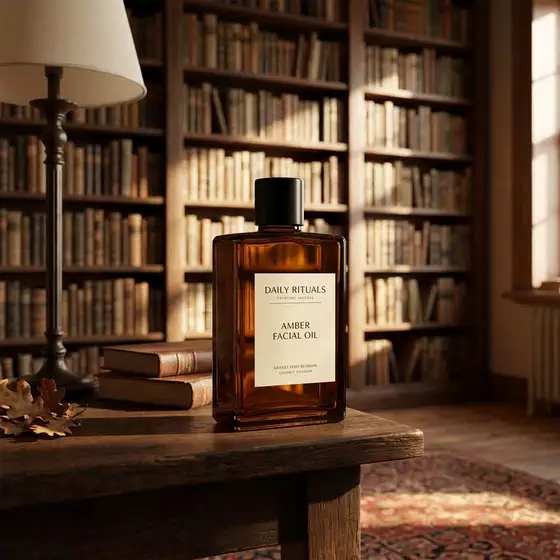
Prompt Gallery is a free library of AI image prompts, each shown next to the picture it made. You find a look you like, copy the exact prompt and paste it into your image tool.
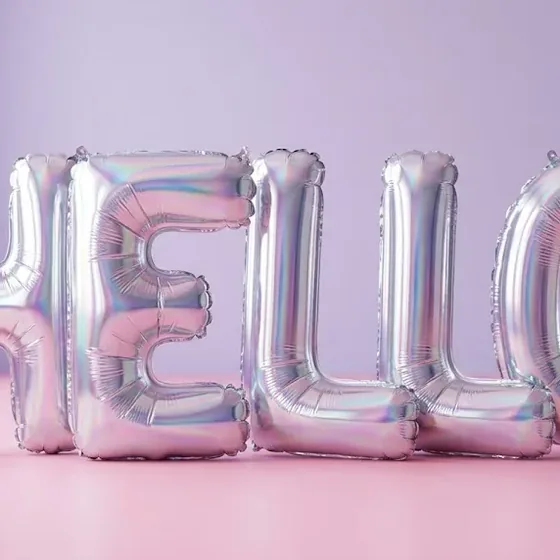
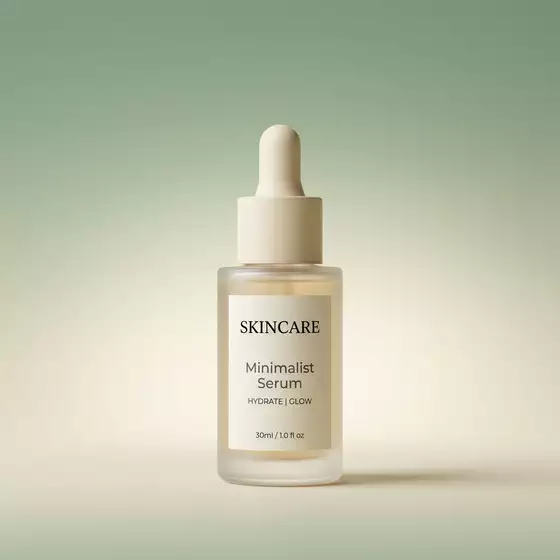
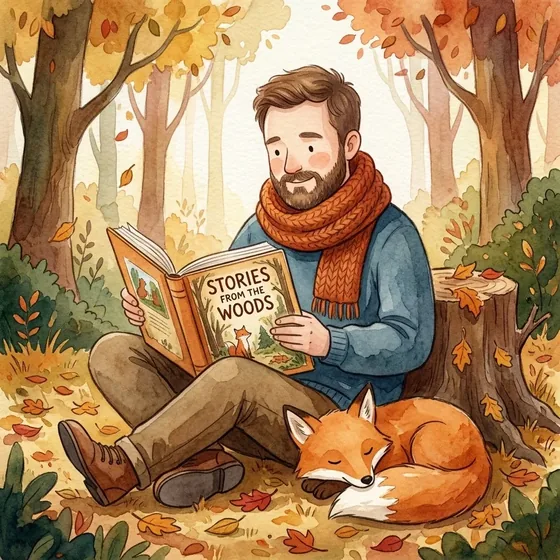
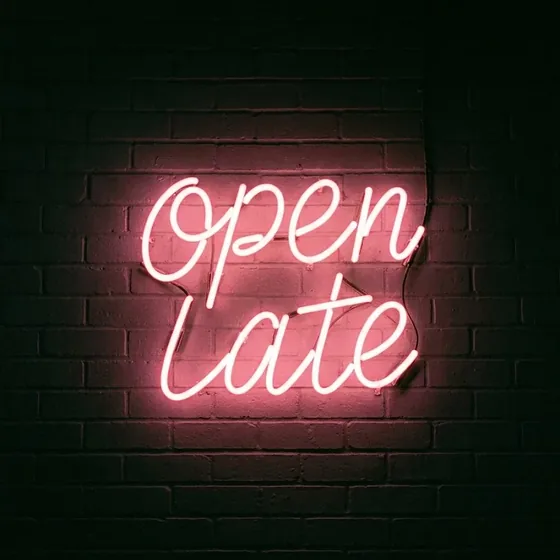
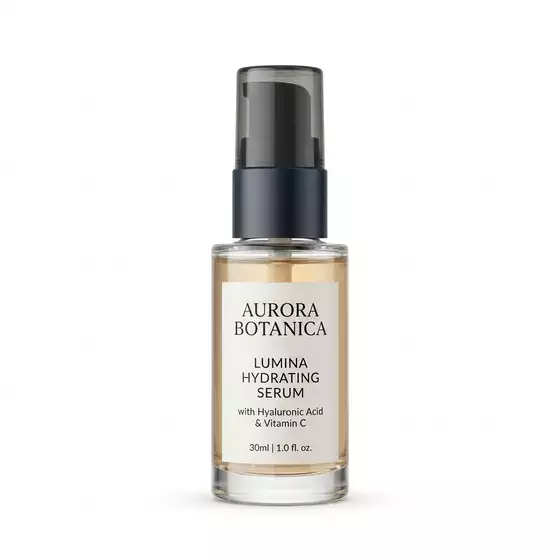
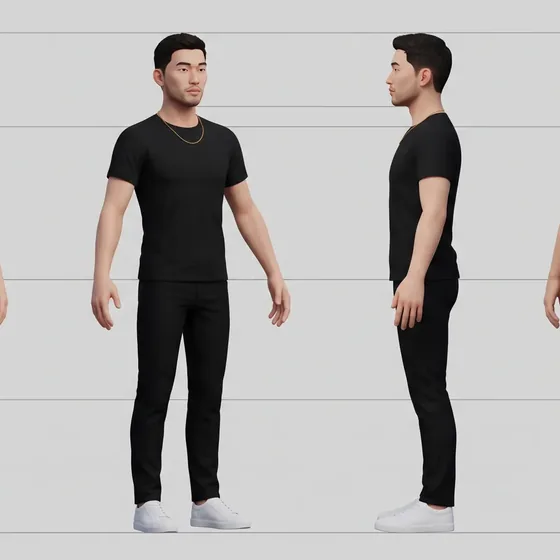
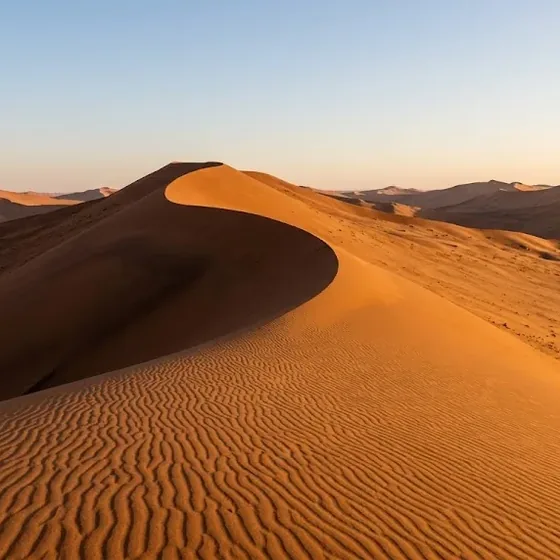
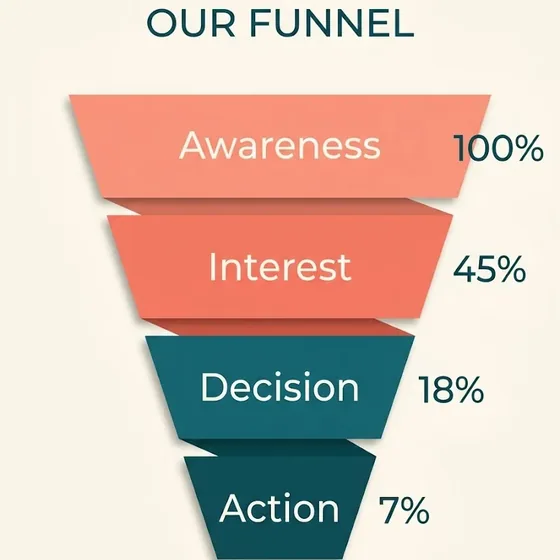
AINeon Sign WordAIProduct on WhiteAITurnaround SheetAISection Divider SlideAIDesert Dunes at Golden HourAISales FunnelAINeon Sign WordAIProduct on WhiteAITurnaround SheetAISection Divider SlideAIDesert Dunes at Golden HourAISales Funnel
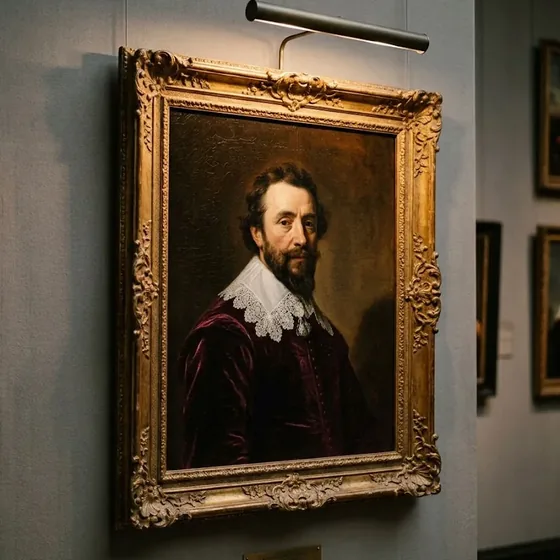
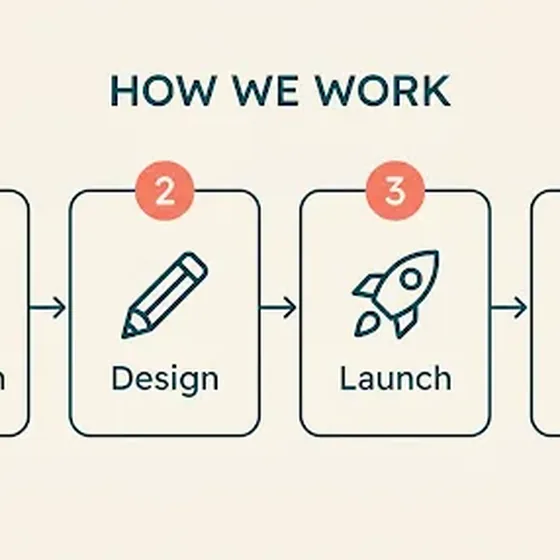
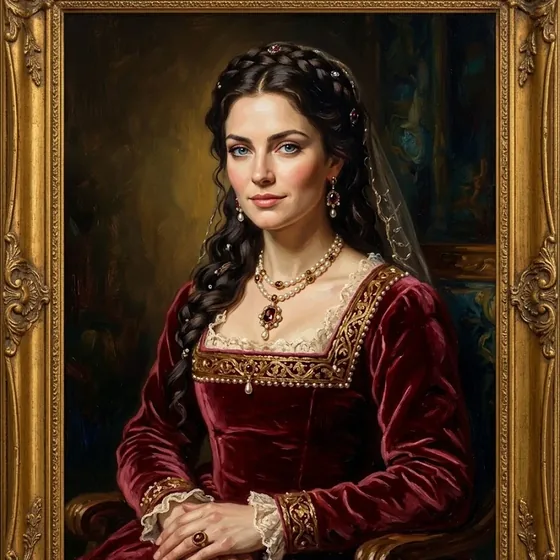
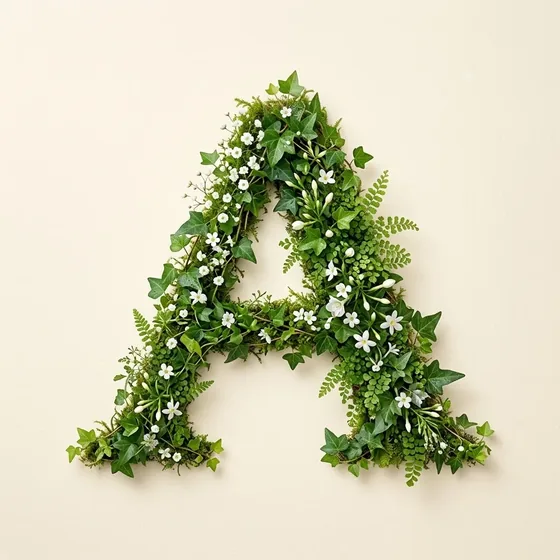
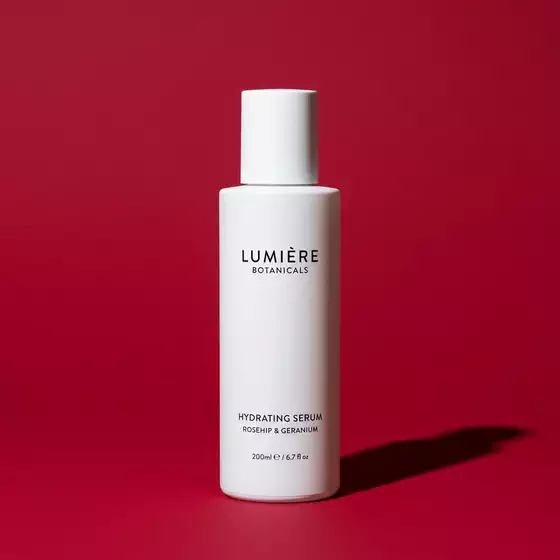
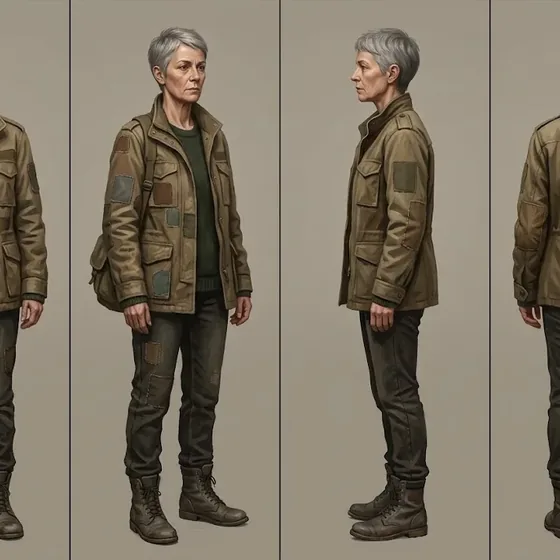
AIHorizontal Process StepsAIClassical Oil PaintingAICinematic Film StillAIBotanical Initial LetterAIProduct on Bold ColourAIPainted Character SheetAIHorizontal Process StepsAIClassical Oil PaintingAICinematic Film StillAIBotanical Initial LetterAIProduct on Bold ColourAIPainted Character Sheet
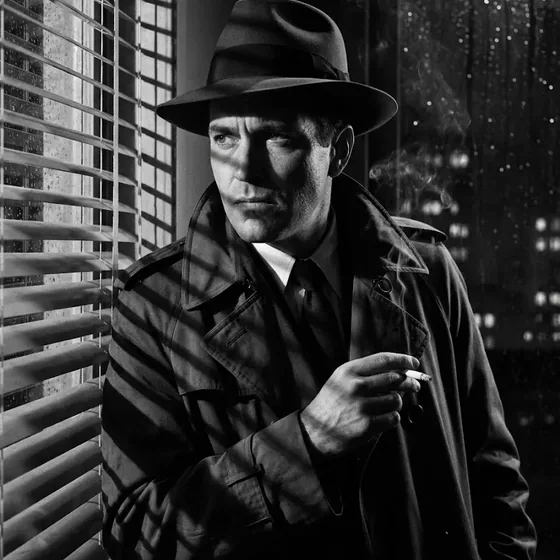
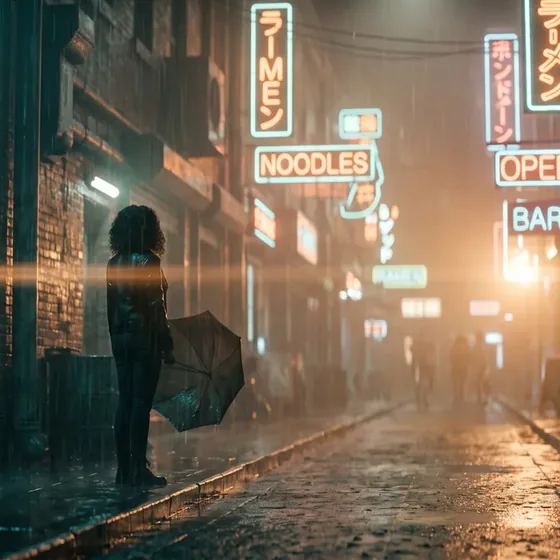
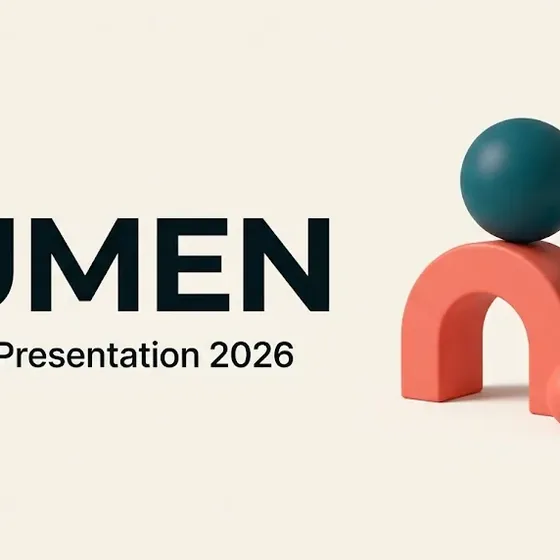
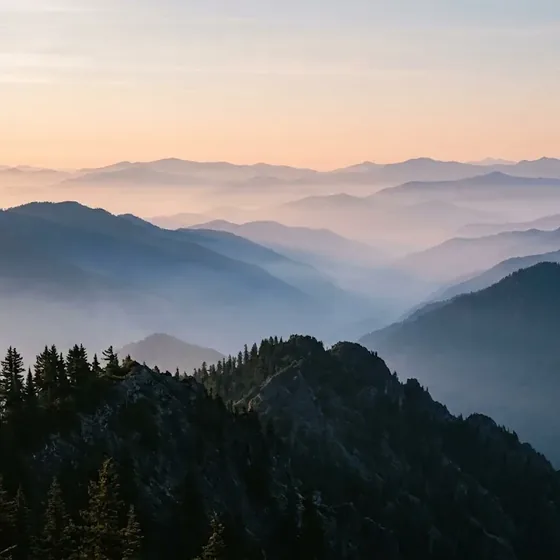
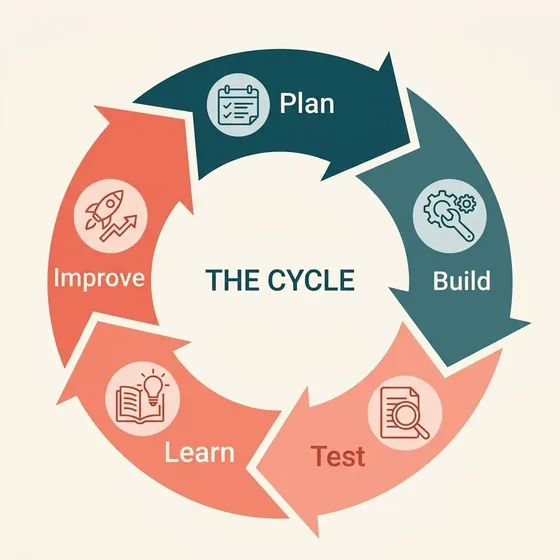
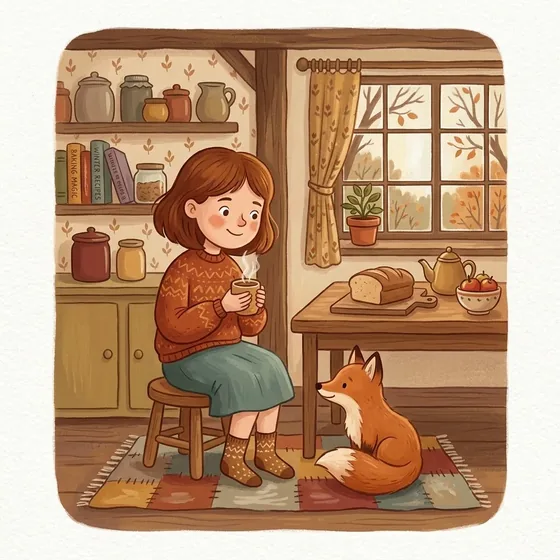
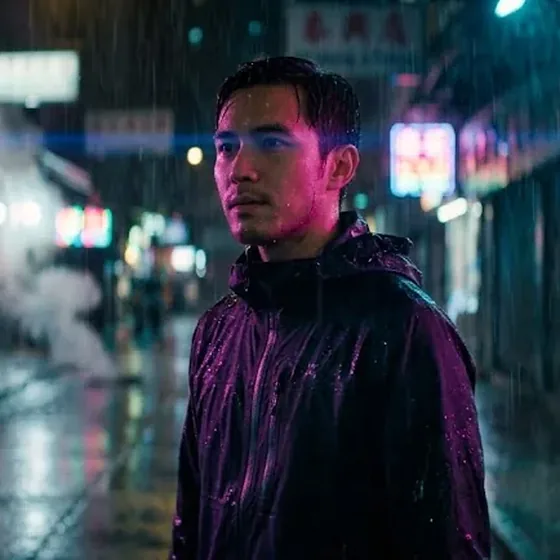
AISelfie to Character SheetAIPitch Deck Title SlideAIMisty Mountain DawnAICircular Cycle DiagramAIGouache StorybookAIRain-Soaked Neon NoirAISelfie to Character SheetAIPitch Deck Title SlideAIMisty Mountain DawnAICircular Cycle DiagramAIGouache StorybookAIRain-Soaked Neon Noir
367
tested prompts, each with its real result
54
subcategories
8
categories
7
prompt kits
What it does
What Prompt Gallery does.
Writing an image prompt from scratch is mostly guesswork, and a blank text box rarely gives you the picture in your head. Prompt Gallery starts from the other end. Every prompt sits next to a real example image, so you pick a result you like and copy the words that made it.
The library covers portraits, art styles, product shots, logos, infographics and business graphics. You can search by style, tag or model name, fill in placeholders for your own subject or brand, and save favourites in your browser without an account.
01
See the result first
Each card shows the image the prompt produced. Open it to read the full prompt and the negative prompt, and copy either in one click.
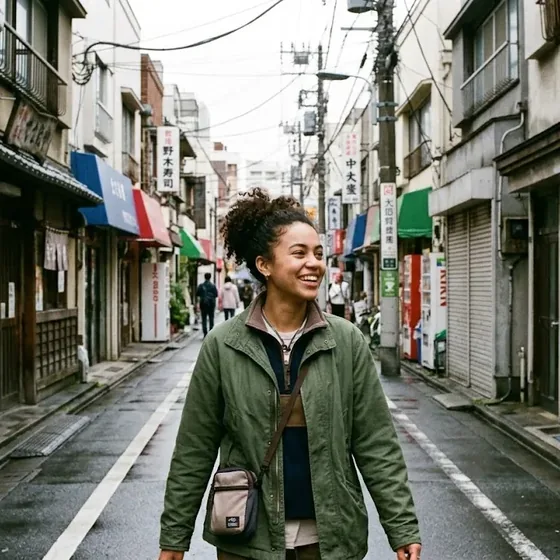
AIStreet Photography
Street Photography
Candid street photograph of the subject from the reference photo in a Tokyo backstreet, overcast diffused light, 35mm reportage…
Copy the prompt or the negative prompt with a single click, then paste it into Midjourney, Flux, Nano Banana or any other image tool.
03
Search and filter
Search titles, prompt text, tags and model names, so typing Midjourney or Ideogram shows the prompts written for it. Sort by featured, newest, name or subcategory.
04
Customize a prompt
Fill in a prompt's placeholders, add your own details and pick one of 5 aspect ratios. You can also apply a saved brand kit with your name, colours, heading font and mood.
05
Kits for common jobs
Kits group prompts for one task, like an annual report, a brand identity or a social media set. Each kit holds between 7 and 12 prompts.
06
Favourites on your device
Tap the heart to save a prompt. Favourites stay in your browser, and you can export them to a file and import them on another device.
Categories
Every style you reach for, in one place.
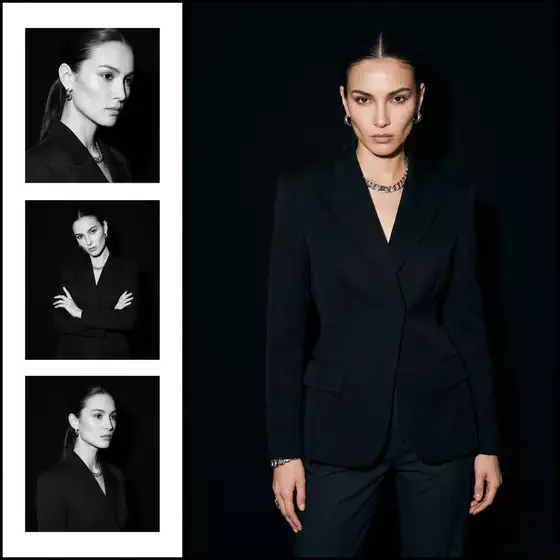
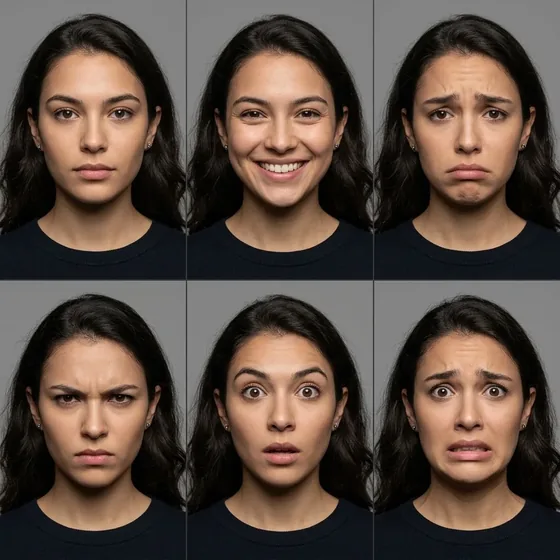
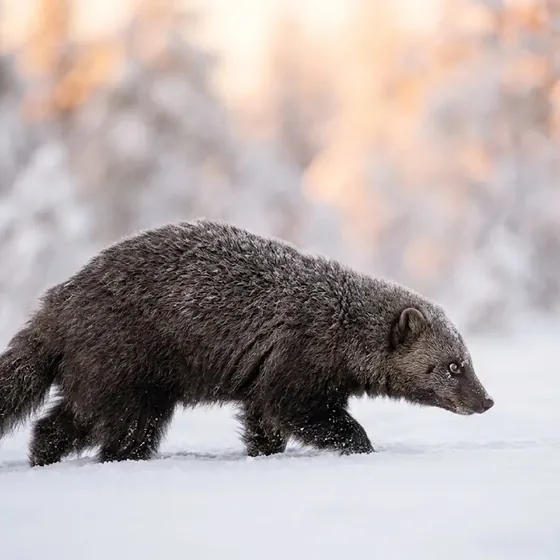
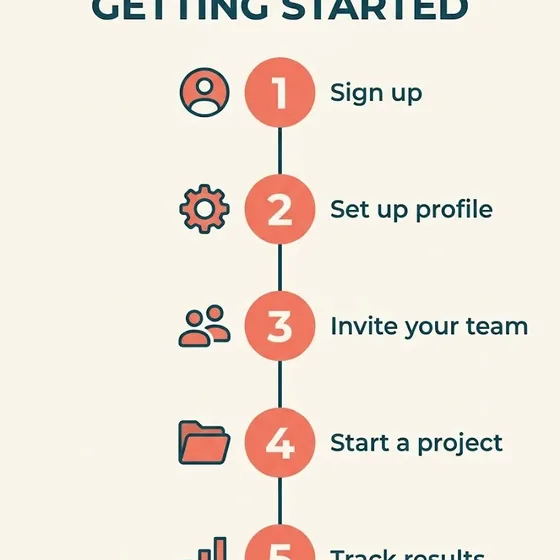
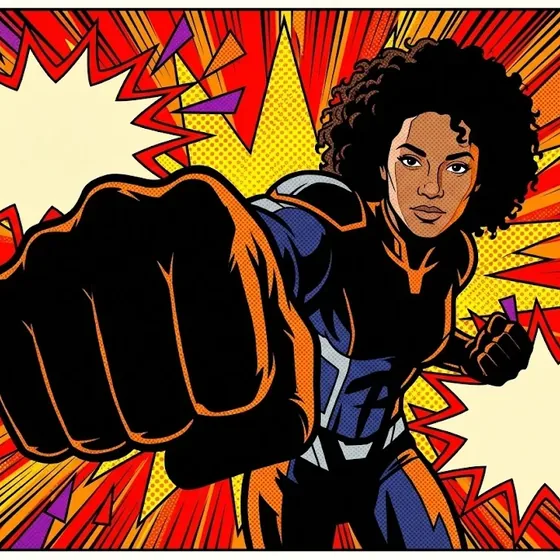
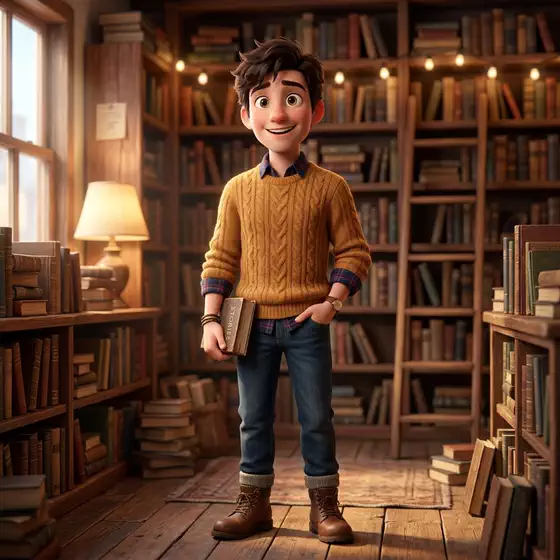
8 categories, from portraits and anime to product shots, infographics and business graphics. Every picture below is a real result of a prompt in the gallery, generated with AI (Google Gemini). Pick a category to open it.
A short video of Prompt Gallery doing its one job, from an empty screen to the finished result.
Nothing loads from YouTube until you press play. Then Google receives your IP address and may set its own storage. Narrated with an AI-generated voice. Privacy
How it works
How to use Prompt Gallery in three steps.
Best for: you want good AI images quickly and would rather start from a prompt with a proven result than write one from a blank box.
01
Browse
Pick a category, or search for a style, a tag or the model you use.
02
Open
Click an image to see the full prompt and its negative prompt.
03
Copy and generate
Copy the prompt, attach your reference photo if the prompt asks for one, and run it in your image tool.
Course
Learn Prompt Gallery, from 0 to 100.
A free course of 10 short lessons, from your first minute in Prompt Gallery to using all of it, with a picture of every step.
First release: tested image prompts, each next to the image it made
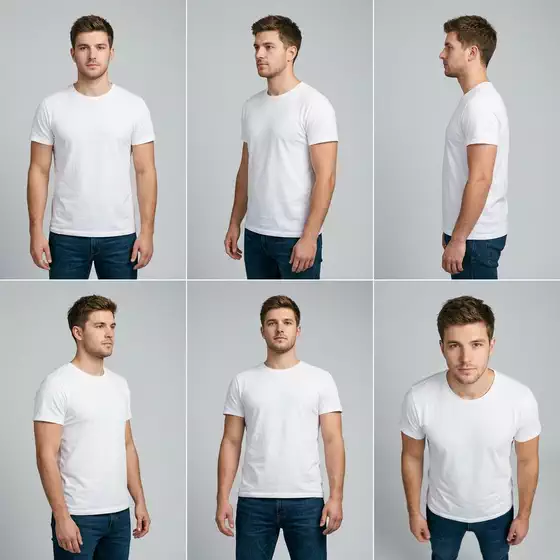
Prompt Gallery is a library of 367 image prompts for Midjourney, Flux, Nano Banana and more, in 8 categories and 54 subcategories, among them 13 character sheets.
Every prompt sits next to the real image it produced, so you see the result before you copy anything. Every example image was generated with AI (Google Gemini) and says so with an AI mark, and a downloaded image's name ends in -ai-generated.
Search titles, prompts, tags and model names, filter by subcategory, and sort by featured, newest, name or subcategory. An open prompt lists the models it was written for; click one to see all its prompts.
Customize a prompt before you copy it: fill in its placeholders, add your own details, pick an aspect ratio and apply a saved brand kit.
Describe the subject first, then the setting, the light, the style and the framing, in plain words. Be specific about what you want to see ("a red fox asleep in fresh snow, soft overcast light, watercolour") rather than stacking quality words like "8K" or "masterpiece". Add parameters such as --ar for the aspect ratio at the end, and use --no to list things to leave out. Starting from a prompt whose result you have already seen, like the ones in this gallery, saves a lot of trial and error.
Is Prompt Gallery free?
Yes. There is no account, no paywall and no sign-up. The gallery runs in your browser as a static page.
Which image models do the prompts work with?
Type a model name in the search to see the prompts written for it. The most common are Nano Banana, Midjourney, Flux, Imagen, Ideogram and GPT Image, and some prompts also name Seedream, Firefly, Stable Diffusion, Recraft or Flux Kontext. Most prompts work across several models.
How do I use a prompt with my own photo?
Copy the prompt, open your image tool, attach your photo and paste. Prompts that mention "the subject from the reference photo" are written for exactly this, so the tool keeps your face or product and changes the rest.
Can I use the prompts and images commercially?
Yes. You can use the prompts and the example images for personal and commercial work, without credit. Only republishing the prompt texts themselves, for example in another prompt collection, needs credit (CC BY 4.0), as the terms of use say. The example images are AI-generated with Google Gemini, so label them as AI-generated where the law requires it.
Can I make a prompt match my brand?
Yes. Open a prompt and use Customize to fill in its placeholders, add details, choose an aspect ratio or apply your brand kit (name, colours, heading font and mood). The copied prompt then includes your changes, and the brand kit is saved in your browser only.
What is a negative prompt?
A negative prompt lists what you do not want in the image, such as extra fingers, watermarks or blurry text. Every prompt in the gallery comes with one. Some tools have a separate box for it, while in Midjourney you add it after --no.
Is Prompt Gallery made by one of the companies it names?
No. Prompt Gallery is independent: it is not made, endorsed or supported by OpenAI, Google, Midjourney or any other company whose products it works with. Product names on this page are their owners' trademarks, used only to say what it works with.
See the result first✦One-click copy✦Search and filter✦Customize a prompt✦Kits for common jobs✦Favourites on your device✦See the result first✦One-click copy✦Search and filter✦Customize a prompt✦Kits for common jobs✦Favourites on your device✦
See the result first✦One-click copy✦Search and filter✦Customize a prompt✦Kits for common jobs✦Favourites on your device✦See the result first✦One-click copy✦Search and filter✦Customize a prompt✦Kits for common jobs✦Favourites on your device✦
Free, no sign-up
Try Prompt Gallery now.
Prompt Gallery is a free library of AI image prompts, each shown next to the picture it made. You find a look you like, copy the exact prompt and paste it into your image tool.
Answer a few questions about a person, animal, creature or robot and get prompts for stills and video, plus an identity block that keeps them consistent.