Skip to content
20
surfaces Claude Code reads
13
starter packs
21
engines to try
0
files written until you run it
What it does

What Config Studio for Claude Code does.

Claude Code is shaped by more files than most people realise: rules about what it may run, settings, standing instructions in CLAUDE.md, hooks that run your own scripts, MCP servers, the status line and more.

They live in different folders and override each other in an order that is easy to get wrong. Config Studio for Claude Code puts all 20 of them in one place, says what every option does, shows which file wins, and writes the file for you without touching your disk.

All 20 surfaces

Permissions, settings, CLAUDE.md, hooks, agents, skills, commands, MCP servers, keybindings, the status line and more, in one list.

Config Studio for Claude Code · Permissions
🛡Bash(npm run *).claude/settings.json · team, this projectallow
🛡Bash(git commit *).claude/settings.json · team, this projectallow
✋Bash(git push *).claude/settings.json · asks you firstask
⛔Read(./.env).claude/settings.json · never, whatever else allows itdeny
deny beats ask, and ask beats allow, whichever file each rule is in.

Which file wins

Each surface shows every file it can live in, in order of precedence, so you can see why a setting you made is being ignored.

The exact file, before it exists

Change an option and the file it would write updates beside it, in full, so there are no surprises.

Starter packs

Begin from a ready-made setup instead of a blank page, then change what you need.

One install script

Take the files, or one script that merges them into what you already have and can undo itself.

Every fact has a source

A badge on each fact says where it came from: the installed program, running it, the documentation with a date, or reasoning.

Which file wins

Four files, one answer.

Claude Code reads its settings from up to four files. When two of them set the same thing, the higher one wins. The studio shows you which file a setting lives in before it writes anything.

  1. 01

    Managed policyadministrators

    /etc/claude-code/managed-settings.json

    Set by an organization on the machine. It wins over everything else, and nothing below it can undo it.

  2. 02

    Localyou, here

    .claude/settings.local.json

    Your changes to this one project, kept out of git. It beats the team file, so you can try a setting without committing it.

  3. 03

    Projectthe team

    .claude/settings.json

    Committed with the code, so everyone who opens the project gets the same rules.

  4. 04

    Useryou, everywhere

    ~/.claude/settings.json

    Your own defaults for every project on this machine. The lowest of the four: any project can override it.

Permission rules add up instead. An allow, ask or deny rule counts whichever file it is in, and deny beats ask, and ask beats allow. So a deny in any file stops the call.

In a minute

See Config Studio for Claude Code in action.

A short video of Config Studio for Claude Code doing its one job, from an empty screen to the finished result.

Nothing loads from YouTube until you press play. Then Google receives your IP address and may set its own storage. Narrated with an AI-generated voice. Privacy
How it works

How to use Config Studio for Claude Code in three steps.

Best for: you want to know what a setting does, which file it goes in, or why Claude Code ignores the one you set.

01

Pick a surface

Permissions, settings, CLAUDE.md, hooks, MCP servers or any other file Claude Code reads.

02

Set what you want

Every option says what it does, and the file it would write updates as you go.

03

Copy the result

Take the file or the install script; nothing touches your disk until you run it.

Course

Learn Config Studio for Claude Code, from 0 to 100.

A free course of 11 short lessons, from your first minute in Config Studio for Claude Code to using all of it, with a picture of every step.

From the blog

Read more about Config Studio for Claude Code.

Every post

What's new

The latest release.

Latestv1.0.0First release

First release: every Claude Code file, explained and written for you

  • Config Studio for Claude Code is an editor for the files Claude Code reads, from permissions and settings to CLAUDE.md, hooks, agents, skills, MCP servers and the status line: 20 surfaces in one list, checked against Claude Code 2.1.296 and its documentation, with all 388 environment variables, all 33 hook events and Claude Haiku 5.5 in the model lists and the cost estimate.
  • Each surface explains what it does and shows every file it can live in, the one that wins at the top, so you can see why a setting is ignored; a setting put in a file that does not read it is flagged, and every fact carries a badge saying where it came from.
  • Change an option and the exact file it would write updates beside it, in full and merged into what is already there, before anything touches your disk; Changes lists every key you set and the lines it writes.
  • Read in a setup opens the .claude folder you already have in the same editors and keeps what they cannot hold; credentials, caches, history and transcripts are never opened, and anything in a hook script worth a look is named with its line.
Questions

Config Studio for Claude Code questions, answered.

What does Config Studio for Claude Code do?

It shows every file Claude Code reads, what each setting in them does, and where each file lives. You change what you want, and it shows you the exact file that would be written, before anything exists.

Which Claude Code settings file wins?

The more specific one. A managed policy set by an administrator beats everything, then command-line flags, then .claude/settings.local.json (you, in this project), then .claude/settings.json (the team, in this project), then ~/.claude/settings.json (you, everywhere). The studio shows this order for every surface.

Where are Claude Code settings stored?

In settings.json files at three levels. ~/.claude/settings.json applies to you everywhere, .claude/settings.json in a project is shared with your team, and .claude/settings.local.json in a project is only for you and is not committed.

Does it change files on my computer?

No. It runs in your browser and cannot reach your disk. It gives you the file or an install script to copy, and you decide whether to use it.

Can I undo the install script?

Yes. Before it writes anything, the script copies every file it is about to change into a dated folder under ~/.benibix-backups and notes it in an undo.sh there; it prints that folder when it finishes. Running undo.sh copies your old files back, removes the ones that were not there before, and takes out the folders the script made once they are empty.

Which Claude Code version is it checked against?

Claude Code 2.1.296. Every fact carries a badge saying where it came from: read from the installed program, seen while running it, taken from the documentation with a date, or reasoned and not verified.

Is Config Studio for Claude Code made by one of the companies it names?

No. Config Studio for Claude Code is independent: it is not made, endorsed or supported by Anthropic, GitHub, Microsoft or any other company whose products it works with. Product names on this page are their owners' trademarks, used only to say what it works with.

Free, no sign-up

Try Config Studio for Claude Code now.

Every file Claude Code reads, explained in one place. Pick what you want to change, see the exact file it would write, and copy it.

From the same shelf

More Claude Code tools.

Claude Code

Statusline Studio

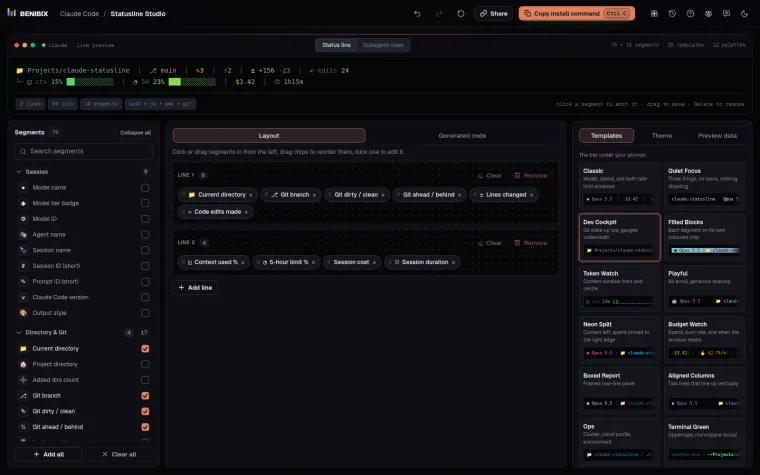
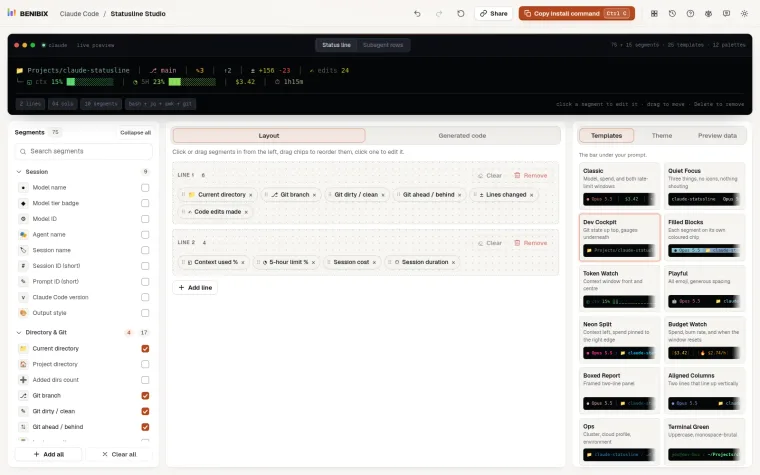
Pick from 75 segments (and 15 more for subagent rows), style each one and watch the status line render live, then copy a ready-to-run script in Bash, Python or Node.js.

Claude Code

Usage Insights for Claude Code

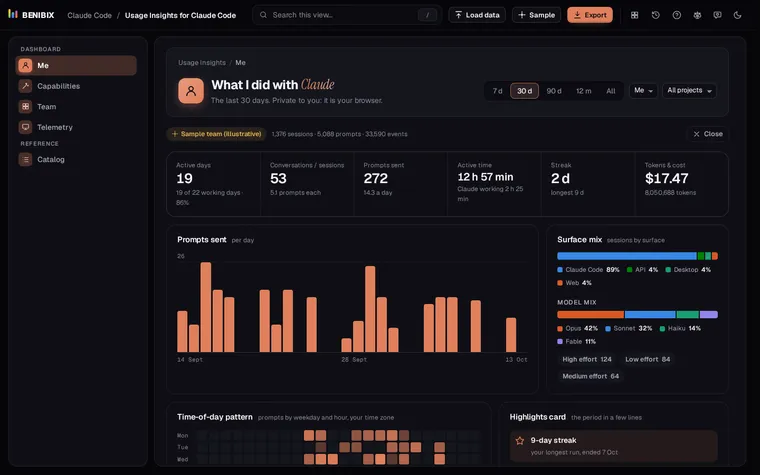
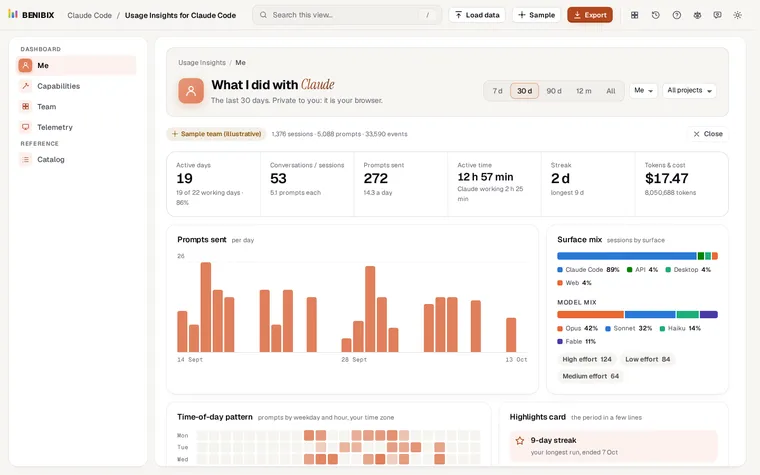
See what you and your team did with Claude: activity, what you built, the tools and skills you used, cost and telemetry, from your Claude Code history, in your browser.

Claude Code

Skills Gallery for Claude Code

32 ready-to-use Agent Skills with a "Will it trigger?" tester, a quality checklist, install commands and zip downloads.

About the toolOpens Jan 17
Contact