Skip to content
49,000+
icons
8
open-source sets
23
styles
7
ways to export
What it does

What Icon Studio does.

Every app, README, slide deck and dashboard needs icons that match, and the good free sets are spread over many websites with as many ways to download.

Icon Studio searches Lucide, Tabler, Phosphor, Fluent, Heroicons, Bootstrap, Iconoir and Material Symbols together, nearly 50,000 icons in 23 styles, by name and by the words each set tags them with.

Styling happens on a live preview that also shows the icon at 16 to 48 pixels, so you see whether it still reads small. Every set is under the MIT, ISC or Apache 2.0 licence, so the icons are free for commercial work, and the licence files ship with the tool. Everything runs in your browser, with no account.

Eight sets, one search

Search every set at once, in outline or filled, or press one set to see only it. Search by name or by the words each set tags its icons with, or pick one of over 100 topics from an A to Z list.

Every style of every set

Tabler outline and filled, Phosphor's six weights from thin to duotone, Fluent regular and filled. Stroke icons get a stroke width you set.

Style it like an app icon

Recolour, resize, rotate and flip. Put it on a square, rounded, squircle or circle background, solid or a gradient, with a border and a drop shadow.

Motion, free

Spin, pulse, bounce, shake, or draw the outline in. The motion is CSS inside the SVG, stops for people who ask for reduced motion, and needs no library.

Icons in Power BI tables

Copy the icon as a DAX measure, set its data category to Image URL, and it shows in a table, a matrix or a card. The data URI works in Markdown and HTML too.

Many icons in one zip

Press Select, pick icons (Shift picks a run of them), and download them all in your style as SVGs or PNGs in one zip, with each set's licence inside, or as one SVG sprite. Star icons as favourites and show only those from the app bar. Save a style (colour, shape, shadow) as a preset and use it on every icon, so a set of icons looks like one family.

Eight sets, compared

Eight sets, side by side.

Icon Studio searches eight free sets together, so you do not have to pick before you look. What differs is the look and how many styles each one has. Here each of them draws the same three icons.

Lucide

Clean 2px outlines, the web app favourite.

Icons
2,121
Styles
Outline
Licence
ISC
Tabler

The biggest set, in outline and solid.

Icons
5,809
Styles
Outline, filled
Licence
MIT
Phosphor

Six weights of every icon, duotone included.

Icons
1,434 × 6
Styles
Thin to bold, duotone
Licence
MIT
Fluent

Microsoft’s own: the look of Windows and Office.

Icons
4,984
Styles
Regular, filled
Licence
MIT
Heroicons

From the makers of Tailwind CSS.

Icons
324 × 2
Styles
Outline, solid
Licence
MIT
Bootstrap

Drawn on a 16px grid for small sizes.

Icons
2,009
Styles
Regular, fill
Licence
MIT
Iconoir

Light, friendly strokes for interfaces.

Icons
1,585
Styles
Regular, solid
Licence
MIT
Material Symbols

Google’s set, each cut filled or not.

Icons
3,926 × 6
Styles
Outlined, rounded, sharp
Licence
Apache 2.0
Take it anywhere

One icon, seven ways out.

Download it as SVG or as PNG up to 4×, copy the PNG straight to the clipboard, or copy it as a React component, a CSS rule, a data URI or a Power BI measure. Select many and they come in one zip, in your style, with each set's licence inside.

In a minute

See Icon Studio in action.

A short video of Icon Studio doing its one job, from an empty screen to the finished result.

Nothing loads from YouTube until you press play. Then Google receives your IP address and may set its own storage. Narrated with an AI-generated voice. Privacy
How it works

How to use Icon Studio in three steps.

Best for: You need icons that match for an app, a README, a deck or a dashboard, and want them in your colour and format without an account.

01

Find the icon

Pick a set or search them all. Type a word or click a topic.

02

Style it

Choose a colour and a size, then a background, a shadow or a motion if you want one. The preview shows it big and at small sizes.

03

Take it away

Download SVG or PNG, or copy it as SVG, PNG, React, CSS, a data URI or a Power BI measure.

Course

Learn Icon Studio, from 0 to 100.

A free course of 6 short lessons, from your first minute in Icon Studio to using all of it, with a picture of every step.

Icon Studio6 lessons

Icon Studio, from zero to pro

Learn to find the right free icon among 49,000, style it into an app icon, animate it, and take it into a website, a React app, a Power BI table or a slide, one icon at a time or a whole set in one zip.

  • 6 lessons
  • 19 min
  • 6 of 6 with video
  • Beginner to Advanced
0 · Start6 lessons100 · Pro
  1. 01Find a free icon and download itBeginner3 min
  2. 02Search eight icon sets, by style and topicBeginner3 min
  3. 03Style an icon with colour, a background and a shadowBeginner3 min
  4. 04Animate an SVG icon without a libraryIntermediate3 min
  5. 05Use an icon in HTML, React, CSS, Markdown or Power BIIntermediate3 min
  6. 06Download many icons in one zip, with favourites and presetsAdvanced4 min
From the blog

Read more about Icon Studio.

Every post

What's new

The latest release.

Latestv1.0.0First release

First release: nearly 50,000 free icons, styled and exported from one place

  • Icon Studio searches eight of the best open-source icon sets together, Lucide, Tabler, Phosphor, Fluent, Heroicons, Bootstrap Icons, Iconoir and Material Symbols: nearly 50,000 icons in 23 styles, without company logos, whose owners do not allow recolouring them.
  • Search by name or by the words each set tags its icons with, or pick one of over 100 topics such as chart, money, user or calendar; a shared link, or the icon you had open last time, opens with that icon highlighted in the grid.
  • Style an icon with colour, size, stroke, rotation and flips, a solid or gradient background shape, a border, a shadow and CSS motion; Stroke reaches every outline icon, and a turned icon shrinks just enough that its corners stay in the frame.
  • A live preview, as big as it fits, shows the icon at 16 to 48 pixels too, so you know it still reads small; it stays in view with the Style and Export tabs while the controls below it scroll.
Questions

Icon Studio questions, answered.

Can I use these icons in commercial projects?

Yes. Lucide is under the ISC licence, Material Symbols under Apache 2.0, and Tabler, Phosphor, Fluent, Heroicons, Bootstrap Icons and Iconoir under the MIT licence. All three allow commercial use, changes and redistribution without paying or asking. The one condition is to keep the copyright and licence notice with what you ship; Icon Studio links each set's licence file, and you can include it with your project.

Do I have to credit the icon sets?

A visible credit on your website or in your app is not required. The MIT, ISC and Apache 2.0 licences ask that the copyright and licence notice stay with copies of the icons, which usually means a line in your project's licence or third-party notices file.

How do I show an icon in a Power BI table?

Copy the icon as a Power BI measure, create a new measure with it, and set its data category to Image URL (Modeling, Data category). Add the measure to a table or matrix and set the image size under Format visual. You can wrap the SVG in a SWITCH to show a different icon or colour per row.

What is the difference between the sets?

Lucide has 2,100 clean outline icons, popular in web apps. Tabler has over 5,800 in outline and filled. Phosphor has over 1,400 icons in six weights, from thin to bold and duotone. Fluent is Microsoft's own set, the look of Windows and Office. Material Symbols is Google's, with almost 4,000 icons in outlined, rounded and sharp. Heroicons comes from the makers of Tailwind CSS, Bootstrap Icons from Bootstrap, and Iconoir is a large set of simple, even outlines.

Can I get an animated icon as a GIF or a PNG?

The motion is part of the SVG, as CSS, so it plays wherever SVG plays: web pages, Figma prototypes and many design tools. A PNG is a single frame, so it shows the icon still.

Is anything uploaded?

No. The icons come from this site, and styling and exporting happen in your browser. Your favourites and presets are kept in your browser only.

Is Icon Studio made by one of the companies it names?

No. Icon Studio is independent: it is not made, endorsed or supported by Microsoft, Google, Figma or any other company whose products it works with. Product names on this page are their owners' trademarks, used only to say what it works with.

Free, no sign-up

Try Icon Studio now.

Icon Studio puts eight of the best open-source icon sets in one place. Find an icon, give it your colour, a background shape, a shadow or a little motion, and take it away as SVG, PNG, a React component, CSS or a Power BI measure.

From the same shelf

More Design tools.

Design

Motion Studio

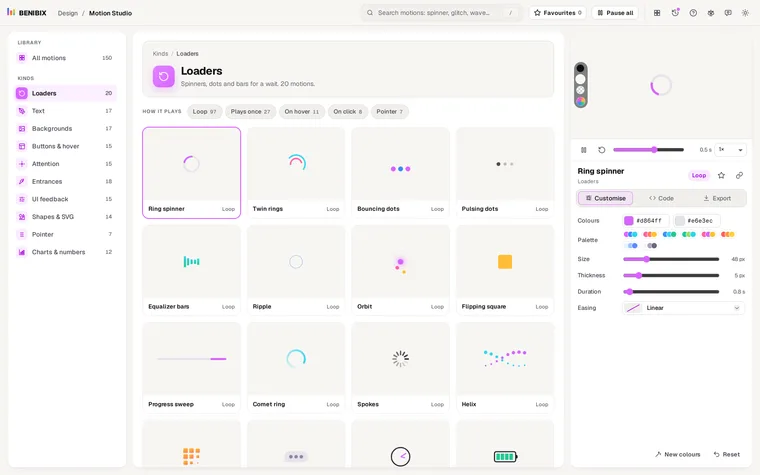
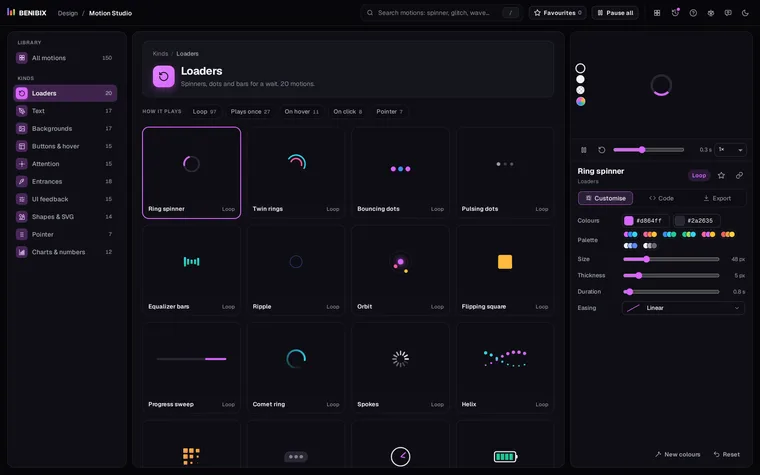
150 ready-made motion graphics, from loaders and text effects to animated backgrounds, hover effects, charts and cards that follow the pointer, all playing at once: change colours, size, speed and easing, then take HTML and CSS, React, Vue or Svelte, or a GIF, a video or an animated SVG.

Contact