Skip to content
455
KPIs
30
areas of a business
24
chart types
3
languages: DAX, SQL, Excel
What it does

What KPI Atlas does.

A KPI (key performance indicator) is a number that shows whether a part of the business is on track: win rate in sales, churn in a subscription business, OEE in a factory, DSO in finance. Picking the right ones and defining them the same way everywhere is most of the work of a good dashboard.

KPI Atlas gives you that work done: for every KPI, what it means, why it matters, exactly how to calculate it, which way is good, how often to track it, and which charts show it best and why. Star the ones you need and take them all at once as DAX measures, SQL, a spreadsheet or a spec document.

Every KPI, fully defined

A plain definition, why it matters, the formula, the unit, which way is good, how often to track it, the data you need, and other names it goes by.

The best charts, drawn

Two to four charts per KPI, ranked, each with the reason it fits and its Power BI visual, drawn with sample numbers shaped like that KPI.

Code to copy

A DAX measure, a SQL query and an Excel formula for every KPI, written with clear example table and column names.

Benchmarks and pitfalls

A typical range where a reliable one exists, and the mistakes that make a KPI lie: wrong denominators, mixed definitions, averages that hide the tail.

Your KPI set

Star the KPIs for your dashboard and take them together: all DAX measures at once, the SQL, a CSV for a spreadsheet, or a Markdown spec document. Share the set as a link.

Starter dashboards

Every area opens with the KPIs most teams in it track, each shown in its best chart, so you can start from a proven set.

Driver tree

Every KPI is a lever. Pull one.

A dashboard number is made of other numbers. Revenue is opportunities, deal size, win rate and how long deals take; MRR is customers, price, churn and new sign-ups. Move a lever and see how much the result moves, and which lever is worth your team's next quarter.

Revenue per month$372Kat the example valuesOpportunities × Deal size × Win rate ÷ Sales cycle × 30
Open opportunities120+10 opportunities +8.3%biggest lever
Average deal size$24.5K+$1K a deal +4.1%biggest lever
Win rate27%+1 pt win rate +3.7%biggest lever
Sales cycle (days)645 days faster +8.5%biggest lever
Net revenue per month$220Kat the example valuesSessions × Conversion rate × Order value × (1 − Return rate)
Sessions120,000+10K sessions +8.3%biggest lever
Conversion rate2.4%+0.1 pt conversion +4.2%biggest lever
Average order value$86+$5 an order +5.8%biggest lever
Return rate11%1 pt fewer returns +1.1%biggest lever
MRR in 12 months$589Kat the example valuesCustomers × (1 − Churn) + New customers, each month for a year, × ARPA
Customers today980+50 customers +2.8%biggest lever
ARPA (per month)$420+$20 a month +4.8%biggest lever
Monthly churn2.1%0.5 pt less churn +4.7%biggest lever
New customers a month60+10 new a month +7.6%biggest lever

Each lever opens its KPI in the atlas: its exact definition, the mistakes that make it lie, and the DAX, SQL and Excel to measure it.

In a minute

See KPI Atlas in action.

A short video of KPI Atlas doing its one job, from an empty screen to the finished result.

Nothing loads from YouTube until you press play. Then Google receives your IP address and may set its own storage. Narrated with an AI-generated voice. Privacy
How it works

How to use KPI Atlas in three steps.

Best for: You are building a dashboard or a report and want the right KPIs, defined the same way everywhere, with the code and the chart for each.

01

Pick an area or search

Open one of the 30 areas, or type a name like churn, OEE, ROAS or time to hire.

02

Open a KPI

Read its definition and formula, see its best charts drawn, and copy the DAX, SQL or Excel.

03

Build your set

Star the KPIs you need, then copy every measure at once or download a spec document for your team.

Course

Learn KPI Atlas, from 0 to 100.

A free course of 6 short lessons, from your first minute in KPI Atlas to using all of it, with a picture of every step.

KPI Atlas6 lessons

KPI Atlas, from zero to pro

Learn to pick the right KPIs, define them so everyone counts the same way, show each one in its best chart, and take the DAX, SQL and Excel straight into your report.

  • 6 lessons
  • 16 min
  • 6 of 6 with video
  • Beginner to Advanced
0 · Start6 lessons100 · Pro
  1. 01Find the right KPIs for your dashboardBeginner3 min
  2. 02Read a KPI the way an analyst doesBeginner3 min
  3. 03Choose the best chart for a KPIIntermediate2 min
  4. 04Copy a KPI's DAX, SQL and ExcelIntermediate2 min
  5. 05Build and share a KPI setIntermediate3 min
  6. 06Design a KPI dashboard from a starter setAdvanced3 min
From the blog

Read more about KPI Atlas.

Every post

What's new

The latest release.

Latestv1.0.0First release

First release: 455 KPIs with their formulas, code and best charts

  • KPI Atlas holds 455 KPIs for 30 areas of a business, from sales, finance and HR to manufacturing, healthcare, banking, ESG and cybersecurity.
  • Every KPI has a plain definition, why it matters, its formula, its unit, which way is good, how often to track it, and the data you need.
  • Ready-to-copy DAX, SQL and Excel for every KPI; an on-time measure never counts an unfinished item, and a query that joins two tables adds each one up before it joins them.
  • The best charts for each KPI, ranked, each with the reason it fits and its Power BI visual, drawn with sample numbers shaped like the KPI; a waterfall ends on the KPI's example value, negative ones too.
Questions

KPI Atlas questions, answered.

What is a KPI?

A key performance indicator is a measurable value that shows how well a team or business is reaching a goal. Good KPIs have a clear formula, a direction (higher or lower is better), a target, and a set rhythm for checking them, such as weekly or monthly.

How many KPIs should a dashboard have?

Usually five to nine on one page. Start from the starter dashboard of your area in KPI Atlas, keep the ones you will act on, and move the rest to detail pages.

What is the best chart for a KPI?

It depends on the question. A trend over time is a line chart, actual against target is a bullet chart or a gauge, a ranking is a sorted bar chart, and a change explained step by step is a waterfall. KPI Atlas ranks the best charts for each KPI and says why.

Can I copy the DAX for Power BI?

Yes. Every KPI has a DAX measure. The table and column names are examples, so rename them to match your model. Star several KPIs and copy all their measures at once from My KPI set.

Are the benchmarks reliable?

They are typical ranges as they are often reported, given only where such a range holds broadly, and a starting point rather than a standard. Your own history is usually the better target: compare with your last periods first.

Is it free and private?

Yes. Everything runs in your browser and nothing you choose is uploaded. Your starred KPIs are kept in your browser; a shared set travels inside its link.

Is KPI Atlas made by one of the companies it names?

No. KPI Atlas is independent: it is not made, endorsed or supported by Microsoft, Google, GitHub or any other company whose products it works with. Product names on this page are their owners' trademarks, used only to say what it works with.

Free, no sign-up

Try KPI Atlas now.

KPI Atlas is a library of 455 KPIs for 30 areas of a business. Each one has its definition, its formula, ready-to-copy DAX, SQL and Excel, a benchmark, the mistakes to avoid, and the charts that show it best, drawn so you can see them.

From the same shelf

More Data tools.

Data

Chart Compass

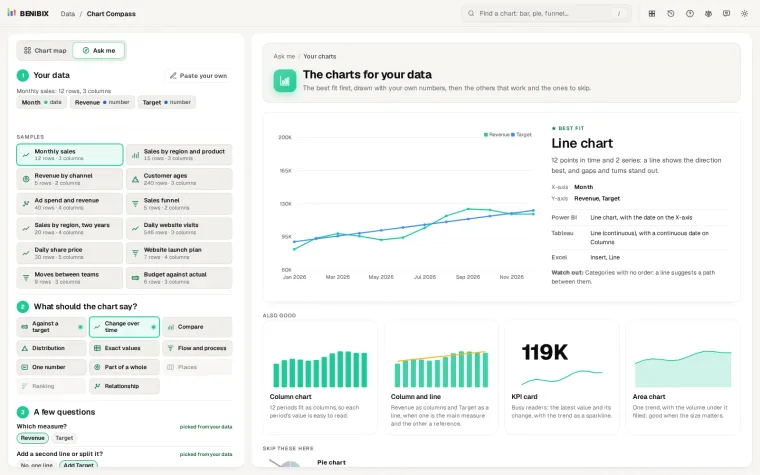
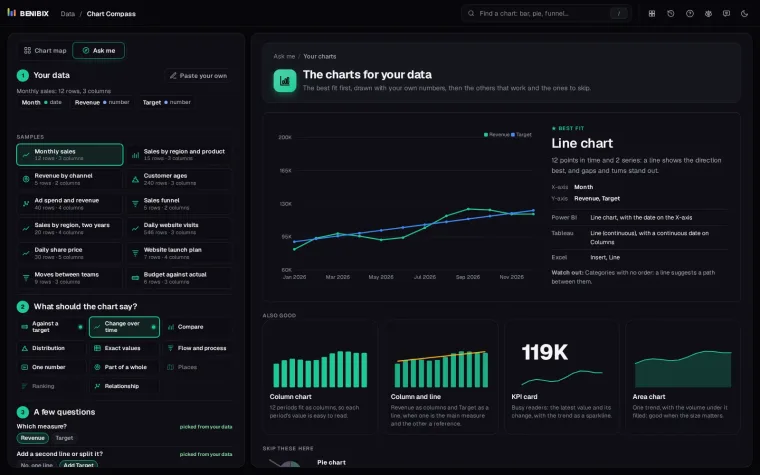
Paste your data, say what the chart should show, answer two or three questions, and see the charts that fit drawn with your own numbers, with their names in Power BI, Tableau and Excel.

Data

Report Design Studio

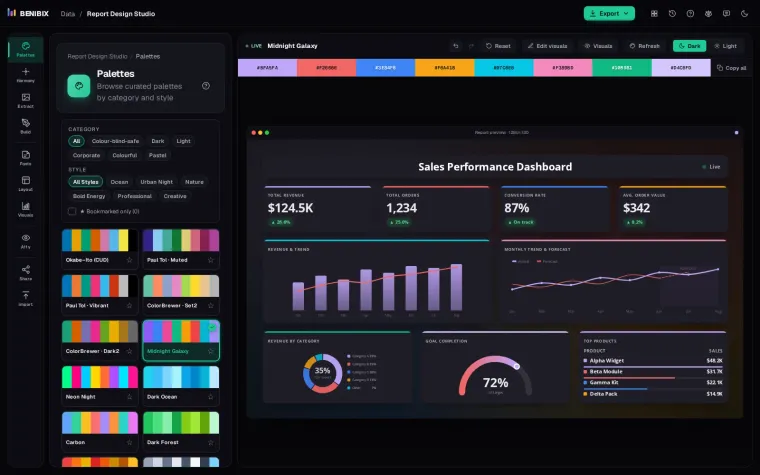
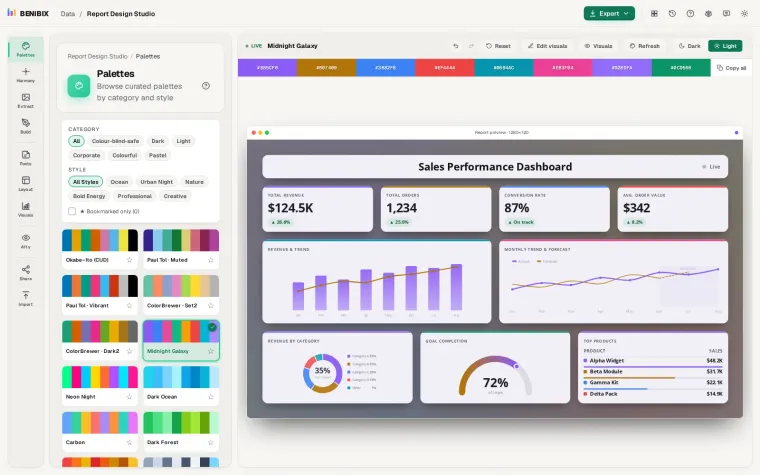
Design a report on a live preview: a Power BI theme (palette, fonts, every visual), a page layout with navigation, title bar and tiles, contrast and colour blindness checks, and exports for Power BI, Figma and PowerPoint.

Contact