LiveData · free · no sign-up · runs in your browser
Report Design Studio
Report Design Studio designs the look of a report. You build a Power BI theme (palette, fonts, every visual), lay out the page with navigation, a title bar and tiles, check every colour pair for contrast, and export files Power BI, Tableau, Figma and PowerPoint open as they are.
A good report needs three things that usually take three tools: a theme that sets its colours and fonts, a page layout that gives every visual a place, and a check that people can read it. Report Design Studio does all three on one live preview.
The theme is a JSON file Power BI imports, validated against the Power BI theme schema before it downloads. The layout is a page background with navigation, a title bar, slicers, tiles and a footer, for Power BI, Tableau or Looker Studio page sizes.
The Accessibility panel tells you which colours to fix before you publish, and fixes them in one click. Everything runs in your browser, with no account and nothing uploaded.
01
Palettes four ways
Start from 65 curated palettes, including colour-blind-safe sets such as Okabe–Ito and Paul Tol, generate one from a base colour with harmony rules, extract one from an image, or build your own with locked swatches and sequential or diverging ramps.
CuratedHarmony
From an image
Your own
Okabe–ItoTriad from violetSunset photoMidnight Galaxyevery colour clears 3:1
02
Every visual, one at a time
Simple mode sets borders, corners, shadows, padding, gridlines, data labels and legends for every visual. Advanced mode styles one visual at a time, buttons and shapes in their hover, selected and pressed states too, and the preview shows the visual you are editing.
03
A page layout, not just a background
Add navigation (an icon rail, a sidebar, a floating sidebar or a top bar), a title bar, a slicer panel, sections of tiles and a footer, or start from one of eight starters. Download it as the page background, a layered SVG for Figma, or one PowerPoint slide of editable shapes.
04
Readable for everyone
Every colour is checked on its visual's card against the WCAG 2.2 3:1 floor for chart marks, with APCA beside it, and a matrix flags colour pairs people could confuse. The preview can be seen with protanopia, deuteranopia or tritanopia, and one click nudges the colours until they pass, keeping them apart.
05
Import and round-trip
Load an existing theme JSON to edit it. It is validated on the way in, and the settings the studio does not edit are kept and written back into the export.
06
More than the theme
Export a matched dark and light pair, a swatch sheet PNG, and design tokens as CSS variables, SCSS variables or Figma and W3C tokens, so the report and the rest of your brand stay in step.
Colour-vision lens
See your report through other eyes.
About one man in twelve sees colour differently. Beside this, your report four ways; below, a lens: move your pointer (or a finger) over the report, and inside the circle you see it the way they do, with the same simulation the studio applies to your whole theme. Pick a type above it. Watch the green “on target” and the red “off target” turn into one colour.
Outside the circle: how you see itInside: how sees it
Deuteranopia: No green cones, the most common type (about 6% of men): reds and greens turn into one olive brown.Protanopia: No red cones (about 1% of men): reds look dark, and reds and greens are easily confused.Tritanopia: No blue cones (rare): blues and greens, and yellows and pinks, are confused.No colour: No colour at all (very rare): only light and dark, no hue. The worst case to test against.
Sales by regionFY 2026 · Q3
Revenue$4.2M▲ on target
Margin31%▲ on target
Returns6.8%▼ off target
Churn2.1%▼ off target
Revenue by month
Share by region
North
South
East
West
Sales by regionFY 2026 · Q3
Revenue$4.2M▲ on target
Margin31%▲ on target
Returns6.8%▼ off target
Churn2.1%▼ off target
Revenue by month
Share by region
North
South
East
West
Move over the report
In the studio this is a switch on A11y that shows your whole theme this way, and the contrast check tells you which colours to move apart.
In a minute
See Report Design Studio in action.
A short video of Report Design Studio doing its one job, from an empty screen to the finished result.
Nothing loads from YouTube until you press play. Then Google receives your IP address and may set its own storage. Narrated with an AI-generated voice. Privacy
How it works
How to use Report Design Studio in three steps.
Best for: You build reports in Power BI, Tableau or Looker Studio and want them on-brand, well laid out and readable, without formatting every visual by hand.
01
Pick your colours
Choose a palette, generate one from a base colour, or pull one from your logo, then fix any colour the contrast check flags in one click.
02
Style and lay out the report
Set the font and the look of the visuals, then design the page: navigation, title bar, tiles and background, on a live preview in dark or light.
03
Check and export
Check the Accessibility panel and fix what it flags in one click, then download the theme JSON (View, Themes, Browse for themes in Power BI Desktop) and the page background.
Course
Learn Report Design Studio, from 0 to 100.
A free course of 9 short lessons, from your first minute in Report Design Studio to using all of it, with a picture of every step.
Learn Report Design Studio step by step, from your first theme JSON to an accessible, fully styled report theme with every visual set the way you want it.
First release: design a Power BI theme and a report page, live
Report Design Studio builds a Power BI theme on a live report preview that changes as you edit, and designs the page around it. Undo and Redo step through your changes (Ctrl+Z, Ctrl+Shift+Z), and Reset goes back to the report you first saw.
Start from 65 curated palettes, colour-blind-safe sets such as Okabe–Ito and Paul Tol among them, generate one with harmony rules, extract one from an image, or build your own, with sequential and diverging ramps and scientific colormaps.
Simple mode styles every visual at once; Advanced mode styles one of 27 visuals at a time, buttons and shapes also in their hover, selected and pressed states, plus the report wallpaper and the filter pane.
Layout designs the whole page: navigation (an icon rail, a sidebar, a floating sidebar or a top bar), a title bar, a slicer panel, sections of tiles and a footer, from one of eight starters, at Power BI, Tableau, Looker Studio or Full HD sizes.
A Power BI theme is a JSON file that sets the default colours, fonts and visual formatting for an entire report. You import it once and every visual on every page takes on the look, instead of formatting each chart by hand.
How do I import a theme JSON into Power BI?
In Power BI Desktop, go to View, then Themes, then Browse for themes, and select the exported JSON file. The report restyles straight away, and visuals you add afterwards take on the theme too.
Why did some visuals not change after I applied my theme?
Those visuals were coloured by hand in Power BI, and a theme only sets defaults, so it cannot override a manual colour. Select the visual, open the Format pane, find the colour setting and choose Reset to default, then apply the theme again.
Can I check my theme for accessibility?
Yes. Every colour is checked against the 3:1 contrast floor for chart marks (WCAG 1.4.11), with APCA shown alongside, and a matrix flags pairs of colours that are hard to tell apart. A colour blindness preview applies the simulation to the live report, and a one-click fix raises any colour that fails.
Can I set a background image in the theme?
Not from the studio. A Power BI theme JSON can embed one background image, written into the file as text, but it is then the same on every page and makes the theme file large. The studio downloads your background as a PNG instead, which you set per page in Power BI Desktop under Format page, Canvas background.
How do I make a Power BI report background?
Design the page in Layout, then download it as a PNG at the page size of your report. In Power BI Desktop, select the page, open Format page, Canvas background, choose the image, set Image fit to Fit and transparency to 0%. Then place your visuals on the tiles. Put page navigation buttons on the navigation bar.
Does it work for Tableau and Looker Studio?
The page layout does: pick the Tableau or Looker Studio page size and use the PNG as a background image (in Tableau, a floating Image object behind the other objects; in Looker Studio, an image sent to the back of the page). The theme JSON is a Power BI file; the colours and the accessibility checks apply to any BI tool.
Can I edit the layout in Figma or PowerPoint?
Yes. The SVG and Copy for Figma keep every zone as a named layer (Navigation, Title bar, Section 1, Tile 1.1), and the PowerPoint export is one slide with the background as a picture and every zone as a named rounded rectangle you can move and recolour.
Is my data uploaded anywhere?
No. Everything runs in your browser. The images you extract a palette from, the themes you import and the files you export never leave your device, and there is no account.
Can I save a design or share it?
Yes. Save a design as a preset in your browser, or copy a share link that holds the whole design (colours, font, mode, page layout and the look of every visual) in the address itself, so nothing is stored on a server.
Is Report Design Studio made by one of the companies it names?
No. Report Design Studio is independent: it is not made, endorsed or supported by Microsoft, Google, Salesforce or any other company whose products it works with. Product names on this page are their owners' trademarks, used only to say what it works with.
Palettes four ways✦Every visual, one at a time✦A page layout, not just a background✦Readable for everyone✦Import and round-trip✦More than the theme✦Palettes four ways✦Every visual, one at a time✦A page layout, not just a background✦Readable for everyone✦Import and round-trip✦More than the theme✦
Palettes four ways✦Every visual, one at a time✦A page layout, not just a background✦Readable for everyone✦Import and round-trip✦More than the theme✦Palettes four ways✦Every visual, one at a time✦A page layout, not just a background✦Readable for everyone✦Import and round-trip✦More than the theme✦
Free, no sign-up
Try Report Design Studio now.
Report Design Studio designs the look of a report. You build a Power BI theme (palette, fonts, every visual), lay out the page with navigation, a title bar and tiles, check every colour pair for contrast, and export files Power BI, Tableau, Figma and PowerPoint open as they are.
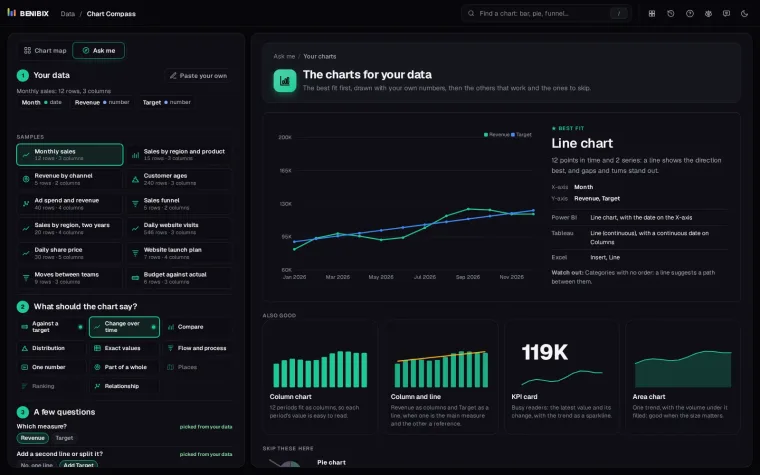
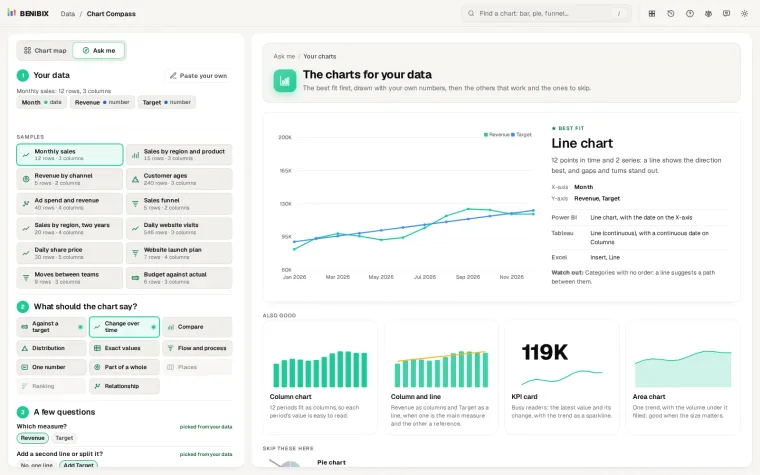
Paste your data, say what the chart should show, answer two or three questions, and see the charts that fit drawn with your own numbers, with their names in Power BI, Tableau and Excel.
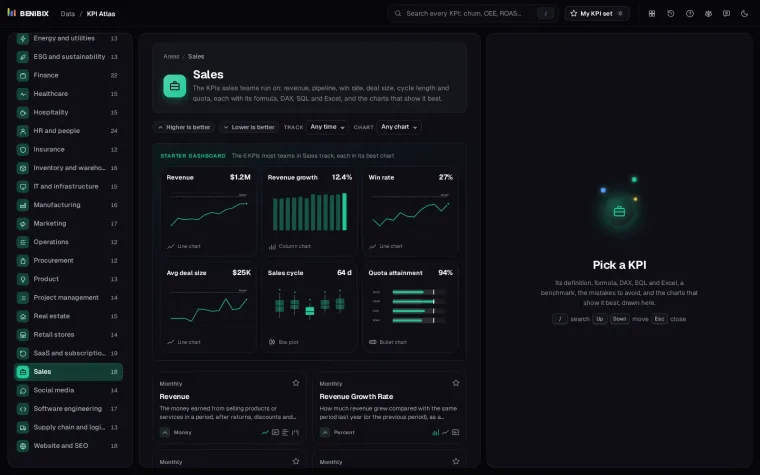
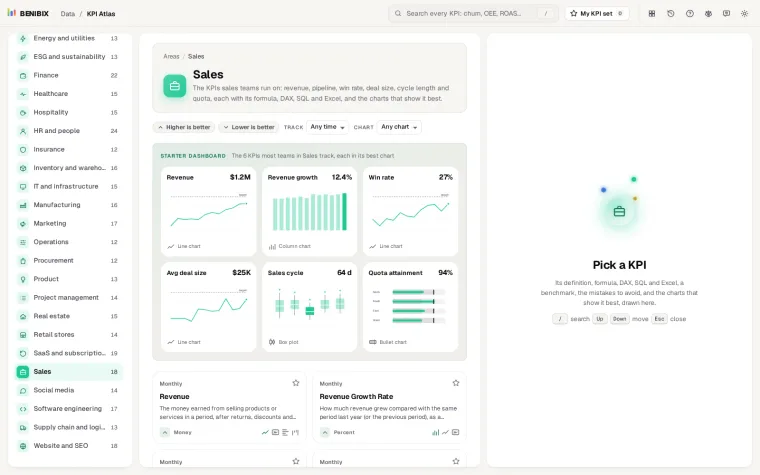
455 KPIs for 30 areas of a business, each with its definition, formula, DAX, SQL and Excel, a benchmark, the mistakes to avoid, and the charts that show it best, drawn.