Short answer: put the three to five numbers that matter in a row across the top, the main trend under them, the breakdowns below that, and the detail table at the bottom. Keep filters together in one place, align everything to one grid, and leave space between groups instead of drawing boxes around them.
People decide in about five seconds whether a dashboard answers their question. In that time they read the top left, glance across, and drop down. A layout that follows that path gets read; one that fights it gets a "can you just send me the number?" email.
Where does each part go?
| Row | What goes there | Why |
|---|---|---|
| Top | Title, date range, 3 to 5 key numbers (cards) | Read first: the answer to "how are we doing?" |
| Second | The main trend, wide | The answer to "is it getting better?" |
| Third | Two or three breakdowns side by side | "Where is it coming from?" |
| Bottom | The detail table | For the people who need to check a single row |
Filters (slicers) go in one place: a strip along the top or a panel on the left. Scattered filters are the most common reason a report is hard to use, because people cannot tell what the page is filtered by.
Why use a grid?
Pick a spacing unit, such as 8 or 16 pixels, and make every gap and margin a multiple of it. Line up the edges of visuals that sit above each other. Nobody will notice a grid, but everyone notices when one is missing: the page looks restless and nobody can say why.
Power BI's default page is 1280 by 720 pixels. With a 16-pixel margin and gap, four cards across the top are each 300 pixels wide (1280 minus two margins and three gaps, divided by four), and that same 300-pixel column carries through the rows below.
Why fewer boxes and more space?
Borders and backgrounds on every visual add noise. Group related visuals by putting them close together and leaving more space between groups. If you need a container, use one light background behind a whole group, not a border on each chart.
When do you pick the chart?
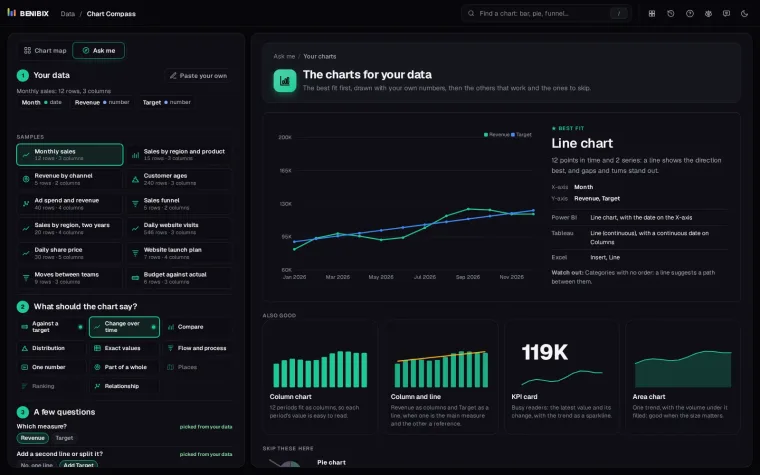
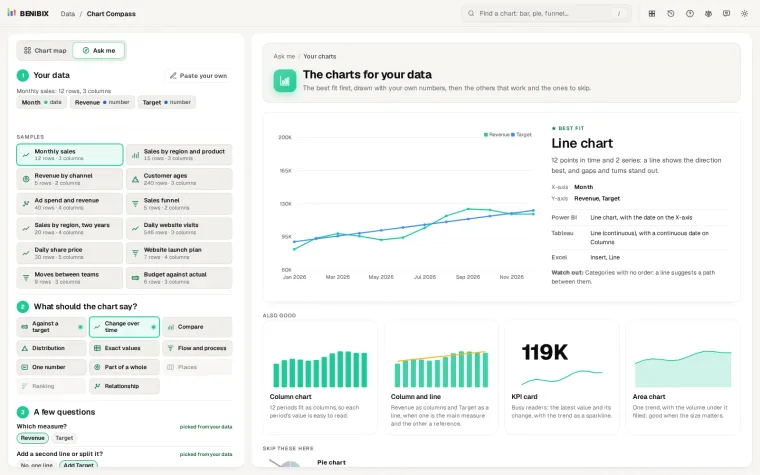
Each breakdown should answer one question, and the question decides the chart: a trend over months is a line, a ranking is a sorted bar, a share of two or three parts is a donut at most. Which chart should I use? goes through the common cases.
Where can you check this?
How do you make it readable for everyone?
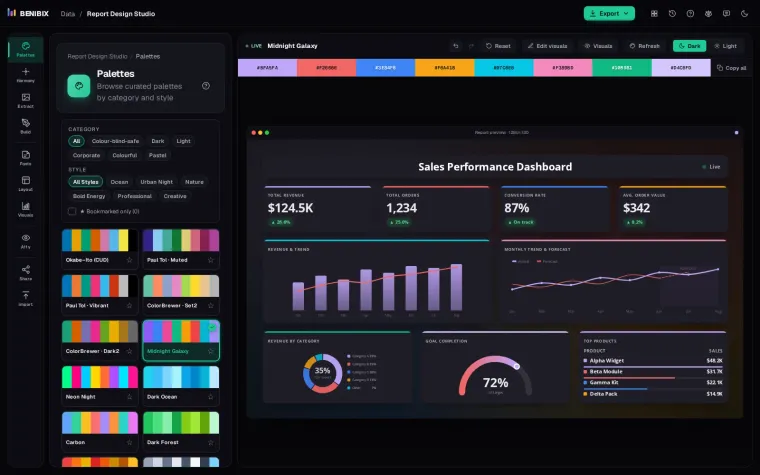
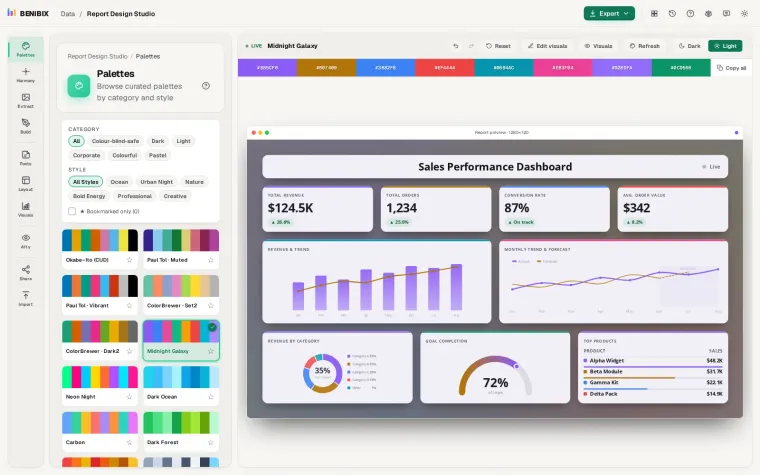
About one in twelve men has some form of colour blindness, so never let colour alone carry meaning: add a label, an icon or a position. Check that text and chart marks have enough contrast against the background. Colour-blind friendly dashboard palettes has palettes that work.
Report Design Studio designs the whole page, not just the colours: navigation, a title bar, a slicer panel and sections of tiles on a grid, from one of eight starters, with the theme, a contrast check for every colour and a look-alike check for every pair. Chart Compass picks the chart for each tile.