Short answer: if an icon sits next to text, it is decoration: add aria-hidden="true" to the <svg> so screen readers skip it. If the icon is the only thing in a button, give the button a name with aria-label="Delete" (and still hide the svg). Make the button at least 24 by 24 CSS pixels, better 44, and give the icon a contrast of at least 3:1 against its background.
Is the icon decoration or the only label?
<!-- Icon with a text label: hide the icon -->
<button type="button">
  <svg aria-hidden="true" focusable="false" class="icon">…</svg>
  Delete
</button>

<!-- Icon only: name the button, hide the icon -->
<button type="button" aria-label="Delete">
  <svg aria-hidden="true" focusable="false" class="icon">…</svg>
</button>In both, the button's name is "Delete". Without aria-label the second one is announced as just "button", and voice control users cannot say "click Delete" to press it.
focusable="false" stops older versions of Internet Explorer and Edge from making the svg a separate tab stop. It does no harm elsewhere.
Is a title attribute enough?
A title attribute shows a tooltip on hover, but it is not shown on touch screens, not shown to keyboard users in most browsers, and screen readers treat it inconsistently. Use aria-label for the name. If you want a visible tooltip too, add one that also appears on keyboard focus, with the same words.
What should the name say?
| Weak | Better | Why |
|---|---|---|
aria-label="Trash icon" | aria-label="Delete draft" | Name the action, not the picture |
aria-label="Button" | aria-label="Close dialog" | The role is already "button" |
aria-label="X" | aria-label="Close" | Read aloud, "X" means nothing |
Several aria-label="Edit" in a list | aria-label="Edit invoice 1042" | Each button needs a distinct name |
For a toggle, keep the label fixed and say the state with aria-pressed: a mute button is aria-label="Mute" with aria-pressed="true" when muted, not a label that flips between "Mute" and "Unmute".
How big should an icon button be?
WCAG 2.2 asks for targets of at least 24 by 24 CSS pixels (2.5.8, level AA), and 44 by 44 is the comfortable size for touch. The icon can stay small; the button around it should not:
.icon-btn { display: inline-grid; place-items: center; min-width: 44px; min-height: 44px; }
.icon-btn .icon { width: 20px; height: 20px; }How much contrast does an icon need?
An icon that carries meaning is a graphical object, and WCAG asks for a contrast of 3:1 against what is behind it (1.4.11). A pale grey icon on white often fails. Test the icon colour, not only the text colour, and check the hover and disabled states too. Keep a visible focus ring: removing outline without a replacement hides where keyboard users are.
What about icons that move?
A spinning or shaking icon should stop for people who ask their system for less motion:
@media (prefers-reduced-motion: reduce) {
  .icon { animation: none; }
}Where can you check this?
What does a complete icon button look like?
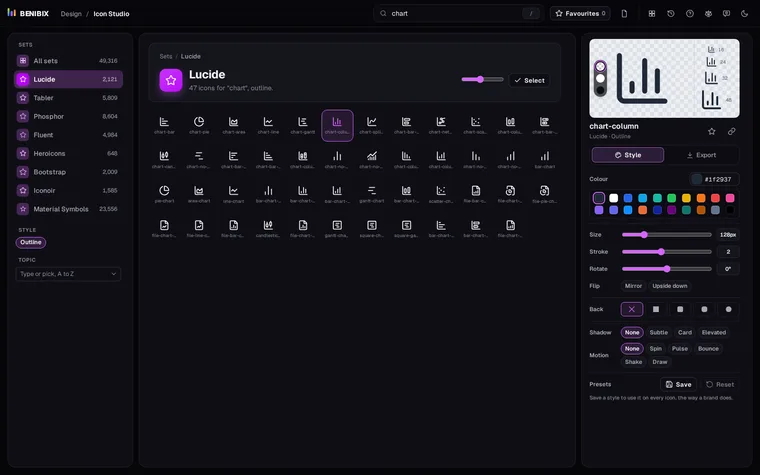
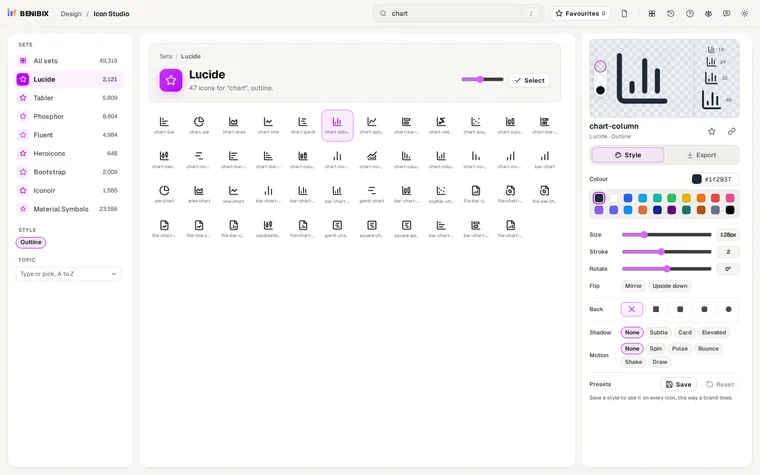
Icon Studio helps with the parts that live in the icon itself: check it at 16 and 24 pixels before you pick it, preview it on light and dark backgrounds, set a colour with enough contrast, and export SVG, React or CSS. Icons with motion carry the reduced-motion rule inside the SVG already. The name, the target size and the focus ring belong to your button, and the snippets above cover them.