Short answer: use ease-out for things that arrive (a menu opening, a toast sliding in), ease-in for things that leave, ease-in-out for things that move from one place to another on screen, and linear only for things that never stop, like a spinner. The browser default, ease, is a reasonable choice when you are unsure.
What does easing do?
An easing function (CSS calls it a timing function) decides how the speed changes during an animation. The duration stays the same; what changes is where the time is spent.
| Keyword | Speed | Feels like |
|---|---|---|
linear | The same all the way | A machine |
ease | Quick start, long soft landing | The browser default |
ease-in | Starts slow, ends fast | Something leaving, falling, accelerating away |
ease-out | Starts fast, ends slow | Something arriving and settling |
ease-in-out | Slow, fast, slow | Something picked up and put down |
.menu { transition: transform 0.25s ease-out; }Why ease-out for arrivals?
When something appears in response to a click, the user is waiting for it. Ease-out spends its fast part at the start, so the element responds at once, then slows down at the end, so the eye can settle on it. The same animation with ease-in feels sluggish: it starts slowly exactly when the user wants a reaction.
Leaving is the opposite. An element on its way out should get out of the way: ease-in lets it linger for a moment, then accelerate away.
Why not linear?
Nothing in the physical world starts and stops instantly. Linear motion looks mechanical in anything that starts or stops on screen. It is right for continuous motion, where there is no start or stop to see: a spinner, a scrolling ticker, a slowly moving background.
How do you write your own curve with cubic-bezier?
Every keyword is a shortcut for a cubic-bezier() with two control points:
ease        = cubic-bezier(0.25, 0.1, 0.25, 1)
ease-in     = cubic-bezier(0.42, 0, 1, 1)
ease-out    = cubic-bezier(0, 0, 0.58, 1)
ease-in-out = cubic-bezier(0.42, 0, 0.58, 1)The four numbers are the x and y of the two handles. x is time and must stay between 0 and 1. y is progress and may go beyond, which is how overshoot works:
/* Expo out: shoots in and glides to a stop, the modern UI curve */
.panel { transition: transform 0.4s cubic-bezier(0.16, 1, 0.3, 1); }

/* Back out: overshoots a little, then settles */
.badge { transition: transform 0.35s cubic-bezier(0.34, 1.56, 0.64, 1); }How do you make springs and bounces with linear()?
A cubic-bezier can overshoot once but cannot wobble or bounce. The CSS linear() function can: it takes a list of points and draws straight lines between them, so with enough points it traces any curve.
.drop { animation: drop 0.9s linear(0, 0.36 22%, 1 45%, 0.82 58%, 1 72%, 0.95 82%, 1) both; }Writing those points by hand is tedious, so they are usually generated by sampling a real spring or bounce. linear() works in all current versions of Chrome, Edge, Firefox and Safari.
Which durations go with it?
Easing and duration work together. Rough ranges for interfaces:
| Motion | Duration |
|---|---|
| Small feedback: a toggle, a checkbox, a button press | 100 to 200 ms |
| Menus, tooltips, toasts | 150 to 300 ms |
| Panels, dialogs, page sections | 250 to 400 ms |
| Large or decorative moves | 400 to 800 ms |
Exits can be a little faster than entrances: people care less about watching something leave.
Where can you check this?
Which easing goes with which motion?
| Situation | Easing |
|---|---|
| A dropdown or menu opens | ease-out, or expo out |
| A modal closes | ease-in |
| A card moves to a new spot | ease-in-out |
| A notification pops in | back out, or a spring |
| Something drops onto the page | bounce |
| A spinner turns | linear |
| A background drifts | linear, or a slow ease-in-out that alternates |
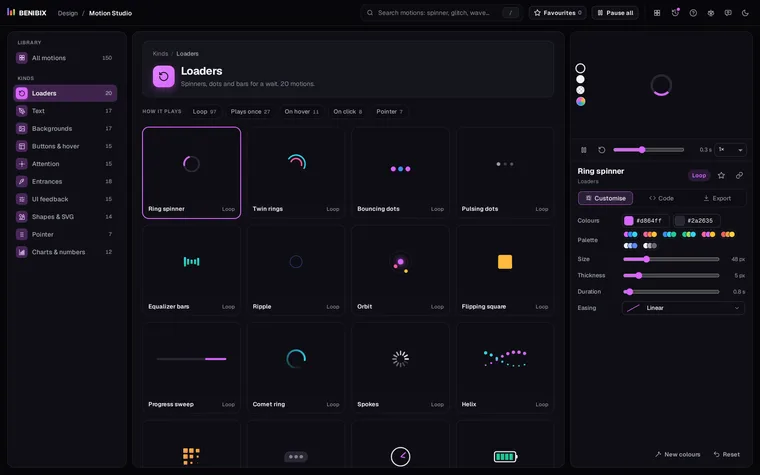
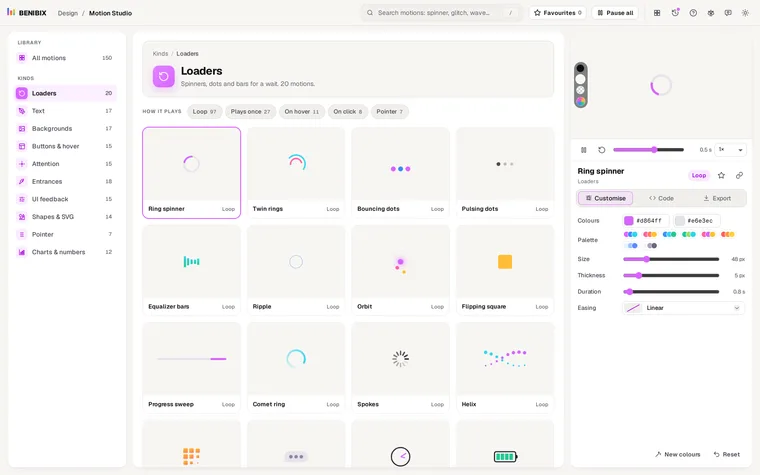
Motion Studio has an easing editor with 14 curves, springs and bounces included, a dot that runs the curve so you see the speed, and handles you drag into your own cubic-bezier(). Try any curve on a real motion and slow the stage to a quarter to watch it.