Short answer: a CSS spinner is one element with a round border where one side has a different colour, turned forever with a keyframe animation. It needs no image, no SVG and no JavaScript:
<div class="spinner" role="status" aria-label="Loading"></div>.spinner {
width: 48px;
height: 48px;
box-sizing: border-box;
border-radius: 50%;
border: 5px solid #e5e7eb; /* the track */
border-top-color: #2563eb; /* the moving part */
animation: spinner 0.8s linear infinite;
}
@keyframes spinner { to { transform: rotate(360deg); } }
@media (prefers-reduced-motion: reduce) {
.spinner { animation: none; }
}How does it work, line by line?
border-radius: 50%turns the square into a circle.borderdraws the full ring in a pale colour: the track.border-top-colorpaints one quarter of the ring in your brand colour. That quarter is what the eye follows.animation: spinner 0.8s linear infiniteturns it one full circle every 0.8 seconds, forever.linearmatters. A spinner should turn at a constant speed; withease, it would speed up and slow down every turn and look like it stutters.box-sizing: border-boxkeeps the spinner 48 pixels wide including its border, so it does not grow when you thicken the ring.
How do you make it accessible?
A spinner is a picture of "wait", and screen readers cannot see pictures:
role="status"witharia-label="Loading"makes screen readers announce it politely.- Replace it with the result. When loading is done, remove the spinner and put the content (or an error) in its place. A spinner that keeps turning next to loaded content is the most common bug.
- Respect reduced motion. The media query above stops the turn for people who asked their system for less motion. The ring stays, so the meaning stays. See prefers-reduced-motion explained.
What other loaders can you build?
Bouncing dots, the typing-indicator look:
<div class="dots" role="status" aria-label="Loading"><i></i><i></i><i></i></div>.dots { display: flex; gap: 6px; }
.dots i {
width: 10px; height: 10px; border-radius: 50%; background: #2563eb;
animation: dots 0.9s ease-in-out infinite;
}
.dots i:nth-child(1) { animation-delay: -0.3s; }
.dots i:nth-child(2) { animation-delay: -0.15s; }
@keyframes dots { 50% { transform: translateY(-8px); opacity: 0.5; } }The negative delays start each dot partway through its cycle: the first dot is furthest ahead, so the wave runs left to right, and it is already moving on the first frame instead of the dots starting one after another.
Equalizer bars use the same idea with transform: scaleY() on three or four thin bars. A progress sweep is a bar whose fill slides across with translateX, for loading that has no known end.
Which loader fits when?
| Wait | Show |
|---|---|
| Under about 1 second | Nothing. A spinner that flashes is worse than none |
| 1 to 10 seconds, unknown end | A spinner or dots |
| A known amount of work | A progress bar with a percentage |
| Content with a known layout | A skeleton: grey shapes where the content will be |
| Over 10 seconds | Progress and a message, ideally a way to cancel |
To avoid the flash, show the spinner only after a short delay, for example with animation-delay on its fade-in, or a timer in your script.
Where can you check this?
How do you size and colour it?
- Match the spinner to where it sits: 16 to 20 pixels inside a button, 32 to 48 for a panel, larger only for a full page.
- Keep the track pale and the moving part in your brand colour. On a dark background, swap them: a dim track and a bright arc.
- Thin rings look refined at large sizes; at 16 pixels, keep the border at 2 or 3 pixels so it does not disappear.
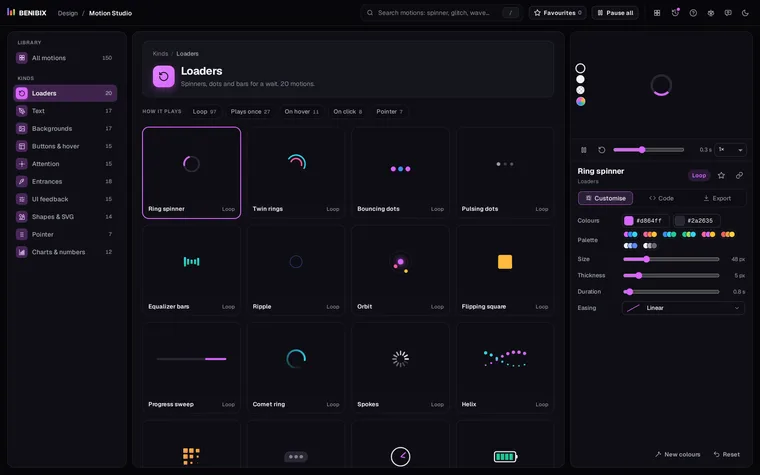
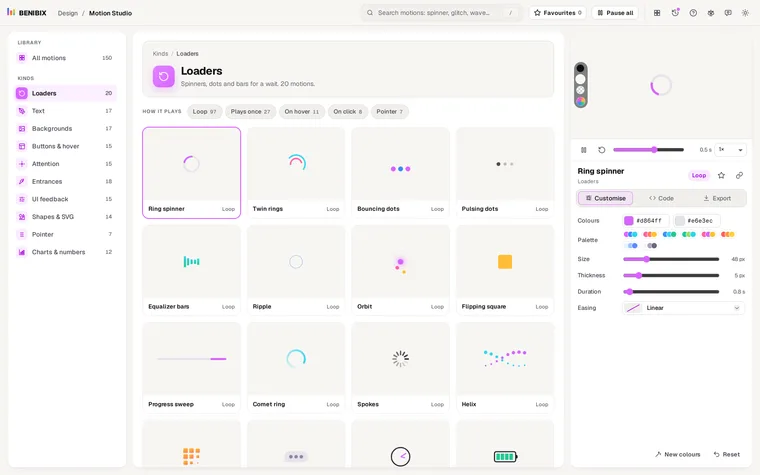
Motion Studio has 20 ready-made loaders, from this ring spinner to a clock, a charging battery and a heartbeat line. Change the colours, size, thickness and speed on a live stage, and copy the HTML and CSS, or a React, Vue or Svelte component, with the reduced-motion rule already in.