Short answer: prefers-reduced-motion is a CSS media feature that tells you a visitor has asked their system for less motion. Respect it by turning animations and transitions off inside @media (prefers-reduced-motion: reduce), and design every animated element so its resting state still makes sense when nothing moves.
@media (prefers-reduced-motion: reduce) {
  .spinner, .spinner * {
    animation: none !important;
    transition: none !important;
  }
}That is most of it. The rest of this post is about doing it well.
Who turns it on, and why?
Motion on screen can cause dizziness, nausea and headaches for people with vestibular disorders, and it can make it hard to focus for people with attention disorders or migraines. Others simply find a lot of movement tiring. Every major system has a setting for it:
| System | Where |
|---|---|
| Windows 11 | Settings, Accessibility, Visual effects, Animation effects (off) |
| macOS | System Settings, Accessibility, Display, Reduce motion |
| iOS and iPadOS | Settings, Accessibility, Motion, Reduce Motion |
| Android | Settings, Accessibility, Remove animations |
Browsers pass that setting to your CSS as prefers-reduced-motion: reduce. The other value, no-preference, means nothing was set.
What does WCAG ask?
WCAG 2.2 has two success criteria about motion:
- 2.2.2 Pause, Stop, Hide (level A): anything that moves automatically for more than five seconds, alongside other content, needs a way to pause, stop or hide it. Think of a looping background or a carousel.
- 2.3.3 Animation from Interactions (level AAA): motion triggered by an interaction (a parallax scroll, a tilt on hover) can be turned off, unless it is essential.
Respecting prefers-reduced-motion is the usual way to meet the second, and it goes a long way toward the first.
Should you remove the motion or reduce it?
The mistake is to switch the animation off and leave the element in its starting state. Then a fade-in stays invisible, a progress bar stays empty and a typewriter headline shows no text. Design the element so its resting state is its meaningful state:
| Motion | With reduced motion, show |
|---|---|
| Loading spinner | The spinner, still |
| Fade-in or slide-in | The element, in place |
| Typewriter text | The whole text |
| Progress bar or counter | The final value |
| Looping background | One still frame |
A practical way to do it: write the CSS for the final state first, then animate from the hidden state with keyframes. When the animation is removed, the final state is what remains.
.card { opacity: 1; transform: none; }               /* the resting state */
.card { animation: card-in 0.5s ease-out both; }
@keyframes card-in { from { opacity: 0; transform: translateY(16px); } }

@media (prefers-reduced-motion: reduce) {
  .card { animation: none; }                          /* the card is simply there */
}Does reduced mean none?
Reduced motion does not have to mean zero motion. A gentle fade is usually fine; what causes trouble is movement across the screen, zooming, spinning, parallax and large scaling. Some teams replace a slide with a short fade under reduce. If in doubt, turning motion off is always safe.
How do you respect it in JavaScript?
Motion driven by script (a pointer that tilts a card, a scroll effect, a canvas animation) needs a check in code:
const less = matchMedia('(prefers-reduced-motion: reduce)');
if (!less.matches) startTilt();
less.addEventListener('change', e => (e.matches ? stopTilt() : startTilt()));The change listener matters: people can switch the setting while your page is open.
How do you test it?
You do not need to change your system setting to test. In Chrome or Edge DevTools, open the Command Menu (Ctrl+Shift+P or Cmd+Shift+P), type reduced motion and choose Emulate CSS prefers-reduced-motion: reduce. Firefox has the same under about:config (ui.prefersReducedMotion set to 1).
Then check every animated part of the page: is anything invisible, empty or half drawn?
Where can you check this?
What should you check?
- Every animation and transition is turned off, or toned down to a fade, under
reduce - Every animated element looks complete in its resting state
- Script-driven motion checks
matchMediaand listens for changes - Anything that loops for more than five seconds can be paused
- Tested with the DevTools emulation
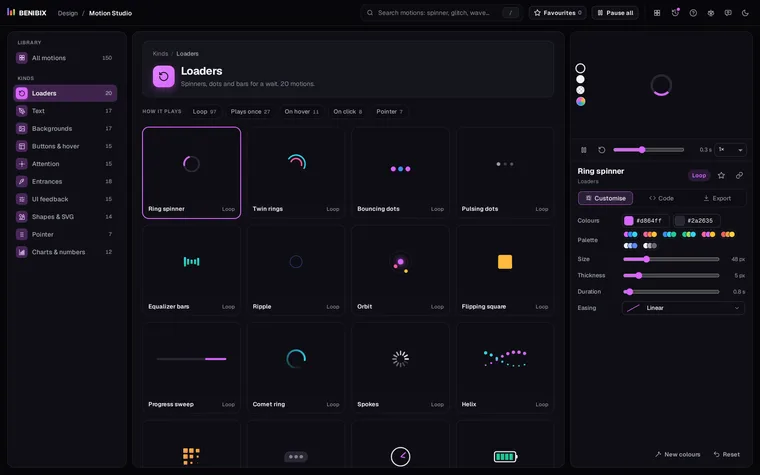
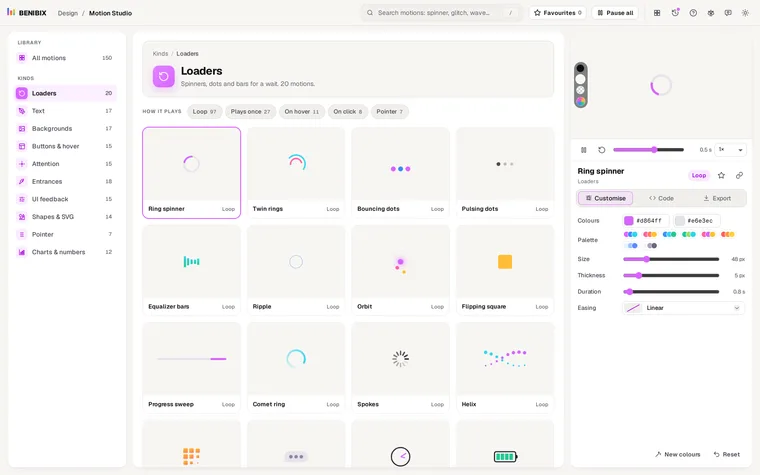
Every motion in Motion Studio already ends with a reduced-motion rule and is designed so its resting state is meaningful: the spinner drawn, the text shown, the bar full. Its pointer motions check the setting in their script too.