Short answer: You cannot animate a gradient itself, because the browser swaps one gradient for another in a single jump. Animate something around it instead: make the gradient three times the size of the box and move its background-position, register an angle with @property and turn it, or blur a few coloured circles and move them with transform. The last one is the smoothest.
You write transition: background 1s between two gradients, hover, and the colours snap instead of fading. Or you put a gradient in @keyframes and it flips once halfway through. Nothing is wrong with your code: gradients just do not interpolate.
Here is why, then the three ways that do work, each with code you can paste and what it costs.
Why doesn't a CSS gradient animate?
A gradient is an image: it lives in background-image, and MDN lists that property's animation type as discrete. Between two discrete values the browser does not blend, it switches at the halfway point. So every working gradient animation moves a value the browser can blend: a position, an angle or a transform.
How do you move a gradient with background-position?
Make the gradient larger than the box, so only part of it shows, then slide it. This is the classic one ("Gradient shift" in Motion Studio):
.hero {
  background: linear-gradient(135deg, #ff5fa8, #d864ff, #3d8bff, #ff5fa8) 0 50% / 300% 300%;
  animation: gradient-shift 8s ease-in-out infinite;
}

@keyframes gradient-shift {
  0%, 100% { background-position: 0% 50%; }
  50% { background-position: 100% 50%; }
}300% 300%makes the gradient three times the box, so a third of it shows at a time.- The first colour comes again at the end, so the loop has no visible seam.
- Going there and back (
0%, 100%and50%) keeps the motion calm; a one-way loop needs a gradient that repeats perfectly.
The cost: a new background position means the browser paints the box again on every frame. On one hero section that is fine. On fifty cards it is not.
How do you rotate gradient colours with @property?
A custom property such as --angle normally cannot be animated either: the browser does not know it holds an angle. @property tells it, and from then on the angle blends like any other value:
@property --angle {
  syntax: "<angle>";
  inherits: false;
  initial-value: 0deg;
}

.card {
  background: conic-gradient(from var(--angle), #d864ff, #2fd4ee, #ffc233, #d864ff);
  animation: spin-colours 4s linear infinite;
}

@keyframes spin-colours {
  to { --angle: 360deg; }
}The same idea makes the rotating border on a button ("Gradient border" in Motion Studio): the conic gradient sits on the border-box, a plain fill covers the padding-box, and only the edge shows the turning colours.
@property is Baseline 2024: it works in every current browser since July 2024. One trap: a browser ignores an @property rule inside a shadow root, so in a web component, register the property in the page's own stylesheet.
How do you make a soft "aurora" background?
Skip the gradient. Put three large coloured circles behind the content, blur them, and move them with transform ("Aurora" in Motion Studio):
<div class="aurora" aria-hidden="true"><span></span><span></span><span></span></div>.aurora { position: absolute; inset: 0; overflow: hidden; background: #07060d; }
.aurora span {
position: absolute; width: 70%; aspect-ratio: 1; border-radius: 50%;
filter: blur(40px); opacity: .85;
animation: drift-a 12s ease-in-out infinite alternate;
}
.aurora span:nth-child(1) { left: -10%; top: -20%; background: #d864ff; }
.aurora span:nth-child(2) { right: -15%; top: 10%; background: #2fd4ee; animation-name: drift-b; animation-delay: -4s; }
.aurora span:nth-child(3) { left: 20%; bottom: -35%; background: #3d8bff; animation-name: drift-c; animation-delay: -8s; }
@keyframes drift-a { to { transform: translate(40%, 30%) scale(1.2); } }
@keyframes drift-b { to { transform: translate(-50%, 20%) scale(.8); } }
@keyframes drift-c { to { transform: translate(20%, -40%) scale(1.3); } }The negative delays start each circle at a different point of its path, so the first frame already looks mixed. aria-hidden="true" keeps the decoration away from screen readers. Because only transform changes, the browser can move the circles without painting them again, which is what web.dev recommends for smooth animation.
Which one should you use?
| Way | Looks like | Cost | Works in |
|---|---|---|---|
background-position | Colours sliding across | A repaint every frame | Every browser |
@property angle | Colours turning around a point | A repaint every frame | Every current browser (Baseline 2024) |
Blurred circles + transform | Soft, drifting light | The lightest to animate | Every browser |
For a hero behind a headline, the aurora. For a button or card edge that should catch the eye, the rotating angle. For a quick banner, the moving gradient.
What about people who get motion sick?
A background that never stops moving is exactly what prefers-reduced-motion is for. Stop it for people who asked their system for less motion:
@media (prefers-reduced-motion: reduce) {
  .hero, .card, .aurora span { animation: none; }
}The colours stay; only the movement goes. More in prefers-reduced-motion: make CSS animations accessible. And check your text against every colour the background passes through, not only the first one.
Where can you check this?
- MDN: background-image (animation type: discrete)
- MDN: @property
- web.dev: How to create high-performance CSS animations
Can you try them without writing the CSS?
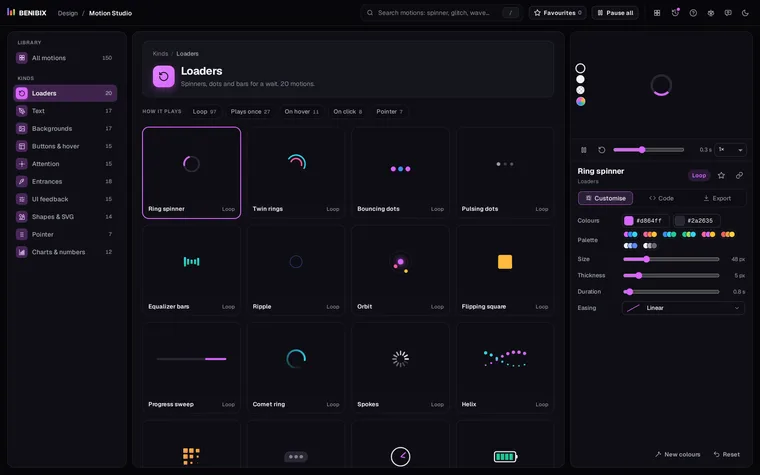
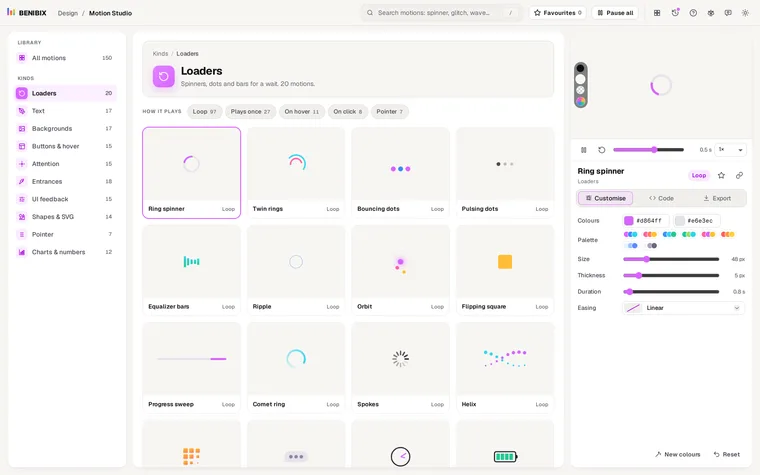
Motion Studio has Gradient shift, Gradient border, Aurora and Gradient flow (a headline with moving colours) among its 150 ready-made motion graphics, all playing at once. Change the colours, size, speed and easing on the live preview, then take HTML and CSS, React, Vue or Svelte, or a GIF, a video or an animated SVG.