Short answer: list the items you want in tui.status_line in ~/.codex/config.toml, in order, or type /statusline in Codex and pick them. There is no script to write: Codex draws the line from its own 31 items, joined with " · ".
Unlike some agents, Codex does not run a command to draw its status line. It has a fixed set of items (model, folder, branch, context, limits, tokens and more), and you choose which appear and in what order. The same goes for the terminal tab title. Everything below is from the Codex source at version 0.162.1.
How do I set it?
Two ways, and they write the same keys:
- In Codex, type
/statusline, toggle and reorder the items, and confirm./titledoes the same for the terminal title. - In
~/.codex/config.toml:
[tui]
status_line = ["model-with-reasoning", "context-remaining", "five-hour-limit", "weekly-limit", "git-branch"]
status_line_use_colors = true
terminal_title = ["activity", "project-name"]With nothing set, the footer shows model-with-reasoning, current-dir and thread-name, and the title activity, thread-name and project-name. An empty list, status_line = [], hides the footer.
Which items are there?
| Group | Items |
|---|---|
| Model | model, model-with-reasoning, reasoning |
| Folder | current-dir, project-name |
| Git | git-branch, pull-request-number, branch-changes |
| Context and tokens | context-remaining, context-used, context-window-size, used-tokens, total-input-tokens, total-output-tokens, thread-credits, estimated-thread-cost |
| Usage limits | five-hour-limit, weekly-limit |
| Modes | permissions, approval-mode, fast-mode, daybreak, raw-output |
| State and thread | run-state, thread-name, thread-title, workspace-headline, task-progress |
| This machine | hostname, codex-version, thread-id |
An item with nothing to show is left out rather than shown empty: the limits with an API key, the branch outside a repository, the credits and cost outside an Enterprise workspace, daybreak unless that feature is turned on. Some older names still work, such as project, session-id and context-usage.
What do the colours mean?
With status_line_use_colors = true (the default), each item takes a colour from your /theme by its group: the model, state, modes and machine items in one colour, folders, tokens and progress in another, git, limits and the thread in a third. Set it to false for a plain, dim line.
Which items are worth having?
For most people: the model and effort (so you know what you are paying for), the context left (so a compaction is no surprise), the two limits (so you can pace a long task) and the branch. Leave out what Codex already shows elsewhere.
Where can you check this?
Can I see it before I change my config?
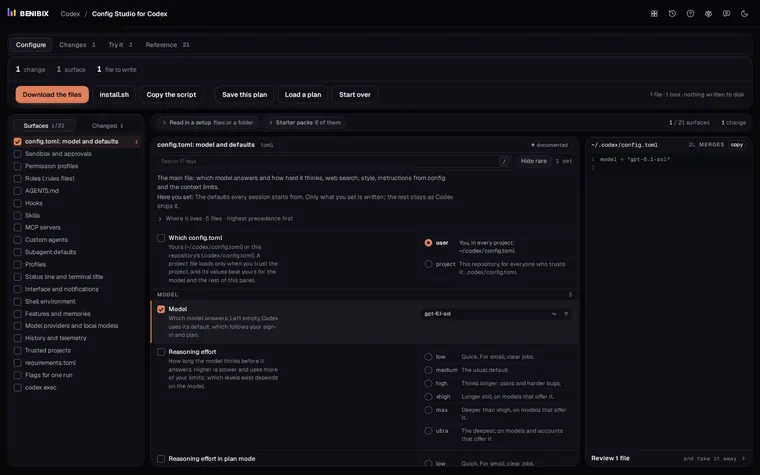
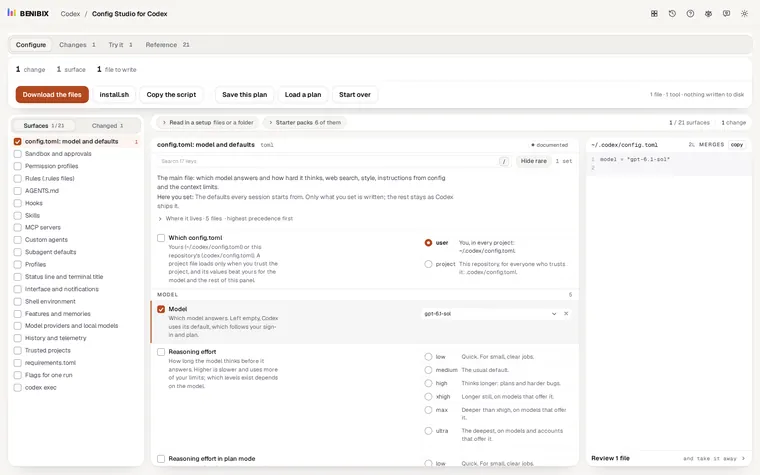
Config Studio for Codex has the status line as one of its surfaces: pick items, drag them into order, and the footer is drawn with Codex's separator and colour groups, next to the terminal title. It writes the [tui] lines for you, merged into the config.toml you already have.