Short answer: a rule is a prefix_rule(...) in a .rules file, usually ~/.codex/rules/default.rules. It names a command prefix and a decision: allow (run it, outside the sandbox, without asking), prompt (ask every time) or forbidden (refuse without asking). When several rules match, the strictest wins. Test one with codex execpolicy check --pretty --rules ~/.codex/rules/default.rules -- git push --force.
Rules are the answer to two opposite complaints. "Codex asks before every npm test" is fixed with an allow. "I am afraid it will force-push one day" is fixed with a forbidden. Both are better than turning approvals off.
Where do rules files live?
| File | Read when |
|---|---|
~/.codex/rules/default.rules | Always: your rules, in every project. Codex also writes here when you allow a command for good from the approval prompt |
.codex/rules/*.rules in a project | Only when you trust the project |
| An administrator's requirements | Always, and they can enforce restrictive rules nobody below can lift |
Codex loads every .rules file in the rules/ folder of each active config layer when it starts, so restart Codex after you edit one.
What does a rule look like?
Rules are written in Starlark, a small Python-like language:
prefix_rule(
    pattern = ["git", "push", ["--force", "-f"]],
    decision = "forbidden",
    justification = "Never rewrite shared history",
    match = ["git push --force origin main"],
)

prefix_rule(
    pattern = ["npm", "test"],
    decision = "allow",
)

prefix_rule(
    pattern = ["gh", "pr", "view"],
    decision = "prompt",
    justification = "Look before Codex reads a pull request",
)patternis the start of the command, word by word. An element can be a list of alternatives:["--force", "-f"]matches either flag in that position.decisionisallow,promptorforbidden. Left out, it isallow.justificationis the reason. Codex can show it in the prompt or when it refuses, so write it for the person who will read it.matchandnot_matchare example commands that must and must not fit the rule. Codex checks them when it loads the file, which catches a typo before it lets the wrong command through. A file whose examples do not fit is not accepted, so keep them honest.
Which rule wins when several match?
The strictest: forbidden beats prompt, and prompt beats allow. So an allow for git and a forbidden for git push --force together still refuse the force push.
A command no rule matches is not decided by the rules at all. The sandbox and approval policy take it from there, which is why a short list of rules for the commands you care about is enough.
Can Codex sneak a command past a rule inside bash -lc?
Not with a simple chain. When Codex runs bash -lc "<script>" (or sh, zsh, -c) and the script is plain commands joined by &&, ||, ; or |, each command is checked on its own and the strictest result wins. git add . && rm -rf / does not ride on an allow for git add.
A script with redirection, $(...) substitution, variables, wildcards or if/for is not split: it is checked as one command, bash -lc "<the whole script>", which normally matches no rule and so falls back to the sandbox and the approval prompt.
How do I test a rule before trusting it?
codex execpolicy check --pretty --rules ~/.codex/rules/default.rules -- git push -f origin mainIt prints the strictest decision and every rule that matched, with its justification. Pass --rules more than once to check several files together. Try the commands you want caught and a few you want left alone.
Where can you check this?
Can I write rules without the Starlark?
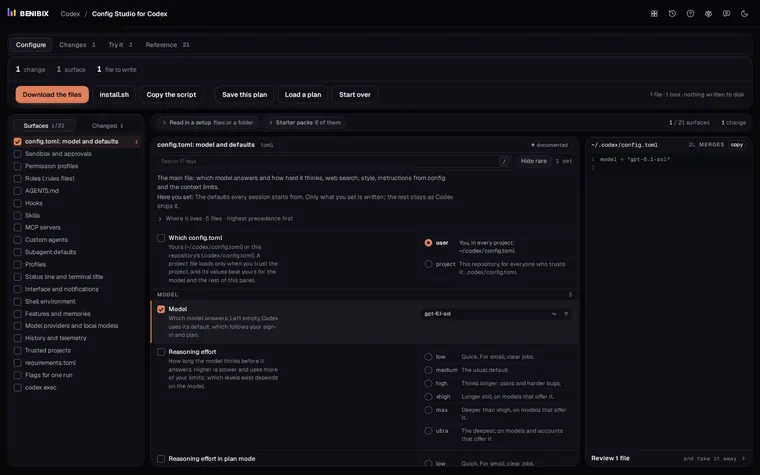
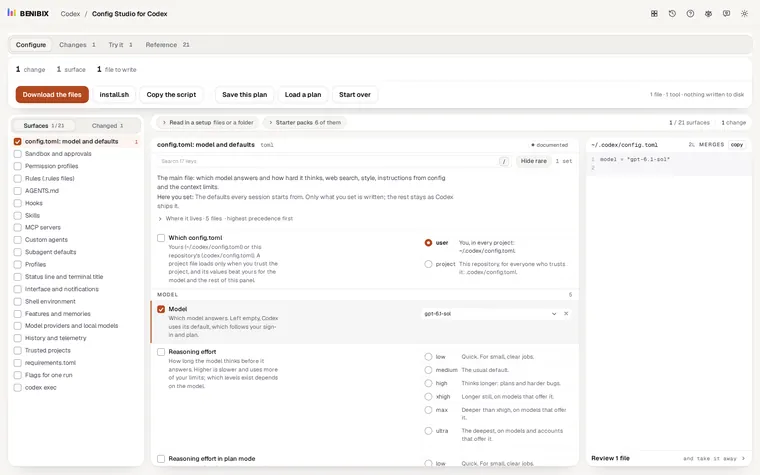
Config Studio for Codex has Rules as a surface where you write one rule a line, forbidden git push --force|-f -- Never rewrite shared history, with a|b for alternatives. It writes the prefix_rule file with a match example Codex accepts, lets you try a command against your rules in the page (simple chains checked command by command), and adds the codex execpolicy check command to run for real. The Seatbelts starter pack is a good first set: force pushes, git reset --hard and rm -rf refused, git push and npm publish asked first.