Short answer: add { "subagentStatusLine": { "type": "command", "command": "~/.claude/subagent-statusline.sh" } } to ~/.claude/settings.json. Claude Code runs that script with all visible subagents in one JSON object (a tasks array), and the script prints one JSON line per row, {"id": "<task id>", "content": "<row>"}. Whatever you put in content replaces that subagent's row in the agent panel.
When Claude Code sends work to subagents, each one gets a row in the agent panel under the prompt: its name, a description and a token count. That is fine for one helper. With three running at once you want to see which model each one is on, how full its context is and how long it has been going.
How is it different from the normal status line?
statusLine | subagentStatusLine | |
|---|---|---|
| Where it shows | One bar under the prompt | One row per subagent, in the agent panel |
| What the script gets | One session: model, cost, context, git and more | All visible subagents at once, as tasks |
| What it prints | Plain text, one or more lines | One JSON line per row: {"id", "content"} |
The same trust checks apply to both, and disableAllHooks turns both off. A plugin can ship a subagentStatusLine in its own settings.json; it cannot ship a statusLine.
What does the script receive?
One object on standard input with a columns field (the usable width of a row) and a tasks array. Each task describes one row:
| Field | What it holds |
|---|---|
id | The task's id; echo it back so Claude Code knows which row you mean |
name | The name the subagent is addressed by, when it has one |
agentType | The subagent type, such as Explore or your own code-reviewer (Claude Code 2.1.293 or later) |
status | running, completed, failed or killed |
description, label | What Claude asked it to do, and a short progress summary when there is one |
model | The model id it runs on, once resolved |
effort | The reasoning effort set for it, when one is set |
tokenCount, contextWindowSize | Its running token count and its model's context window, so you can show a percentage |
startTime | When it started, in milliseconds since the epoch |
cwd | Where it works, which differs from yours when it runs in its own worktree |
Fields marked optional in the docs (name, model, effort, contextWindowSize) are left out when they have no value, so read them with a fallback.
What must the script print?
One line of JSON per row you want to change, with the task's id and your text in content. ANSI colours and links in content are shown as they are. Leave a task out and its row keeps the default look; send an empty content and the row is hidden.
A Bash version, all in one jq call:
#!/bin/bash
# One row per task: name · model · context used · running time. Missing parts are left out.
jq -c --argjson now "$(date +%s)" '
  .tasks[]? | (($now - ((.startTime // 0) / 1000 | floor))) as $s | {
    id,
    content: ([
      (.name // .agentType // "agent"),
      (.model // empty | sub("^claude-"; "")),
      (if .contextWindowSize then "ctx \(.tokenCount * 100 / .contextWindowSize | floor)%" else empty end),
      "\($s / 60 | floor)m\($s % 60)s"
    ] | join(" · "))
}'Try it without starting Claude Code by piping in a made-up task:
echo '{"tasks":[{"id":"t1","name":"Explore","type":"local_agent","agentType":"Explore","status":"running",
  "description":"map the auth flow","model":"claude-opus-5","tokenCount":42150,"contextWindowSize":200000,
"startTime":'"$(( ($(date +%s) - 380) * 1000 ))"'}],"columns":80}' | bash ~/.claude/subagent-statusline.shIt prints {"id":"t1","content":"Explore · opus-5 · ctx 21% · 6m20s"}.
When does it run?
Once per refresh tick of the agent panel, with every visible row in the same call. That is why the script loops over tasks instead of handling one subagent: keep it quick, since it runs often while subagents work. tokenSamples holds up to the last 16 token counts of a task, oldest first, if you want a small trend.
Where can you check this?
Can I design the rows instead of writing them?
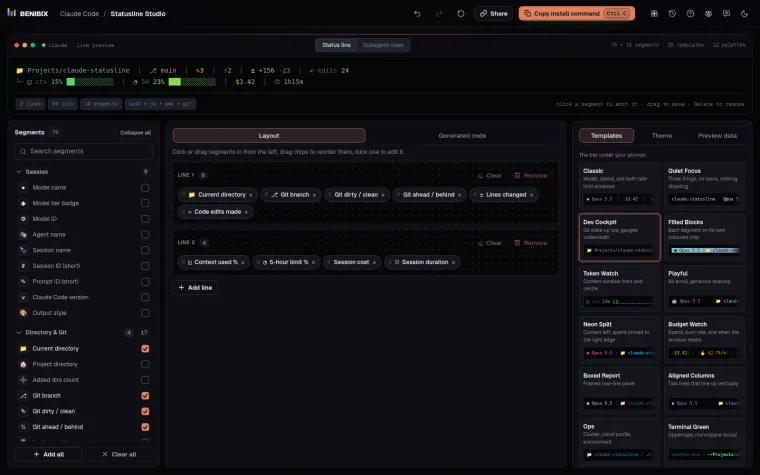
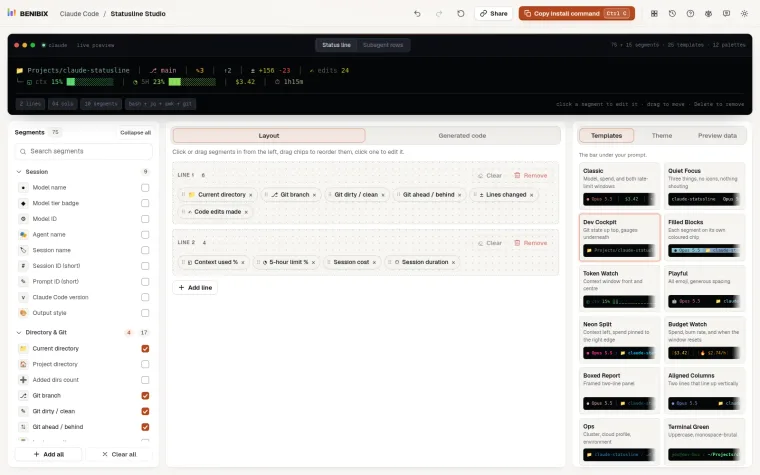
Statusline Studio builds subagent rows too: switch the builder from Status line to Subagent rows, start from one of its 5 subagent templates, and pick from 15 segments (agent name and type, status, description, model, effort, tokens, context used, running time, working directory and more), each styled like the main line's. It writes the script in Bash, Python or Node.js, the subagentStatusLine setting, and the test command above. For the main bar, how to set up a Claude Code status line covers the basics.