Short answer: when the context window is nearly full, Claude Code compacts the conversation: it replaces the history so far with a summary and carries on from there. It happens on its own near the limit (auto-compact), or when you type /compact. You keep working in the same session, but details that did not make it into the summary are gone, which is why Claude sometimes "forgets" a decision from an hour ago.
Why does Claude Code compact?
Every turn sends the whole conversation to the model: your prompts, Claude's replies, every file it read and every command output. Long sessions grow until they no longer fit in the model's context window. Compaction shrinks the history so the session can continue instead of failing.
What survives a compaction, and what does not?
| Kept | Usually lost |
|---|---|
| Your CLAUDE.md files, loaded again after compacting | Exact wording of earlier prompts |
| A summary of the task, decisions and changes so far | Full contents of files read early on |
| The files on disk, which Claude can read again | Long command outputs and logs |
| Your settings, permissions, skills and tools | Small decisions that the summary skipped |
If something must never be forgotten, it belongs in CLAUDE.md, not in the conversation. See what to put in CLAUDE.md.
How do I control what the summary keeps?
Compact by hand, before the limit, and say what matters:
/compact keep the API design decisions and the list of failing tests, drop the explorationA compaction you start at a natural break, with instructions, keeps far more of what you need than an automatic one in the middle of a task.
How do I see how full the context is?
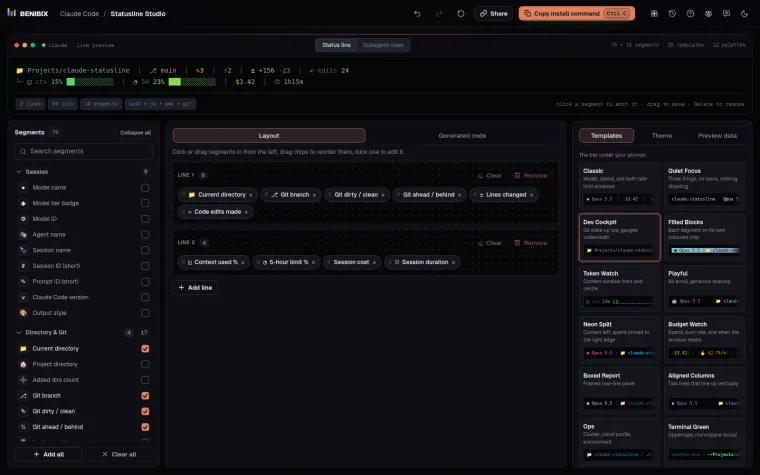
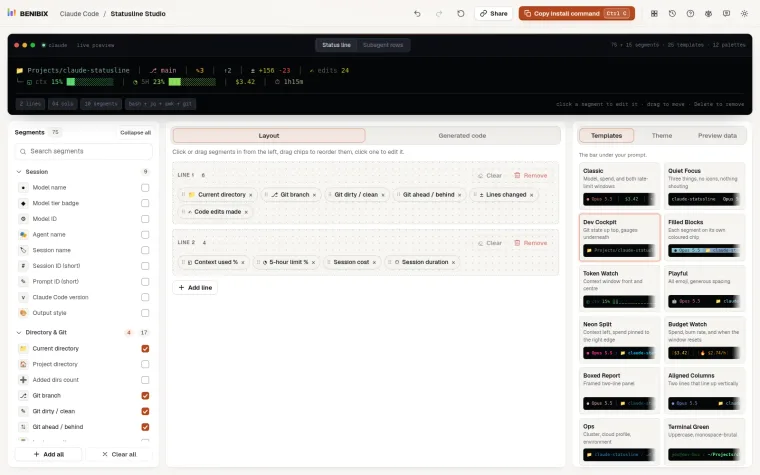
/contextshows what fills the window right now: system prompt, tools, CLAUDE.md, messages.- A status line can show a context meter under the prompt all the time. Statusline Studio builds one with a context segment that changes colour as it fills.
When the meter passes about three quarters, finish the current step, then compact with instructions or start fresh.
Should I compact or start a new session?
- Compact when you are in the middle of one task and need what you learned so far.
/clearwhen the task is done. A new task in a fresh context is cheaper and sharper than one carrying an old summary.- A subagent for a big search or a long read. It works in its own context and returns only the result, so your main session fills up more slowly. See Claude Code subagents.
Can I run something before every compaction?
Yes. A PreCompact hook runs before compacting, with a matcher of manual or auto, so you can save a note, a log or the current todo list to a file first. See Claude Code hooks and their exit codes.
How often does it happen to me?
Every compaction is written to your session history in ~/.claude/projects as a compact boundary, with how much context there was before. Counting those over a few weeks shows whether your sessions regularly run out of room, and in which projects.
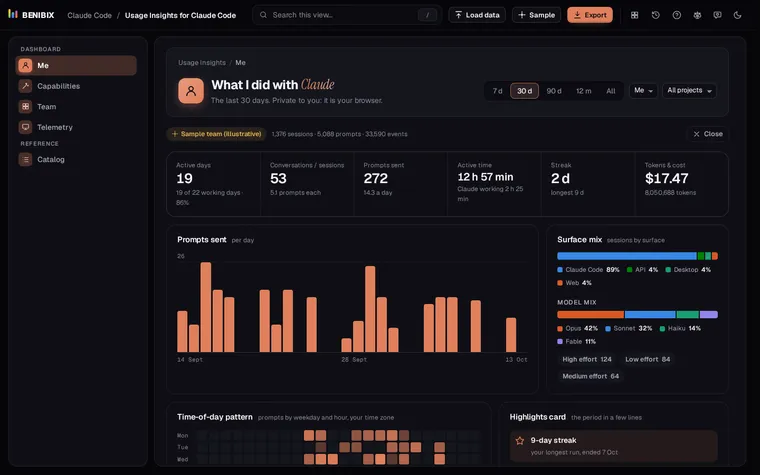
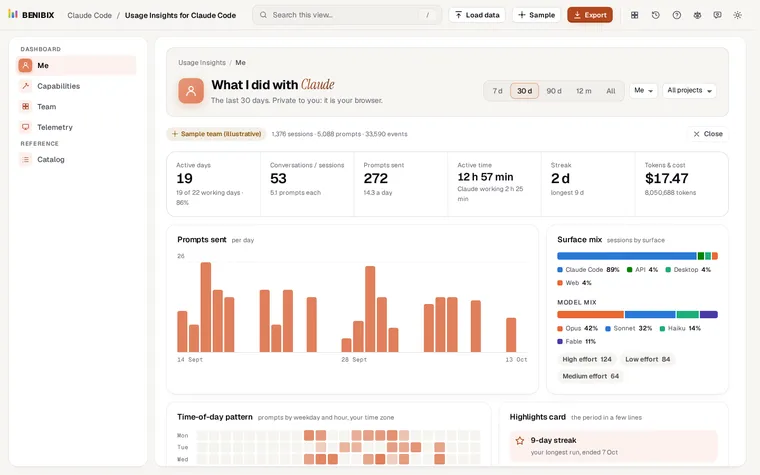
Usage Insights for Claude Code reads that history in your browser, with nothing uploaded. Its Telemetry view shows Compactions: how often the context filled up and how much each compaction kept, next to turn times, interruptions and tool health. The lesson Is Claude Code working well? explains each panel.
Where can you check this?
What is the short version?
- Compaction swaps the history for a summary when the context fills up.
- CLAUDE.md and files on disk survive; details in the conversation may not.
- Run
/compactwith instructions at a natural break, or/clearwhen the task is done. - Watch the context meter in a status line, and check your history for how often it happens.