Claude Code
Config Studio for Claude Code
Every file Claude Code reads, explained: what each setting does, where it lives, which file wins, and an editor that writes it for you.
32 ready-to-use Agent Skills with a "Will it trigger?" tester, a quality checklist, install commands and zip downloads.
Skills Gallery for Claude Code is a free catalog of 32 ready-made Agent Skills for Claude Code and the Claude apps. You can read every file, check whether a skill matches the way you ask, and install it with one paste.
Skills teach Claude how to do a specific job, like writing tests or reviewing a SQL query, but finding good ones is slow. Most lists only give you a link, so you have to open each folder, read it, and copy files by hand.
This gallery puts the whole skill on one page: the SKILL.md, any scripts and references, a quality checklist, and a before and after example. When you like one, you copy a single command that writes the files into your skills folder. Nothing is downloaded from elsewhere.
Type a request the way you would say it, and the list ranks skills by how many meaningful words their descriptions share with it. Each row shows the reason, and you can paste your own draft description to test it.
The SKILL.md and any bundled scripts or reference files are shown with syntax highlighting. You see exactly what you install before it touches your machine.
Copy one command that creates the folder and writes the files for you (~/.claude/skills/) or for the current project (.claude/skills/). The files are inside the command, so nothing is fetched.
Each skill is scored on 8 checks, including whether its description says what it does and when to use it, and whether SKILL.md stays under 500 lines.
Every skill shows what Claude typically does for the same request without the skill and with it.
Download one skill as a .zip, scripts and references included, or every skill in your current filter at once. A .zip is also what you upload in the Claude apps.
A short video of Skills Gallery for Claude Code doing its one job, from an empty screen to the finished result.
Best for: you want to add useful skills to Claude Code without copying files by hand, and you want to read and check each skill before you install it.
Search by name or type what you would ask Claude, and the list ranks itself by how well each description matches.
Read the SKILL.md and its scripts, compare the before and after example, and look at the quality checklist.
Copy the install command, paste it in your terminal, and start a new Claude Code session.
A skill is a folder with a SKILL.md file that teaches Claude how to do a specific task. The file starts with a short header holding a name and a description, followed by plain instructions, and the folder can also hold scripts and reference files. Claude only sees the name and description until your request fits, then it reads the rest, so unused skills keep your context small.
Put it in ~/.claude/skills/<name>/ to use it in all your projects, or in .claude/skills/<name>/ inside a repo to share it with everyone who clones that repo. Start a new session after adding one. In the Claude apps, where custom skills are enabled, you upload the skill as a .zip in Settings.
No. It measures the meaningful words your request shares with each description, giving rarer words more weight and adding a small list of everyday synonyms. Claude decides by meaning, not word counts. The check is still useful, because a description that shares none of the words people actually use is a common reason a skill never loads.
Yes, as long as you read them, and they are short enough to read. They only run mkdir, cat and, for skills with scripts, chmod +x. Every file is written out inside the command, so nothing is downloaded while it runs.
There are 32 skills across 8 categories: dev workflow, docs, testing, data, writing, design, DevOps and security. Examples include writing tests from a bug report, reviewing SQL, auditing accessibility, hunting flaky tests and writing postmortems. 11 of them bundle helper scripts or reference files.
No account is needed and nothing is tracked. The site has no backend, no trackers and no cookies. Saved skills, your theme and your install choice stay in your browser's local storage.
No. Skills Gallery for Claude Code is independent: it is not made, endorsed or supported by Anthropic. Product names on this page are their owners' trademarks, used only to say what it works with.
It opens on 17 Jan 2027. Everything above is what it will do.
Every file Claude Code reads, explained: what each setting does, where it lives, which file wins, and an editor that writes it for you.
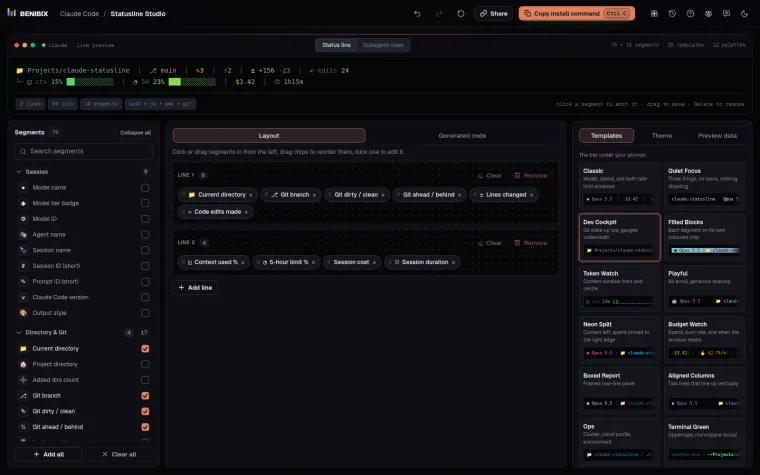
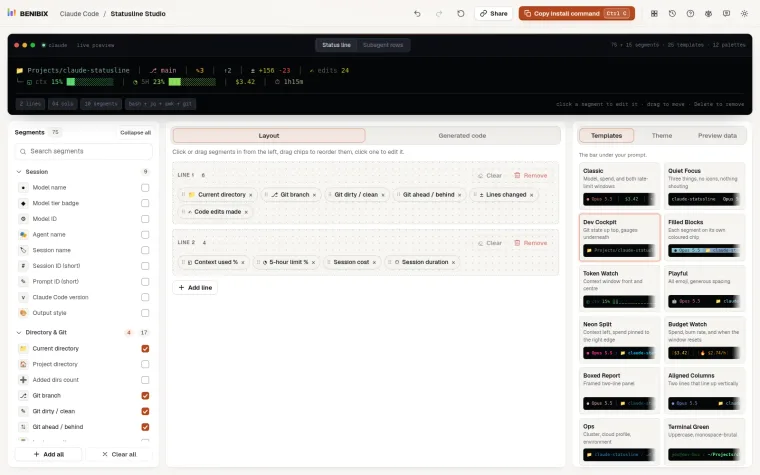
Pick from 75 segments (and 15 more for subagent rows), style each one and watch the status line render live, then copy a ready-to-run script in Bash, Python or Node.js.
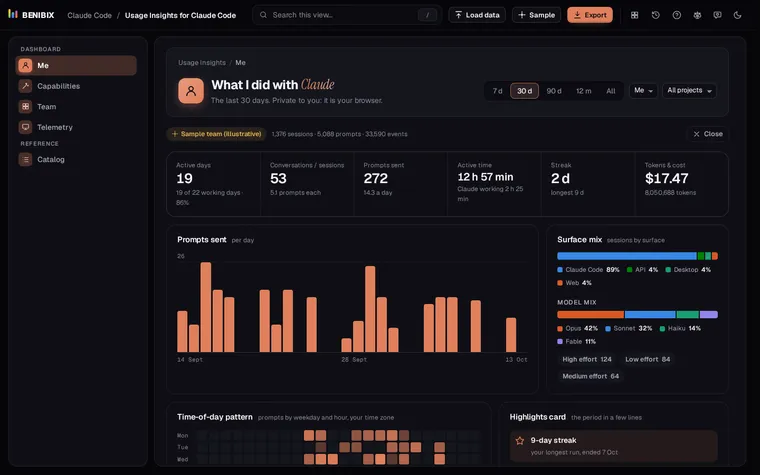
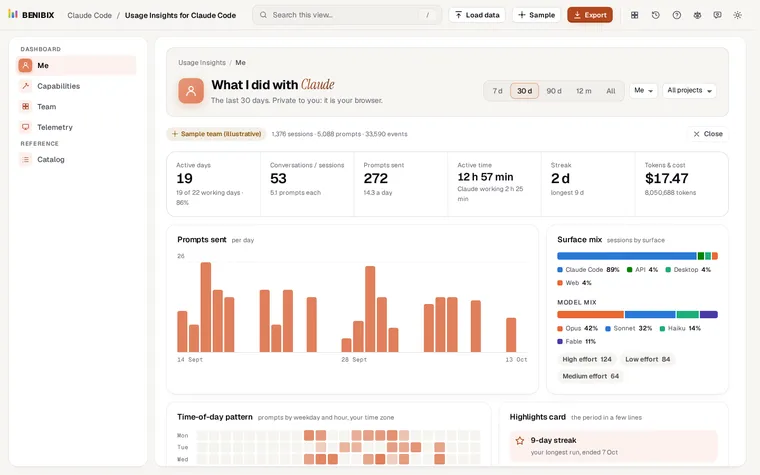
See what you and your team did with Claude: activity, what you built, the tools and skills you used, cost and telemetry, from your Claude Code history, in your browser.