Prompts
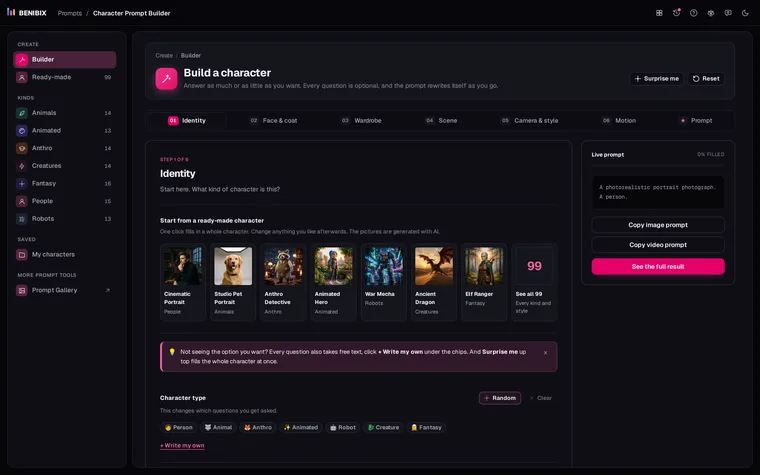
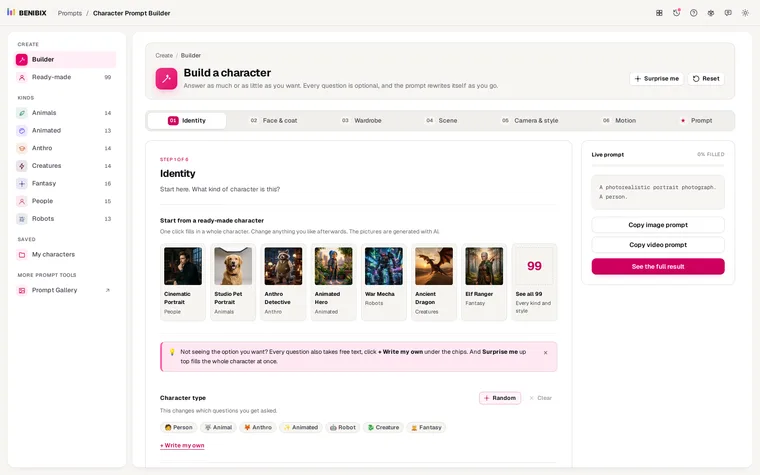
Character Prompt Builder
Answer a few questions about a person, animal, creature or robot and get prompts for stills and video, plus an identity block that keeps them consistent.
68 checked MCP servers with install snippets for five apps, a private API-key form and a compare view.
MCP Directory is a searchable catalog of Model Context Protocol servers. Pick a server, your app and your system, and it builds the exact config snippet you need to paste.
Every AI app wants MCP servers set up a little differently. VS Code expects a "servers" key, Windsurf wants serverUrl, Claude Desktop needs a bridge for remote servers, and Windows needs cmd /c in front of npx. Translating a README by hand is slow and easy to get wrong.
MCP Directory keeps track of these differences for you. You choose a server, your app and your operating system, type your API key if one is needed, and copy a config that is ready to use. Your key stays in your browser tab.
Get the right format for Claude Code (a CLI command or .mcp.json), Claude Desktop, Cursor, VS Code or Windsurf. Each one uses the keys and file path that app expects.
Config file paths, shell quoting and the Windows cmd /c wrapper for npx are handled for the system you pick.
Type your API key and watch it drop into the snippet. It is not saved, not added to share links and not sent anywhere.
Leave the key empty and you get ${NAME} for Claude Code, which reads it from your environment, or an input prompt for VS Code. This keeps keys out of files you commit.
Each entry shows whether it is official or community, remote or local, and whether it needs a key, plus its activity and the date it was checked.
Put up to 3 servers side by side, or start from a stack such as Web dev, Data or Research and export one combined config.
A short video of MCP Directory doing its one job, from an empty screen to the finished result.
Best for: you want to connect Claude Code or another AI app to a tool like GitHub, Notion or a database without working out the config format by hand.
Search by name or browse the 12 categories, from databases and browsers to payments and AI memory.
Choose the AI app you use and whether you are on macOS, Windows or Linux.
Fill in any key the server needs, then copy or download the finished config.
An MCP server is a small program or hosted URL that gives an AI assistant new abilities through the Model Context Protocol. It can let Claude Code, Cursor or VS Code read your issues, query a database or search the web. Local servers run on your machine (often with npx, uvx or Docker), and remote servers are a URL you connect to.
You run a claude mcp add command or add an entry to a .mcp.json file in your project. MCP Directory builds either version for you, with your key filled in or left as a ${NAME} placeholder that Claude Code reads from your environment.
Yes, it only goes into the snippet on your screen. The key is not saved to storage, not added to share links and not sent to any server, and it is gone when you close the tab.
A remote server is a URL hosted by the provider, so there is nothing to install. A local server runs on your own computer and usually needs Node, Python or Docker. Each entry in the directory shows which options it offers.
It makes configs for Claude Code, Claude Desktop, Cursor, VS Code and Windsurf. For Claude Code you can choose a CLI command or a .mcp.json file, and pick whether the server is for you, your team or all your projects.
Official means the company behind the service, or the MCP project itself, publishes the server. Community servers are built by someone else and are marked so you know. Of the 68 servers listed, 65 are official and 3 are community.
No. It is an independent project and is not affiliated with Anthropic, Cursor, Microsoft, Codeium or any server publisher. “Claude” and “Claude Code” are trademarks of Anthropic PBC and “VS Code” of Microsoft Corporation; they and the other product names here are used only to say what each server works with, and belong to their owners.
It opens on 20 Dec 2026. Everything above is what it will do.
MCP Directory is the first MCP tool, with more on the way. Until then, here are the newest tools from the rest of the shelf.
Answer a few questions about a person, animal, creature or robot and get prompts for stills and video, plus an identity block that keeps them consistent.
Paste your data, say what the chart should show, answer two or three questions, and see the charts that fit drawn with your own numbers, with their names in Power BI, Tableau and Excel.
Every file Claude Code reads, explained: what each setting does, where it lives, which file wins, and an editor that writes it for you.