Short answer: a terminal theme is a list of 16 colours, numbered 0 to 15, plus a background, a foreground, a cursor and a selection colour. Programs never say "#ff5555". They say "colour 1", and your theme decides what colour 1 looks like. That is why the same git diff looks different in every terminal.
I used to change themes every few weeks and wonder why some of them made my prompt unreadable. Once I understood the slots, picking one got easy.
What are the 16 slots?
| Number | Name | Typical use |
|---|---|---|
| 0 | Black | Backgrounds of bars, dim text in light themes |
| 1 | Red | Errors, deleted lines |
| 2 | Green | Success, added lines |
| 3 | Yellow | Warnings, modified files |
| 4 | Blue | Directories, links |
| 5 | Magenta | Keywords, special values |
| 6 | Cyan | Strings, info |
| 7 | White | Normal text in some programs |
| 8 to 15 | Bright versions of 0 to 7 | Emphasis, bold text, hints |
Slot 8, "bright black", deserves a special mention: many tools use it for comments, hints and greyed-out text. In a lot of themes it is too close to the background, which is why autosuggestions or comments sometimes disappear.
What about the background and foreground?
They are separate from the 16. The background is the terminal's canvas and the foreground is the default text colour. A good theme makes the foreground and all eight bright colours readable on the background, and keeps slot 0 distinguishable from it, because some programs paint bars with it.
How do 256 colours and true colour fit in?
Programs can ask for more than 16 colours in two ways:
- 256 colours: numbers 0 to 15 are your theme's slots, 16 to 231 are a fixed 6 × 6 × 6 colour cube, and 232 to 255 are 24 shades of grey. Only the first 16 change with your theme.
- True colour (24-bit): the program sends an exact RGB value, such as the escape sequence
\e[38;2;255;121;198m. Your theme has no say at all.
So a program that uses true colour, like many editors and modern prompts, keeps its own colours when you switch themes. A program that uses the 16 slots follows your theme. Neither is wrong; just know which one you are looking at.
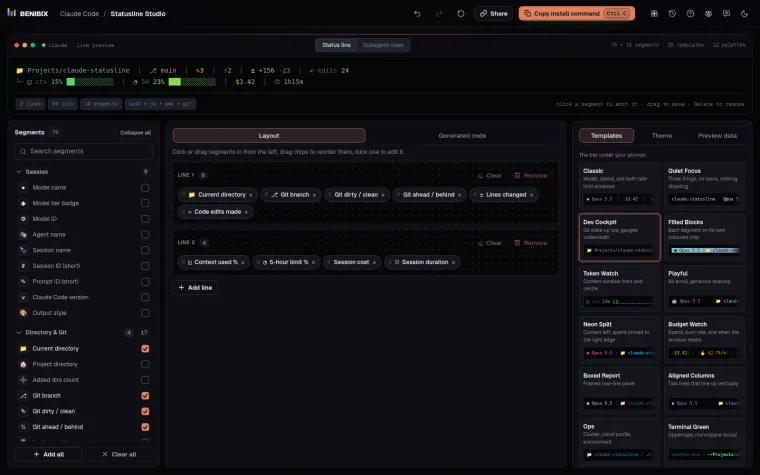
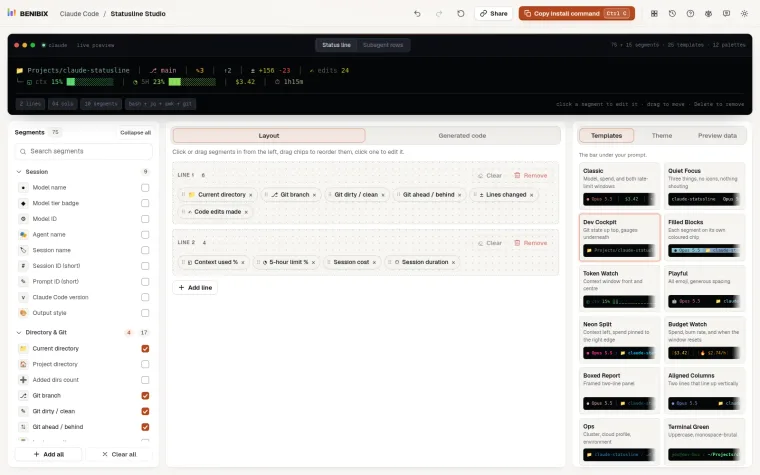
The Claude Code status line is a good example. Statusline Studio writes exact 24-bit colours by default, so your status line looks the same in every theme. If your terminal shows them wrong, turning off 24-bit colour in its Theme panel switches the script to the 256-colour set, which older terminals handle.
Where can you check this?
How do I check a theme is readable?
Look at the contrast of each colour against the background. Text needs a contrast ratio of at least 4.5:1 to be comfortable to read (that is the WCAG level for normal text). Dark themes often fail with blue (slot 4) and bright black (slot 8); light themes often fail with yellow (slot 3) and cyan (slot 6).
A quick test is to print all 16 on your background:
for i in $(seq 0 15); do printf '\e[38;5;%sm colour %2s \e[0m\n' "$i" "$i"; doneIf you have to squint at a line, so will every program that uses that slot.
Statusline Studio lets you set the text and background colour of each of its 75 segments, with 12 colour palettes, and renders the status line live so you can check it on your background before you copy the script.