Short answer: Move the field left and right with transform: translateX() in a keyframe (0, −8px, 8px, −8px, 8px, 0 over 0.5s), put the animation on a class, and add that class with JavaScript when the submit fails, removing it on animationend so it can play again. The shake is only the hint: the field also needs aria-invalid="true" and an error message in words, and the shake goes away for people who ask for reduced motion.
The little side-to-side shake is the login box shaking its head: "no, try again". It is a good signal because it happens right where the eyes are. It is also easy to build badly, as a shake that plays only once, or one that is the only sign anything went wrong.
The shake keyframe
This starts from Motion Studio's error shake, with the animation moved onto a class so it plays when you choose, and a darker red for the message text:
.shake-field {
  display: grid;
  gap: 6px;
  width: 220px;
  font-family: inherit;
}

.shake-field input {
  padding: 10px 12px;
  border: 1.5px solid #1d1a2640;
  border-radius: 10px;
  background: #ffffff;
  color: #1d1a26;
  font: inherit;
  font-size: 14px;
}

.shake-field input[aria-invalid="true"] {
  border-color: #ff5d5d;
  box-shadow: 0 0 0 4px #ff5d5d24;
}

.shake-field input.is-shaking {
  animation: shake-field 0.5s ease-in-out both;
}

.shake-field small {
  color: #c62828;
  font-size: 12px;
}

@keyframes shake-field {
  0%, 100% {
    transform: translateX(0);
  }
  20%, 60% {
    transform: translateX(-8px);
  }
  40%, 80% {
    transform: translateX(8px);
  }
}

@media (prefers-reduced-motion: reduce) {
  .shake-field input.is-shaking {
    animation: none;
  }
}transform moves the field without moving anything around it, so the page does not jump and the browser can animate it smoothly. Animating margin or left would push the label and button around with it.
How do you play the shake on every failed submit?
A CSS animation plays when the class is added, and not again while it stays. So remove the class when the shake ends:
<form class="signin" novalidate>
  <div class="shake-field">
    <label for="email">Email</label>
    <input id="email" type="email" required aria-describedby="email-error" />
    <small id="email-error" hidden>Enter a valid email address</small>
  </div>
  <button type="submit">Sign in</button>
</form>const form = document.querySelector('.signin');
const input = form.querySelector('#email');
const error = form.querySelector('#email-error');
form.addEventListener('submit', (event) => {
if (input.checkValidity()) return;
event.preventDefault();
input.setAttribute('aria-invalid', 'true');
error.hidden = false;
input.classList.remove('is-shaking');
void input.offsetWidth; // restarts the shake if it is still running
input.classList.add('is-shaking');
input.focus();
});
input.addEventListener('animationend', () => input.classList.remove('is-shaking'));
input.addEventListener('input', () => {
if (!input.checkValidity()) return;
input.removeAttribute('aria-invalid');
error.hidden = true;
});The void input.offsetWidth line makes the browser notice the class was gone for a moment, so a second click in the middle of a shake starts it again. For a wrong password, the check happens on the server: call the same three lines (remove, offsetWidth, add) when the answer comes back.
In Chrome 153 and Firefox 155, the field moved up to 8px each way, shook again on every failed submit, and stayed still with reduced motion turned on.
Can you shake a field with CSS only?
Yes, with :user-invalid, which matches a field only after the person has interacted with it or tried to submit, not while the page is still fresh:
.shake-field input:user-invalid {
  border-color: #ff5d5d;
  animation: shake-field 0.5s ease-in-out;
}MDN lists :user-invalid as Baseline widely available. It shakes once when the field turns invalid, not on every submit, and it only knows the browser's own rules (required, type="email", pattern). One surprise: type="email" accepts name@example without a dot, so the browser's check is loose; the server must check too.
What makes a shake accessible?
The shake must never be the only signal. WCAG's error identification rule asks that when an input error is detected, "the item that is in error is identified and the error is described to the user in text". So:
| Piece | Why |
|---|---|
| An error message in words | People who cannot see the shake, or missed it, still learn what is wrong |
aria-invalid="true" on the field | Screen readers announce it as invalid |
aria-describedby pointing to the message | The message is read with the field |
| Focus moved back to the field | The person lands where the fix goes |
No shake with prefers-reduced-motion | Motion can make some people feel sick; the colour and message stay |
| A darker red for small text | #ff5d5d on white is about 3:1, enough for a border but not for 12px text; #c62828 is 5.6:1 |
Keep it short and small, too: 0.5 seconds and 8px reads as "no"; a long or wide shake reads as a broken page.
Where can you check this?
Can you change the shake without editing CSS?
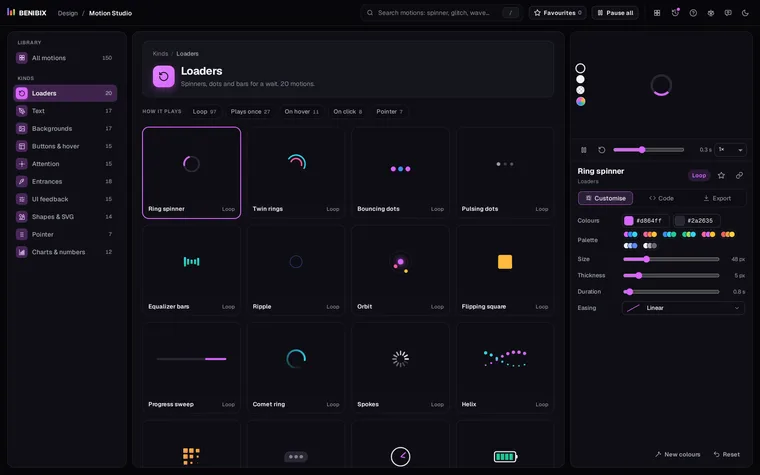
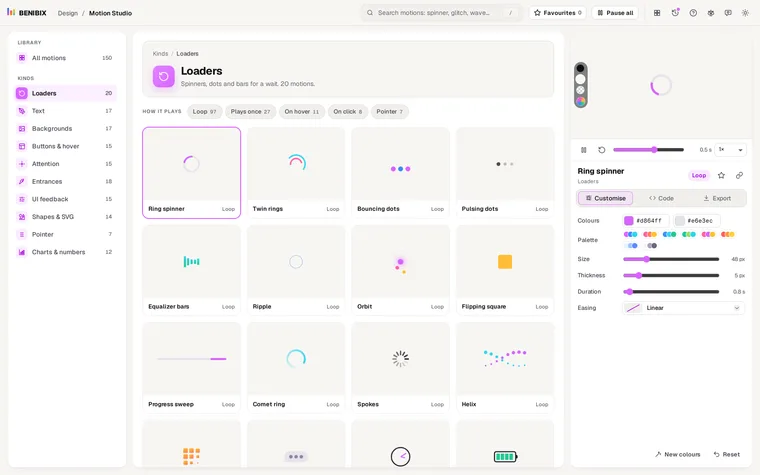
Motion Studio has the Error shake with its error colour, distance, duration and easing as settings, among 150 motion graphics. It exports the result as HTML and CSS, React, Vue or Svelte, a GIF or a video, with the reduced-motion rule already in the code.