Short answer: write a sentence that describes the scene instead of a list of keywords, then add the light, the camera angle and the lens. When you edit your own photo, say exactly what to change and end with "Do not change any other elements of the image."
Gemini's pictures come from Google's Nano Banana models. A string of keywords leaves out what matters most to them: who is in the scene, where, and what is happening. Written as a sentence, the same idea gives the model all three.
Checked against Google's image generation docs (2 November 2026).
How do you write a Gemini image prompt?
Google's own advice is to "describe a scene in rich detail. The more specific you are, the more control you have over the results." Compare:
| Keywords | A scene |
|---|---|
| cafe, woman, laptop, cozy, warm, 4k | A woman in a green coat works on a laptop at a small window table in a quiet Vienna cafe, late afternoon sun falling across the table, steam rising from her coffee. |
The second tells the model who, where, when and what is happening. That is most of the work.
How do you make it look like a photo?
Add the light and the camera, in the order Google's docs suggest: "[Description of the light]. Shot from a [camera angle] with a [lens type]."
Light changes the mood more than any style word. "Overcast", "golden hour" and "neon at night" each give a different picture of the same scene.
How do you edit your own photo without losing your face?
Upload the photo, then say three things: what to change, how it should look, and what must stay. Google's example for the last part is "Do not change any other elements of the image."
One change per prompt works better than five at once. More examples in AI photo editing prompts and a headshot from a selfie.
Which Nano Banana model is Gemini using?
Google lists several: Nano Banana, Nano Banana 2, Nano Banana 2 Lite, Nano Banana 2.1 and Nano Banana Pro. The tips above apply to all of them. How they compare with Midjourney, Flux and GPT Image is in which image model to use.
Where can you check this?
Where do you find prompts that already work?
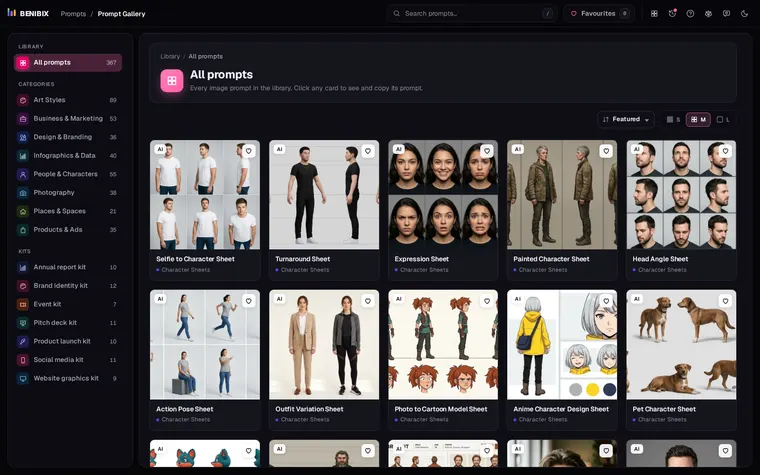
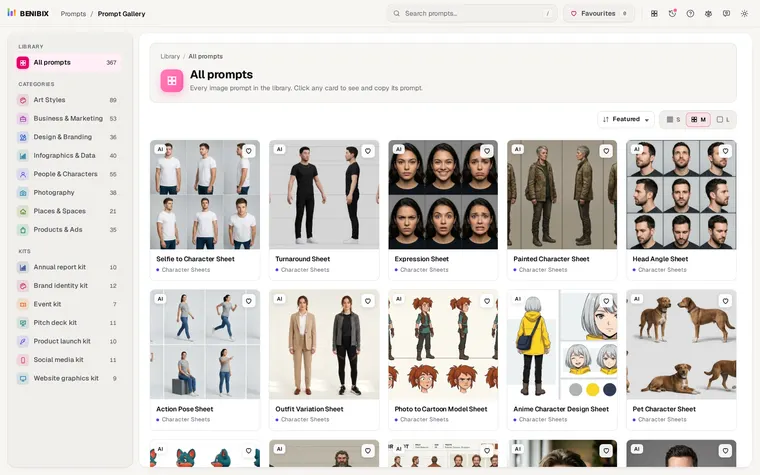
Starting from a prompt that worked is faster than starting from a blank box. Prompt Gallery has 558 tested image prompts in 9 categories, each next to the picture it made, written as plain sentences that suit Nano Banana. Copy one, swap in your subject, and keep its light and camera words.