Short answer: add the line that matches the problem. Vague answer: give a role, name the reader and ask it to ask you questions first. Too long: set the format and the length. Made up: tell it to use only your text and to say "I don't know". Shallow: ask it to find the flaws or argue the other side.
A bad answer is rarely the model's fault alone. It answered the question it was given, and the question left out who the answer is for, how long it should be, or what to do when it is not sure. One extra line fixes most of it.
The lines below work in ChatGPT, Claude and Gemini. The time in the last column jumps to the moment the video shows the line with an example.
How do you fix a vague answer?
| Line | Example to copy | Video |
|---|---|---|
| Ask first | "Before you answer, ask me up to five questions you need answered." | 0:21 |
| Give a role | "Answer as an experienced tax adviser in Austria." | 0:30 |
| Name the reader | "The reader is a new team member with no finance background." | 0:38 |
| Share an example | "Write it in the style of this example: ..." | 0:47 |
How do you fix an answer that is too long or messy?
| Line | Example to copy | Video |
|---|---|---|
| Set the format | "Give me a table with three columns: option, cost, risk." | 0:55 |
| Set the length | "In five bullet points, at most 15 words each." | 1:04 |
| No filler | "No introduction and no summary. Start with the answer." | 1:13 |
| Make it plainer | "Rewrite this so a 12-year-old understands it." | 2:27 |
| Change the tone | "Make it friendly but direct, like a colleague." | 2:35 |
How do you stop it making things up?
| Line | Example to copy | Video |
|---|---|---|
| Use only my text | "Answer only from the text below. If it is not there, say so." | 1:29 |
| Allow "I don't know" | "If you are not sure, say 'I don't know' instead of guessing." | 1:45 |
| Ask for sources | "Name the source for each fact, so I can check it." | 1:54 |
| Check the numbers | "Recalculate every number and show the working." | 2:02 |
Sources from a chat model can be wrong too. Open each one before you rely on it.
How do you get a deeper answer?
| Line | Example to copy | Video |
|---|---|---|
| Step by step | "Work through it step by step before you give the answer." | 1:20 |
| Give options | "Give me three different approaches and when each one fits." | 1:37 |
| Find the flaws | "List the three weakest points of this plan." | 2:10 |
| Argue against it | "Argue the other side as well as you can." | 2:18 |
| What did I miss? | "What important question have I not asked?" | 2:44 |
What helps in a long chat?
| Line | Example to copy | Video |
|---|---|---|
| Sum up so far | "Sum up what we decided so far in five bullets." | 2:52 |
| Fix my prompt | "Rewrite my prompt so it gets a better answer, then answer that." | 3:02 |
A long chat slowly loses the thread. When the answers start to drift, ask for the summary, open a new chat and paste it in.
Where can you check this?
Where do you start?
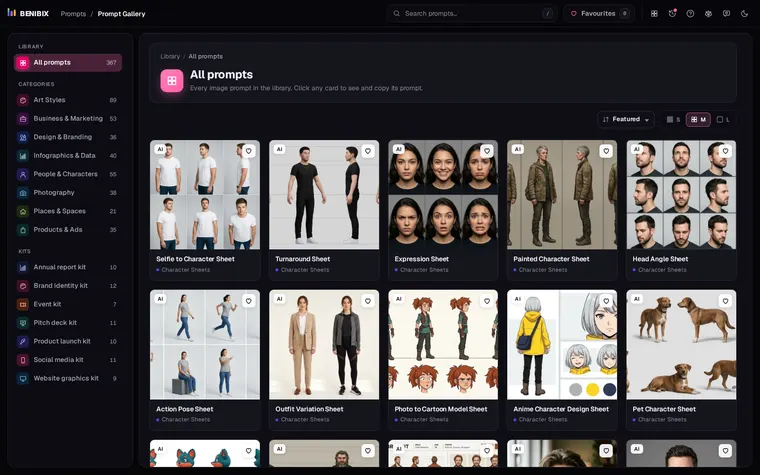
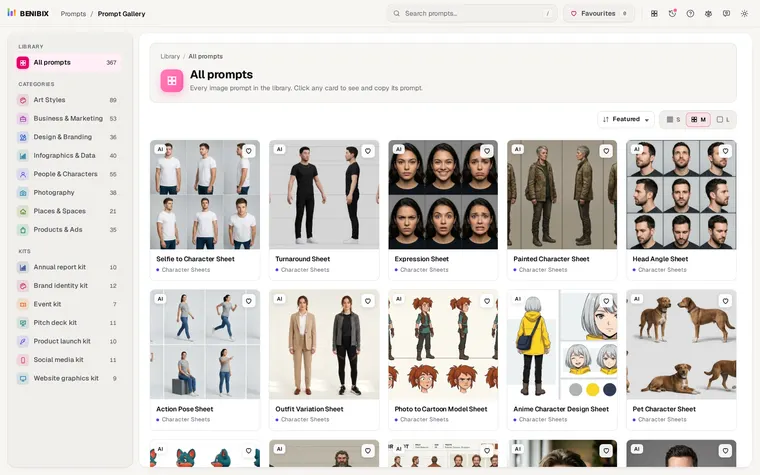
Pick the problem you hit most this week and keep its line in a note you can paste. "Ask first" and "Fix my prompt" are the two that help almost every time. For pictures rather than text, the same idea holds: start from a prompt that already worked. Prompt Gallery has 558 tested image prompts, each next to the picture it made.