Short answer: Put the SVG inline in your HTML, set fill="currentColor" (or stroke="currentColor" for an outline icon), and change the colour with the CSS color property. An SVG loaded through <img src="icon.svg"> or background-image cannot be recoloured by your CSS; for those, use the file as a mask on an element and set its background-color.
You write svg { fill: red; }, reload, and the icon stays black. Or it turns into a solid red blob. Both happen for simple reasons, and once you know which case you are in, the fix is one line.
Why does fill: red do nothing?
Three usual causes:
| What you see | Why | Fix |
|---|---|---|
| No change at all | The SVG is in an <img> or a CSS background: it is a separate image, and the page's CSS does not reach inside it | Paste the SVG inline, or use the mask trick below |
| No change at all | The paths inside have their own fill="#000", which wins over a colour inherited from the <svg> | Set fill="currentColor" on the paths, or target them: svg path { fill: currentColor; } |
| A solid blob | It is an outline icon, drawn with stroke; filling it paints the inside of every shape | Set stroke, not fill, and keep fill="none" |
How do you recolour an inline SVG?
Use currentColor in the SVG and the colour in CSS. currentColor takes the value of the element's color property, so the icon follows the text around it:
<button class="btn">
  <svg width="20" height="20" viewBox="0 0 24 24" fill="none"
       stroke="currentColor" stroke-width="2" aria-hidden="true">
    <path d="M6 8a6 6 0 0 1 12 0c0 7 3 9 3 9H3s3-2 3-9"/>
    <path d="M10.3 21a1.94 1.94 0 0 0 3.4 0"/>
  </svg>
  Notifications
</button>.btn { color: #1f2937; }
.btn:hover { color: #2563eb; }
@media (prefers-color-scheme: dark) {
.btn { color: #e5e7eb; }
}The text and the icon change together on hover and in dark mode, with no second icon file. A disabled button that greys its text greys its icon too.
Fill or stroke?
Open the SVG and look at its attributes:
- Outline icons (lines of even width) are drawn with
stroke: the<svg>hasfill="none"andstroke="...". Recolour the stroke. - Filled icons (solid shapes) are drawn with
fill. Recolour the fill. - Two-tone icons use both, or a second shape with lower opacity. Give each part its own colour with a CSS variable:
fill="var(--icon-accent, currentColor)", then set--icon-accentwhere you want it.
How do you recolour an SVG in an img tag or a background?
You cannot change the colours inside the file, but you can use its shape. Make the SVG a mask on an empty element and paint the element:
<span class="icon icon-bell" aria-hidden="true"></span>.icon {
display: inline-block;
width: 1.25em;
height: 1.25em;
background-color: currentColor;
mask: center / contain no-repeat;
}
.icon-bell { mask-image: url("/icons/bell.svg"); }The visible part of the SVG becomes the shape, and background-color: currentColor fills it, so it follows color like an inline icon. mask-image has worked across browsers since December 2023, per MDN.
Two catches: the mask uses only the shape, so a multi-colour icon turns into one colour; and the file must come from your own site (or one that allows it), served over http or https. A page opened straight from disk shows nothing, so test on a local server.
What about CSS filters?
You will find recipes like filter: invert(37%) sepia(93%) hue-rotate(190deg) saturate(500%) that tint a black icon in an <img>. They only approximate a colour, every colour needs its own recipe, and they tint everything in the image. Use them only when you can change neither the HTML nor the CSS around the image.
Should you make the icon accessible too?
If the icon sits next to text that says the same thing, hide it from screen readers with aria-hidden="true", as above. If the icon is the only thing in a button, the button needs a name: Accessible icon buttons: aria-label and aria-hidden shows both.
Where can you check this?
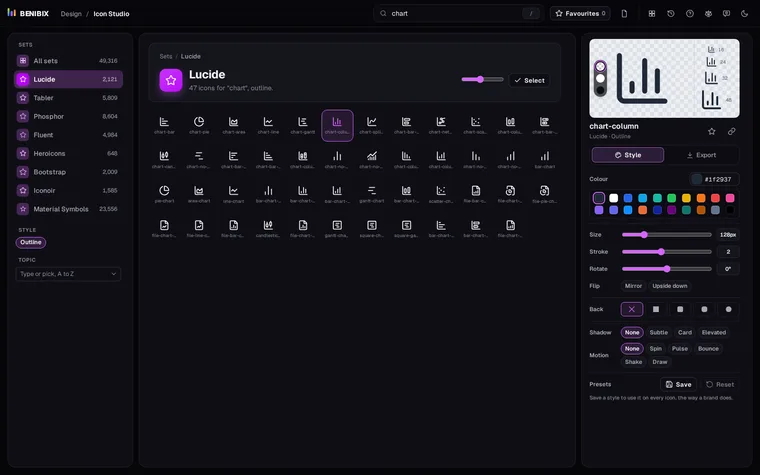
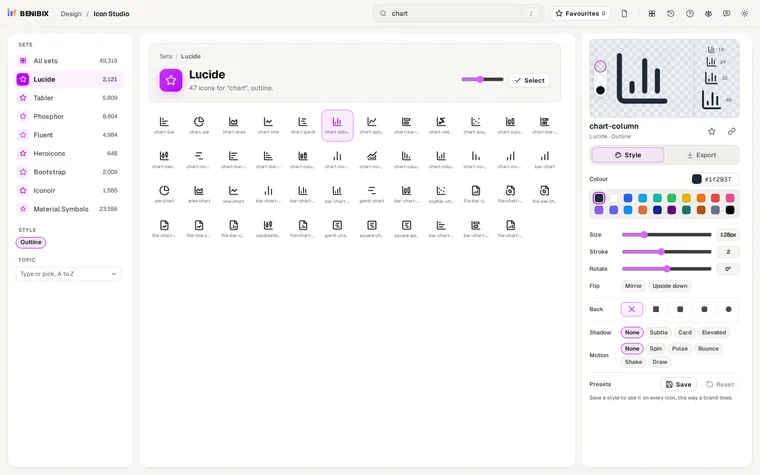
Where do you get icons to recolour?
Icon Studio searches more than 49,000 free icons from eight open-source sets, outline and filled. Copy an icon as SVG and set its fill or stroke to currentColor to colour it with CSS, or pick a colour, background and shadow in the studio and export it ready-made as SVG, PNG, React, CSS or a Power BI measure. Every set is free for commercial use under the MIT, ISC or Apache 2.0 licence.