Short answer: read rate_limits.five_hour.used_percentage and rate_limits.seven_day.used_percentage from the JSON Claude Code passes to your status line script, and resets_at for when each window starts again. They are there only for claude.ai Pro and Max subscribers, and only after the session's first response, so your script has to cope with them being absent.
Running into the 5-hour limit in the middle of a task is the worst moment to find out how close you were. With the limits in the status line you see it coming, the same way you watch the context window fill.
Which fields hold the limits?
Every time Claude Code updates the status line, it sends your script a JSON object on standard input. The limits sit under rate_limits:
| Field | What it holds |
|---|---|
rate_limits.five_hour.used_percentage | How much of the rolling 5-hour window you have used, from 0 to 100 |
rate_limits.five_hour.resets_at | When that window resets, in Unix epoch seconds |
rate_limits.seven_day.used_percentage | How much of the weekly window you have used, from 0 to 100 |
rate_limits.seven_day.resets_at | When the weekly window resets, in Unix epoch seconds |
Behind a Claude apps gateway that sets a spend limit for you, there is a third window, rate_limits.spend_limit, with its own used_percentage and resets_at, and from Claude Code 2.1.284 the dollars spent in used_usd.
Why is rate_limits missing from my payload?
Three reasons, all expected:
- You sign in with an API key. The windows exist only for claude.ai Pro and Max plans (or behind a gateway with a spend limit).
- The session has not had a response yet. The object appears after the first API response, so a fresh session starts without it.
- A window just reset. Claude Code drops a window once its
resets_attime has passed, and each window can be absent on its own.
So never assume the field is there. In Bash with jq, // empty prints nothing when a field is missing, and you skip the segment:
#!/bin/bash
input=$(cat)
model=$(echo "$input" | jq -r '.model.display_name')
five=$(echo "$input" | jq -r '.rate_limits.five_hour.used_percentage // empty')
week=$(echo "$input" | jq -r '.rate_limits.seven_day.used_percentage // empty')
reset=$(echo "$input" | jq -r '.rate_limits.five_hour.resets_at // empty')

line="$model"
if [ -n "$five" ]; then
  line="$line | 5h $(printf '%.0f' "$five")%"
  if [ -n "$reset" ]; then
    mins=$(( (reset - $(date +%s)) / 60 ))
    [ "$mins" -gt 0 ] && line="$line ($((mins / 60))h$((mins % 60))m left)"
  fi
fi
[ -n "$week" ] && line="$line | 7d $(printf '%.0f' "$week")%"
echo "$line"That prints something like Opus 5 | 5h 23% (2h14m left) | 7d 41%, and only Opus 5 until the limits arrive.
Does the status line update when a window resets?
Yes. Besides a new response, /compact, a permission mode change and the other usual triggers, Claude Code runs your script again when a window in the data it last sent reaches its resets_at time. So the percentage drops back without you sending a message.
A countdown like "2h14m left" is different: it only changes when the script runs. If you want it to tick while the session sits idle, add "refreshInterval": 60 to the statusLine setting, and Claude Code also runs the script every 60 seconds.
How do I make it turn red as it fills?
Pick a colour from the number before you print it. Green under 50%, amber up to 80%, red above is a common split:
c=$'\e[32m'; [ "${five%.*}" -ge 50 ] && c=$'\e[33m'; [ "${five%.*}" -ge 80 ] && c=$'\e[31m'
printf '%s5h %.0f%%\e[0m\n' "$c" "$five"How terminal colours work explains the escape codes, and why a 24-bit colour looks the same in every theme while colour 1 does not.
Where can you check this?
Is there a way without writing the script?
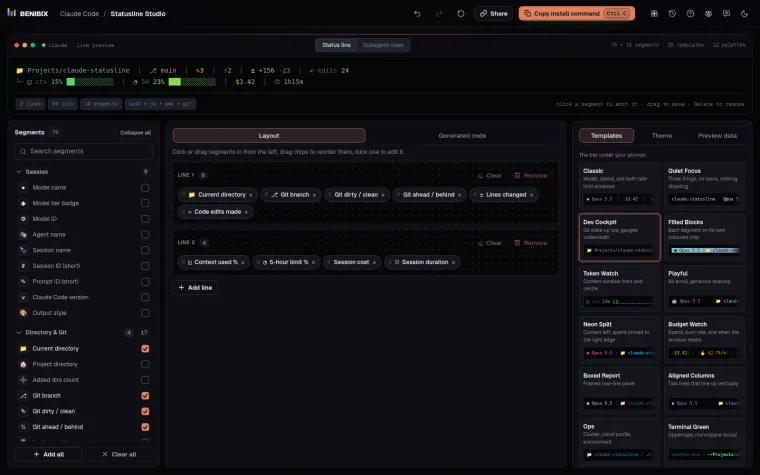
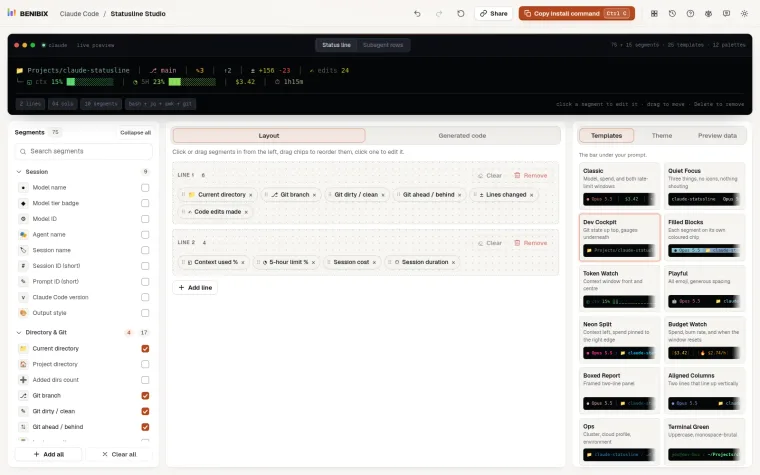
Statusline Studio has the limits as ready-made segments: 5-hour limit % and 7-day limit % as a number, a progress bar or a colour that turns from green to red, 5-hour reset as "2h14m left", "3:00pm" or both, 7-day reset, and for a gateway Spend limit % and Spend in dollars. Each one disappears on its own when Claude Code does not send it, and the preview's Near cap scenario shows how the line looks at 97%. Then copy one command that installs the script, in Bash, Python or Node.js.
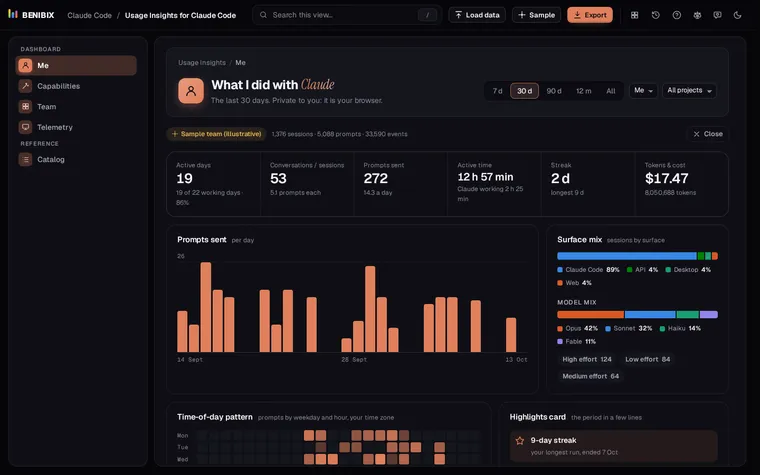
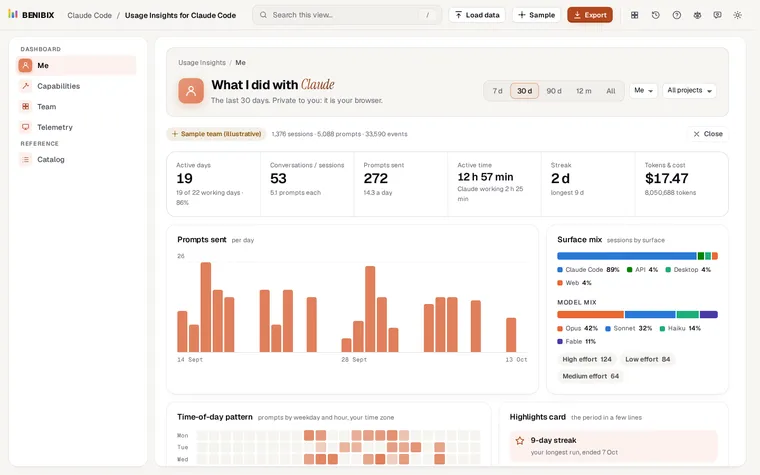
To see what you used over weeks rather than this session (your rhythm, tools, tokens and cost), Usage Insights for Claude Code reads your session history in the browser.