Short answer: draw grey blocks where the content will appear (a circle for the avatar, bars for the lines of text), give them a gradient background four times as wide as the block, and move its background-position from right to left in a loop. That moving light is the shimmer. Mark the container aria-busy="true" and stop the shimmer for people who prefer reduced motion.
What is the code?
<div class="skeleton" aria-busy="true" aria-label="Loading">
  <i></i><span></span><span></span><span></span>
</div>.skeleton {
display: grid;
grid-template-columns: 44px 1fr;
gap: 10px 12px;
width: 220px;
padding: 14px;
border-radius: 14px;
}
.skeleton i { grid-row: span 3; width: 44px; height: 44px; border-radius: 50%; }
.skeleton span { height: 10px; border-radius: 5px; }
.skeleton span:last-child { width: 60%; }
.skeleton i, .skeleton span {
background: linear-gradient(90deg, #2a2635 25%, #3d3850 37%, #2a2635 63%) 0 0 / 400% 100%;
animation: skeleton 1.4s ease-in-out infinite;
}
@keyframes skeleton {
0% { background-position: 100% 50% }
100% { background-position: 0 50% }
}
@media (prefers-reduced-motion: reduce) {
.skeleton i, .skeleton span { animation: none; }
}How does the shimmer work?
The gradient is the base colour, a lighter band, and the base colour again. 400% 100% makes it four times wider than each block, so only a slice of it shows at a time. Moving background-position from 100% to 0 slides the light band across. Every block uses the same timing, so the light seems to pass over the whole card at once.
On a light page, swap the colours: a pale grey base such as #e9e9ee with a near-white band #f6f6f9.
Skeleton or spinner?
| Use a skeleton when | Use a spinner when |
|---|---|
| You know the layout of what is coming: a list, a card, a profile | You do not know what is coming, or it has no layout |
| Loading takes about one to ten seconds | The wait is short or a single action, like saving |
| The content fills a large part of the screen | The wait is inside a small control, like a button |
Under about a second, show neither: a flash of grey that disappears at once looks like a glitch. Delay the skeleton by a few hundred milliseconds, so fast loads never show it.
How closely should it match the content?
A skeleton helps only if it looks like what replaces it. Use the same sizes, spacing and number of lines as the real card, so nothing jumps when the content arrives. Avoid layout shift: when the real text is a different height, the page moves under the reader's finger.
Keep it calm. A slow shimmer (about 1.2 to 1.6 seconds per pass) reads as "loading"; a fast one reads as alarm. Use the same skeleton style across the whole product.
How do you keep loading accessible?
aria-busy="true"on the area that is loading tells assistive technology to wait; set it tofalseor remove it when the content is in.- A label like
aria-label="Loading"gives the area a name while it has no text. - Announce the result if it matters, for example "12 results" in a polite live region, rather than announcing every skeleton.
- Reduced motion: without the shimmer the grey blocks still say "something is coming".
Where can you check this?
How do you make your own?
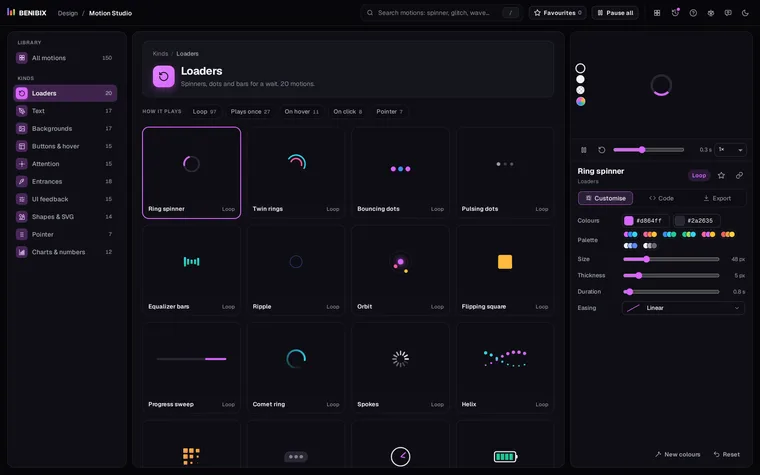
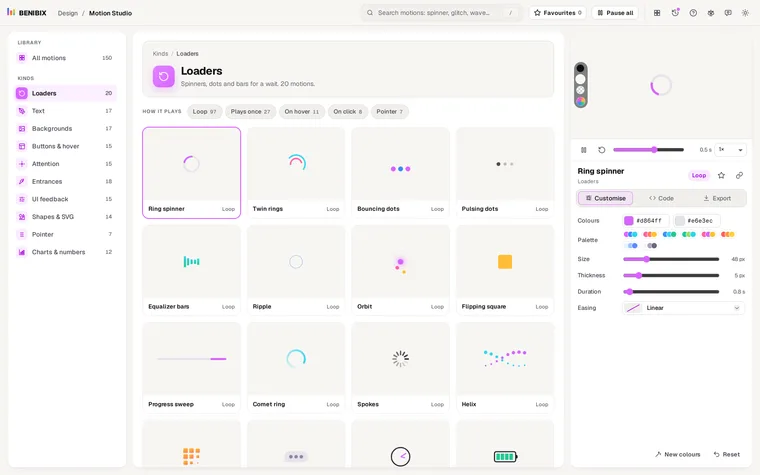
Motion Studio has this Skeleton shimmer in its UI feedback kind, among 150 motions. Pick the colour of the bones and of the shine, set the duration and the easing, check it on a dark and a light stage, and copy the HTML and CSS or a React, Vue or Svelte component. Its CSS ends with the reduced-motion rule, so you do not have to remember it.