Short answer: create a GitHub token, fork the stats server, import the fork into Vercel with the token as PAT_1, and point your cards at your own address. It takes about ten minutes on free accounts.
Public widget servers are shared by thousands of profiles and get rate limited or paused. Your own deployment only serves your profile. You need a GitHub account and a free Vercel account.
1. How do you create a GitHub token?
The server uses a token to read your public stats from the GitHub API. In GitHub, open Settings, Developer settings, Personal access tokens, and create a token. For public data it needs no extra permissions. Copy it.
2. How do you fork and deploy?
- Fork stats-organization/github-stats-extended to your account.
- In Vercel, choose Add New, Project, and import your fork.
- Under Environment Variables, add
PAT_1with the token as its value. - Press Deploy. After a minute you get an address like
https://your-stats.vercel.app.
Open https://your-stats.vercel.app/api?username=YOUR_NAME to check that it draws your card.
3. How do you point your cards at it?
In your README, replace the host in each card's image address with yours: https://github-readme-stats.vercel.app/api?username=you becomes https://your-stats.vercel.app/api?username=you. The rest of the address stays the same.
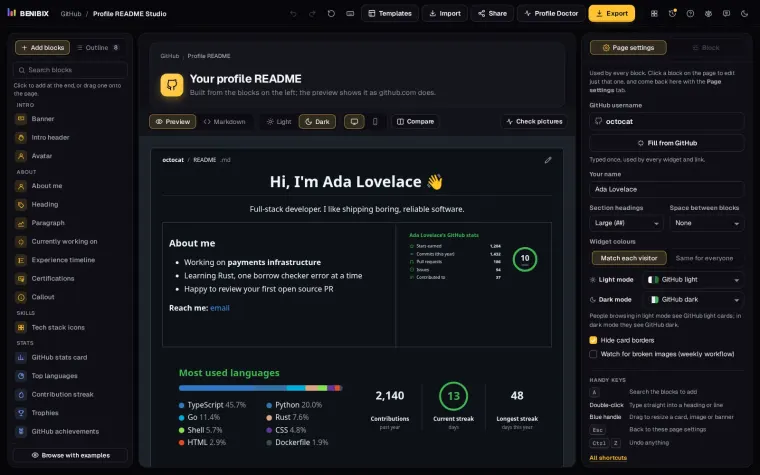
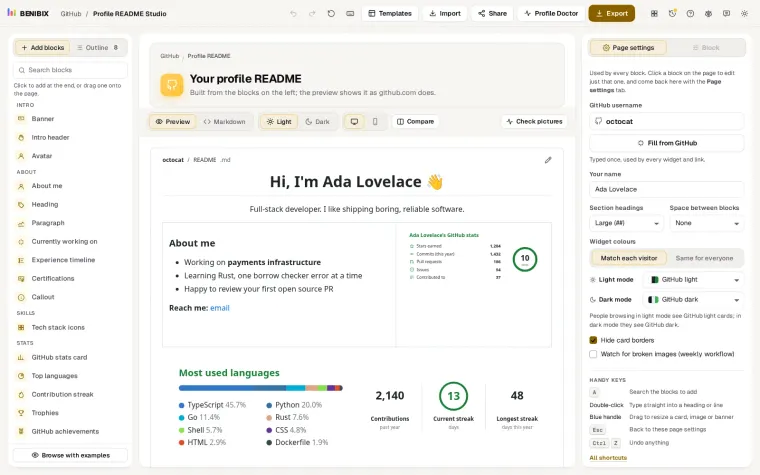
If you would rather not run a server at all, Profile README Studio draws the stats, languages and other cards itself, with one workflow in your own profile repository.
Is the token safe there?
It is safe as long as it stays in Vercel. The token is stored as an environment variable of your project, the server uses it to call the GitHub API, and it never appears in your README or in the card. Two habits keep the risk small:
- Give it as little as possible. A fine-grained token with read-only access to public repositories is all the stats card needs. Never reuse a token that can write.
- Give it an end date. Set an expiry, and when GitHub reminds you, make a new token and replace
PAT_1in Vercel. Redeploy, and the card keeps working.
If a token ever leaks, revoke it in GitHub's settings straight away. The worst a read-only token for public data can do is use up your API quota.
What does it cost?
Nothing for a personal profile. Vercel's free Hobby plan is meant for personal, non-commercial projects, and one profile's cards are far below its limits. For a company profile or a card used across many profiles, read Vercel's current terms first; the paid plan or another host may be the right home.
How do you keep it up to date?
The project you forked keeps getting fixes. On your fork's page in GitHub, Sync fork pulls them in, and Vercel deploys the new version on its own because it watches the repository. Do it when a card starts drawing something odd, or every few months.
Where can you check this?
What about other widgets?
Streak stats, trophies and the activity graph can be self-hosted the same way: fork the project, add the token its README asks for, deploy, and change the host in your README.
If you are not sure your cards are the problem, start with why GitHub stats cards stop loading. The lesson Fix broken GitHub stats cards for good shows the no-server option, cards drawn in your own repository, step by step.