Short answer: the cards are images drawn by free community servers, which get rate limited, paused or shut down. Point your README at a host that is up, deploy your own copy, or have a GitHub Actions workflow draw the cards into your own repository.
You add a stats card to your profile README, it looks great, and a few weeks later it shows a broken image or a "rate limited" error. Your README did not change; the server that draws the card did.
Where do the cards come from?
A stats card, a top languages card or a streak card is not part of GitHub. It is an image drawn on request by a service: your README points at a URL, the service calls the GitHub API for your numbers, draws an SVG and sends it back. Every time someone opens your profile, that happens again.
Many of the popular services run as free public instances, and that is where the trouble starts.
Why do they break?
- Shared API limits. A public instance serves everyone who uses it with the same GitHub API limits. When many people use it at once, requests fail.
- Paused servers. Free hosting gets paused, or the maintainer moves on. Some well-known hosts have been paused or overloaded for long stretches.
- Slow answers. A card that takes several seconds to load makes the whole profile feel broken, even when it eventually appears.
Which hosts are affected?
Checked on 14 October 2026:
github-readme-stats.vercel.app: the original stats card server was paused ("DEPLOYMENT_PAUSED") in September 2026 and answers again, but its project is no longer maintained and calls this public server best-effort.github-profile-trophy.vercel.app: the main trophy server answers "DEPLOYMENT_DISABLED".github-readme-activity-graph.vercel.app: the public activity graph server is disabled.github-readme-streak-stats.herokuapp.comandreadme-typing-svg.herokuapp.com: the old Heroku hosts of the streak and typing SVG still answer, but both projects moved todemolab.com. Other Heroku hosts, like the old activity graph, are gone since Heroku ended its free plan.
GitHub Stats Extended is a maintained successor with the same URL format: replace github-readme-stats.vercel.app with github-stats-extended.vercel.app in every image URL and your cards no longer depend on an unmaintained server. Streak stats moved to streak-stats.demolab.com and the typing SVG to readme-typing-svg.demolab.com.
What can you do?
- Check them regularly. Open your profile in a private window now and then, or use a tool that loads every image and times it.
- Use a host that is up. If a card fails, try another instance of the same service, or another service that draws the same card.
- Deploy your own. Most card services are open source and can run on a free account of your own, so you are not sharing limits with everyone else. Self-hosting the stats card on Vercel takes about ten minutes.
- Draw them in your own repository. A scheduled GitHub Actions workflow in your profile repository can generate the card SVGs and commit them. The README then points at files in your own repo, which keep working when public servers go down.
- Always set alt text, so a failed image still says what it was.
Where can you check this?
Is there a tool that checks them?
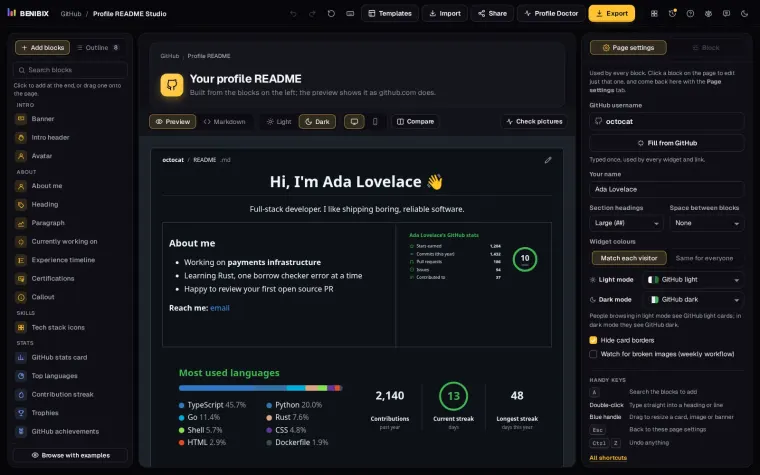
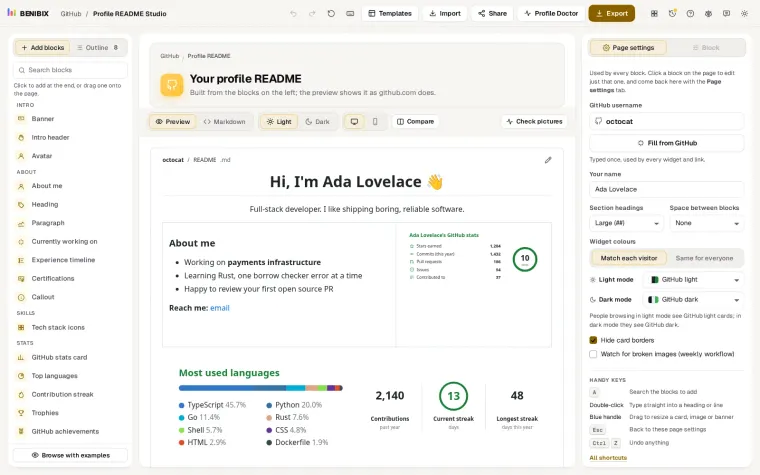
Profile README Studio avoids the problem: it draws every badge, icon and card itself. Your stats, languages, streak, trophies and the rest are redrawn every day by one workflow in your own profile repository, with that repository's token, so no public server is involved. Its Check pictures button confirms the files are in your repository, and an optional weekly workflow checks every image in your README and opens an issue when one is broken.
The Profile Doctor scores any profile README out of 100 on nine rules, among them dead widget hosts and pictures from other servers, and opens a fixed version next to the original, with the widgets drawn by the studio.
Step by step: the lesson Fix broken GitHub stats cards for good moves your cards into your own repository, and Automate your GitHub profile with GitHub Actions sets up the workflow that draws them.