Short answer: your Codex session files in ~/.codex/sessions hold every skill and tool call. A skill you pick with $name or /skills arrives as a <skill> block in your message; a skill Codex picks on its own shows up as Codex reading that skill's SKILL.md. An MCP call is a tool call whose namespace starts with mcp__ and the server's name. Count those across your files and you know what earns its place in your setup.
Skills and MCP servers pile up. You add a server for one task, copy a skill from a colleague, and three months later Codex has twenty things to choose from, some of which it has never touched. Each one costs a little: its description or tool list takes room in the context, and a server you never use is still a process to start and often a secret to keep.
Where are skills and MCP servers set up?
| What | Where |
|---|---|
| Your skills | ~/.agents/skills/<name>/SKILL.md |
| A repository's skills | .agents/skills/<name>/SKILL.md, from your folder up to the repository root |
| An administrator's skills | /etc/codex/skills/<name>/SKILL.md |
| MCP servers | [mcp_servers.<name>] tables in ~/.codex/config.toml or a trusted project's .codex/config.toml |
A skill can be switched off without deleting it, with a [[skills.config]] entry and enabled = false.
How do I tell a skill I picked from one Codex chose?
They leave different marks in the session file:
- You picked it, with
$namein your prompt or from/skills: Codex adds the skill to your message as a block that starts with<skill><name>…</name>. - Codex picked it, because the task matched the skill's description: Codex reads the skill's
SKILL.mdwith a tool call, and that read is the mark.
The difference matters. A skill you call by hand every day is a habit worth keeping. A skill Codex keeps choosing on its own shows its description works. A skill nobody ever loads, by hand or otherwise, either has a description that never matches or is not needed.
How are MCP calls recorded?
Each call is a tool call in the session file with the server in its namespace: Codex's own tools (exec_command, apply_patch, update_plan, web_search, view_image and the rest) have none, while an MCP tool carries mcp__<server>__. The call's output follows a few lines later, so you can count not just how often a server was used but how often its calls worked.
A server whose calls keep failing is worse than no server: Codex spends a turn on it and then works around it anyway.
What about subagents?
When Codex hands work to a subagent, the session shows a spawn_agent call, and the subagent writes its own session file. Its tool calls and skills are in that file, not in yours, so a count that reads only the main sessions misses them.
What should I do with the counts?
- Remove servers with no calls in the last month, or move them to a profile you use only for that work.
- Fix servers that fail often: an expired token, a wrong
bearer_token_env_var, a command that is no longer installed. - Rewrite the description of a skill you expected Codex to choose but it never does. Codex picks a skill by matching its description, so say when to use it in plain words.
- Share the skills that work in the repository's
.agents/skills, so the whole team gets them.
Where can you check this?
Can I get the counts without reading the files myself?
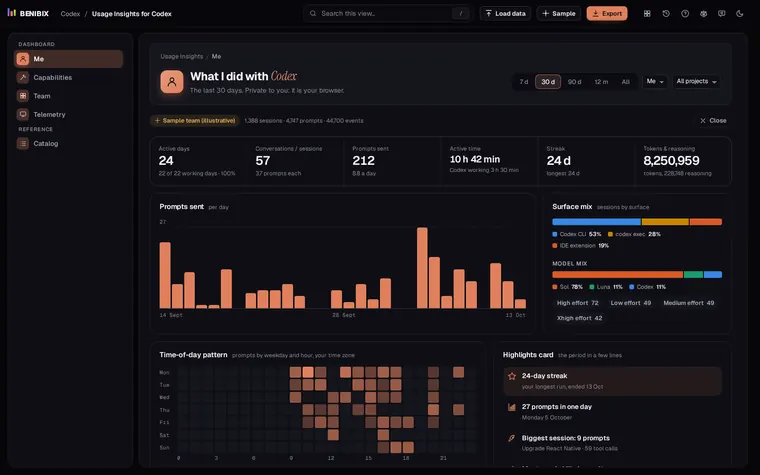
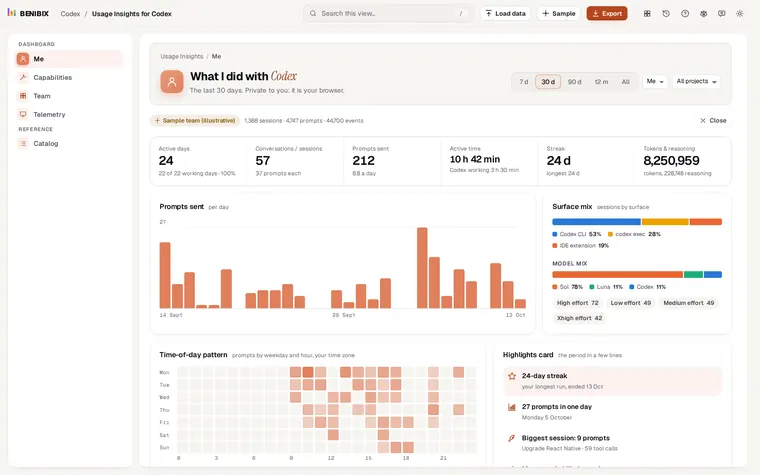
Usage Insights for Codex reads your sessions folder in the browser and lists every skill with who started it (you or Codex), every MCP server down to each of its tools, the built-in tools and each subagent with its time and tool calls, read from its own session file. Command and patch success come with 30-day sparklines, and connector health shows which server fails. Nothing is uploaded.
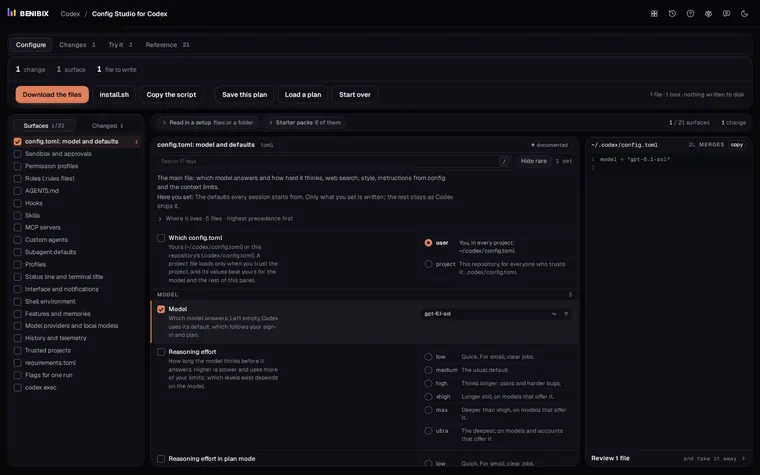
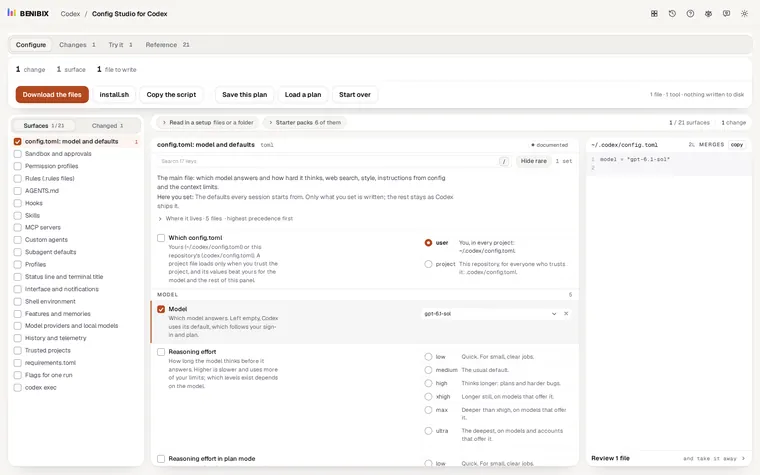
To clean up afterwards, Config Studio for Codex reads the .codex folder you already have and edits your skills and [mcp_servers] tables, then writes a config.toml that keeps everything else as it was.