Short answer: codex exec "your task" runs Codex once with no interface: progress goes to stderr, only the final answer to stdout, so codex exec "write release notes for the last 10 commits" > notes.md just works. It starts in a read-only sandbox; add --sandbox workspace-write when it should change files. --json streams every event, and -o file saves the final answer.
The Codex terminal app is made for a person who reads and approves. A script has nobody to approve anything, so codex exec changes three things: it never asks, it starts with the least permissions, and it separates the answer from the progress so other tools can use it.
How do you run Codex without the interface?
Pass the task as one argument:
codex exec "summarize the repository structure and list the top 5 risky areas"Codex streams its progress to stderr and prints only the final message to stdout, so you can redirect or pipe it:
codex exec "generate release notes for the last 10 commits" | tee release-notes.mdPiped input becomes context, and the argument stays the instruction:
git diff main | codex exec "review this diff for bugs and missing tests" > review.mdWhat can codex exec change?
Nothing, by default: codex exec runs in a read-only sandbox, and it never stops to ask for approval. Give it only what the job needs:
| Flag | Codex may |
|---|---|
| (none) | Read files and run read-only commands |
--sandbox workspace-write | Also edit files in the workspace |
--sandbox danger-full-access | Do anything; only in a throwaway container or CI runner |
--full-auto is no longer supported; old scripts that use it need --sandbox workspace-write instead. Codex also refuses to run outside a git repository, to prevent destructive changes; --skip-git-repo-check turns that off when you are sure.
Codex sandbox and approval modes explains the sandbox in detail.
How do you read Codex's output in a script?
| You want | Use |
|---|---|
| Just the answer | stdout, or -o answer.md (--output-last-message) to save it to a file as well |
| Every step, for a log or a parser | --json: one JSON event per line |
| An answer in a fixed shape | --output-schema schema.json |
With --json, stdout becomes a stream of events (thread.started, turn.started, item.started, item.completed, turn.completed, turn.failed, error); the last turn.completed carries the token usage:
codex exec --json "summarize the repo structure" | jqWith a JSON Schema, the final answer is data your next step can read without guessing:
codex exec "Extract project metadata" \
  --output-schema ./schema.json \
-o ./project-metadata.jsonHow do you continue a previous run?
With resume, for a pipeline in two steps:
codex exec "review the change for race conditions"
codex exec resume --last "fix the race conditions you found"codex exec resume <SESSION_ID> picks a specific run. Add --ephemeral to a run you do not want saved to disk at all.
How do you sign in on a CI runner?
codex exec uses your saved login by default. In automation, OpenAI recommends an API key in CODEX_API_KEY, set only for the one command that needs it:
CODEX_API_KEY=<api-key> codex exec --json "triage open bug reports"Never set OPENAI_API_KEY or CODEX_API_KEY for a whole job that also runs the repository's own code: its build scripts, tests and dependencies can read the job's environment. On GitHub Actions, OpenAI's Codex GitHub Action keeps the key behind a proxy instead.
Which settings does codex exec use?
The same ~/.codex/config.toml as the terminal app, and --profile picks a profile, so a CI profile can hold the model and sandbox for every run. --ignore-user-config runs without your config file, and --ignore-rules without your .rules files, for a run that must not depend on the machine it is on. Codex profiles shows how to set one up.
Where can you check this?
Can you build the command instead of typing it?
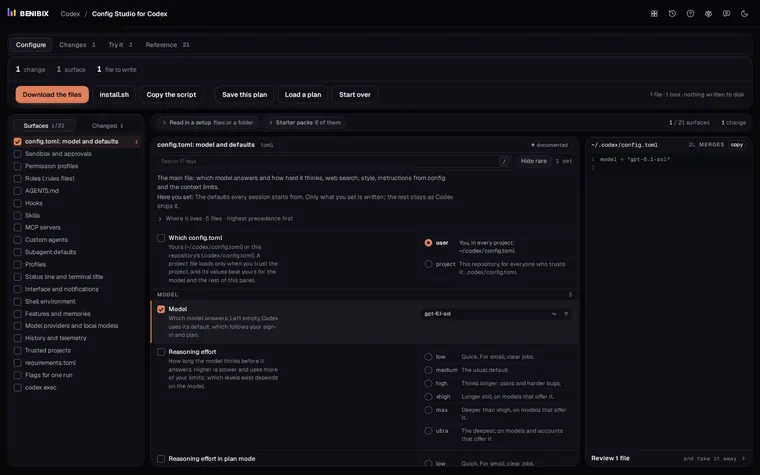
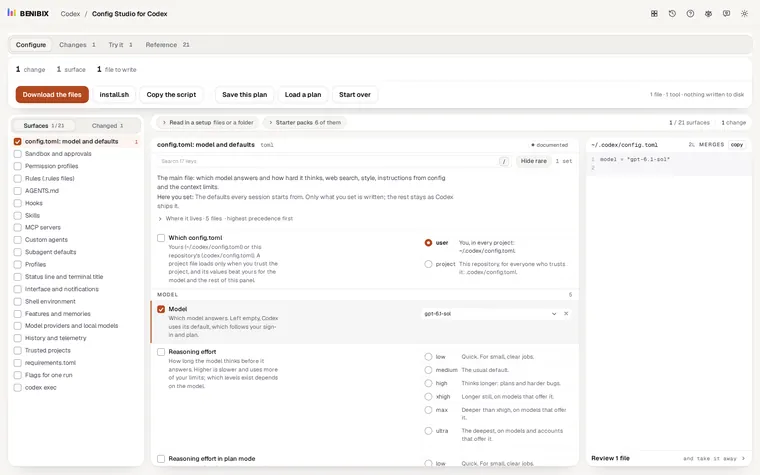
Config Studio for Codex has a codex exec page: write the task, pick where commands may write (read-only by default), a model and a profile, JSON events and a file for the answer, and it writes the command. Next to it are the config, profile, sandbox and rules files the run reads, explained setting by setting.