Short answer: Put the settings that should differ in a file named ~/.codex/<name>.config.toml and start Codex with codex --profile <name>. Codex loads your config.toml and lays the profile over it. Since Codex 0.134.0, [profiles.<name>] tables inside config.toml and the profile = "<name>" line are no longer read, which is why profiles copied from older guides silently do nothing.
Profiles are how you keep two ways of working apart: a careful, read-only setup for reviewing someone else's code, a quick one for small fixes, a thorough one for a hard bug. Most examples online still show the old format, so if --profile seems to change nothing, check the file name first.
How do you make a Codex profile?
Create a file in your Codex folder, named after the profile, with only the keys that differ from your base config. OpenAI's own example, ~/.codex/deep-review.config.toml:
model = "gpt-6.1-sol"
model_reasoning_effort = "medium"
approval_policy = "on-request"Then:
codex --profile deep-review
codex exec --profile deep-review "review this change"Profile names may use letters, numbers, hyphens and underscores. The keys are the same top-level keys as in config.toml; there is no [profiles] wrapper.
Which profiles are worth having?
| Profile file | Keys | For |
|---|---|---|
review.config.toml | sandbox_mode = "read-only" | Reading code you do not trust yet; Codex cannot change files |
quick.config.toml | model_reasoning_effort = "low" | Small, clear changes where speed matters more than depth |
deep.config.toml | model_reasoning_effort = "high" | A hard bug or a design question |
Each file holds one or two lines. Everything else comes from your config.toml, so a change there reaches every profile.
Where does a profile sit in the order of settings?
Codex reads several layers, and the higher one wins when two set the same key. From the bottom up:
- Your
~/.codex/config.toml. - The profile,
~/.codex/<name>.config.toml, only when you pass--profile. - The project's
.codex/config.tomlfiles, when the project is trusted. - Flags and
-c key=valueon the command line.
Above all of them sit your organisation's requirements, if it sets any. So a profile overrides your own defaults, but a project's config and a flag still override the profile. Codex config.toml: which file wins walks through the layers with examples.
A project cannot choose a profile for you: profile and profiles in a project's .codex/config.toml are ignored.
How do you move an old profile to the new format?
An old config.toml with a profile table:
profile = "review"

[profiles.review]
sandbox_mode = "read-only"
model_reasoning_effort = "medium"Becomes a new file, ~/.codex/review.config.toml:
sandbox_mode = "read-only"
model_reasoning_effort = "medium"Then delete the [profiles.review] table and the profile = "review" line from config.toml, and start Codex with codex --profile review. The old top-level selector has no replacement: a profile is now always chosen per run, with the flag. If you want it every time, make the settings your defaults in config.toml instead, or add a shell alias such as alias codex-review='codex --profile review'.
Is a profile the same as a permission profile?
No. A permission profile is a [permissions.<name>] table in config.toml that names which paths Codex may read and write and which domains commands may reach, chosen with default_permissions. A config profile, the subject of this post, is a whole file of settings chosen with --profile. The names overlap; the features do not. Codex sandbox and approval modes covers the permission side.
Where can you check this?
Can you see which layer sets what?
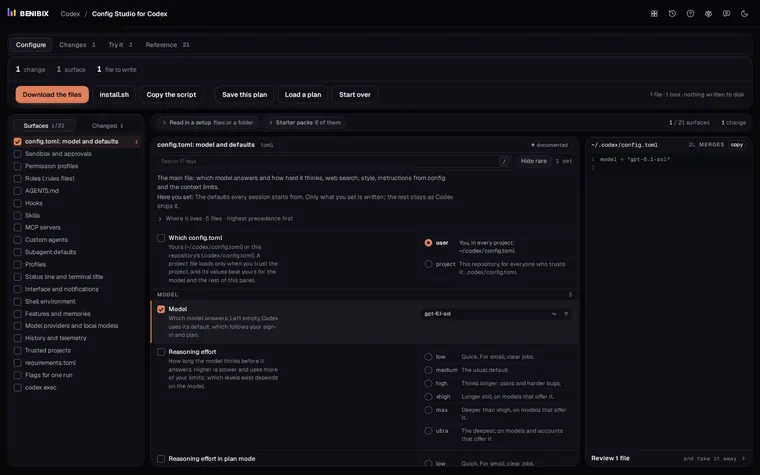
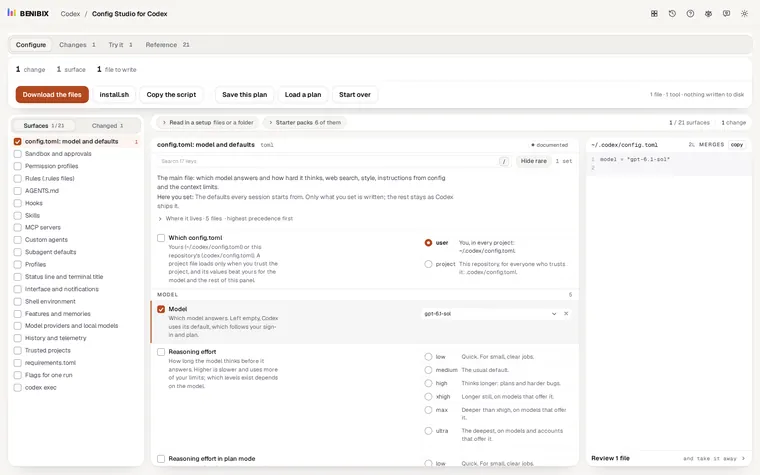
Config Studio for Codex explains all 21 surfaces Codex reads, profiles among them, shows which layer wins when two set the same key, and writes the files for you, checked against Codex 0.162.1. Nothing is written to your computer until you run its install script yourself.