Short answer: A badge is an image, so add it like one: . The part after /badge/ is label, message and colour, separated by dashes; logo takes an icon name from Simple Icons. For a build status, use GitHub's own badge: https://github.com/OWNER/REPO/actions/workflows/ci.yml/badge.svg.
Badges are the row of small coloured labels at the top of a README: the language, the licence, whether the tests pass, the latest version. They tell a visitor in one second what the project is and whether it is alive. Here is how to make them, and how to keep them from turning into broken images.
How do you make a static badge?
A shields.io static badge is one URL:
https://img.shields.io/badge/<label>-<message>-<colour>| Badge | Markdown |
|---|---|
| A language and version |  |
| A licence |  |
| A status |  |
| One part only |  |
The colour is a name (green, orange, blue, brightgreen) or a hex code without the #. The text in ![...] is the alt text, read out by screen readers; make it say what the badge says.
How do you write dashes, spaces and underscores?
The dash separates the parts, so text with a dash or a space needs escaping:
| You want | Write |
|---|---|
| A space | _ or %20 |
An underscore _ | __ |
A dash - | -- |
So build--tools-up__to__date-blue shows "build-tools" and "up_to_date".
How do you add a logo and change the style?
Add ?logo= with the icon's name from Simple Icons (the slugs are listed in Simple Icons' slugs.md), and logoColor to colour it:
https://img.shields.io/badge/Docker-ready-2496ED?logo=docker&logoColor=whitestyle changes the shape: flat (the default), flat-square, plastic, for-the-badge (larger, capitals) and social. Pick one style for the whole row; mixed styles look accidental.
How do you make a badge a link?
Wrap the image in a Markdown link:
[](LICENSE)Shields.io has a link parameter too, but it only works when the badge is embedded with an <object> tag, which GitHub does not allow. The Markdown link always works.
How do you show whether the tests pass?
GitHub Actions makes the badge itself, no outside service involved:
ci.yml is the workflow's file name in .github/workflows/. Add ?branch=main to show one branch, or ?event=push to show only runs started by a push.
How do you put badges in a centred row?
Use HTML, because Markdown cannot centre:
<p align="center">
  <img src="https://img.shields.io/badge/Python-3.12-3776AB?logo=python&logoColor=white" alt="Python 3.12">
  <img src="https://img.shields.io/badge/license-MIT-green" alt="License: MIT">
  <a href="https://github.com/OWNER/REPO/actions"><img src="https://github.com/OWNER/REPO/actions/workflows/ci.yml/badge.svg" alt="CI status"></a>
</p>Keep them on separate lines inside the paragraph; GitHub puts a small space between them. How to centre an image or text in a GitHub README explains why align works where CSS does not.
Why does my badge not update, or not load?
- It is cached. GitHub shows every outside image through its own proxy, Camo, so the image you see may be an older copy. Check the badge's
Cache-Controlheader withcurl -I; GitHub's documentation suggestsno-cachefor images that change, and as a last resortcurl -X PURGEon the proxied URL. - The service is down or limited. A badge from an outside server breaks when that server is slow, rate-limited or gone, and the README shows a broken image.
- The URL has an unescaped dash or space, so the parts are split in the wrong place.
The safest badge for a value that never changes (a language, a licence, "open to work") is an SVG file in your own repository: <img src="assets/badge-python.svg" alt="Python 3.12">. Nothing outside your repository can break it.
Where can you check this?
- Shields.io: static badge
- GitHub Docs: adding a workflow status badge
- GitHub Docs: about anonymized URLs (Camo and image caching)
Can you make badges that never break?
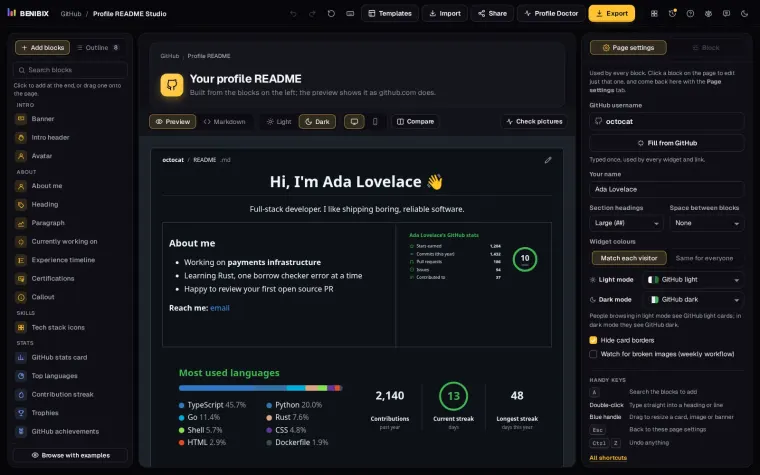
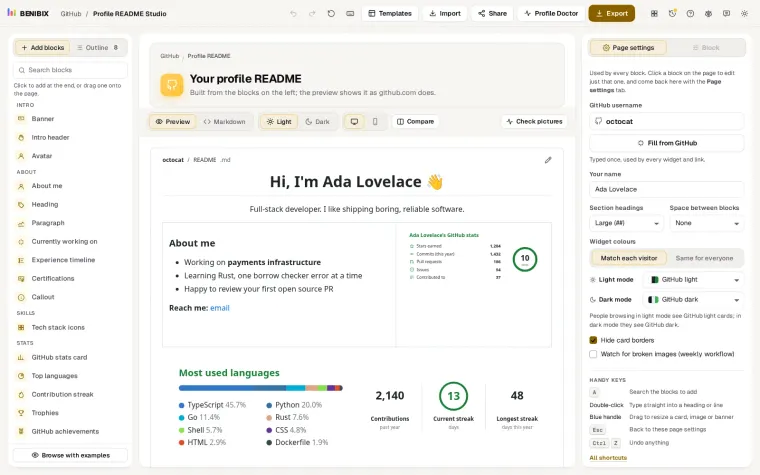
Profile README Studio draws the badges, banners, tech icons and typing line of a profile README itself and saves them as files in your profile repository, so none of them depends on an outside server. Its preview uses GitHub's own styles in light and dark mode, so you see the row of badges as visitors will.