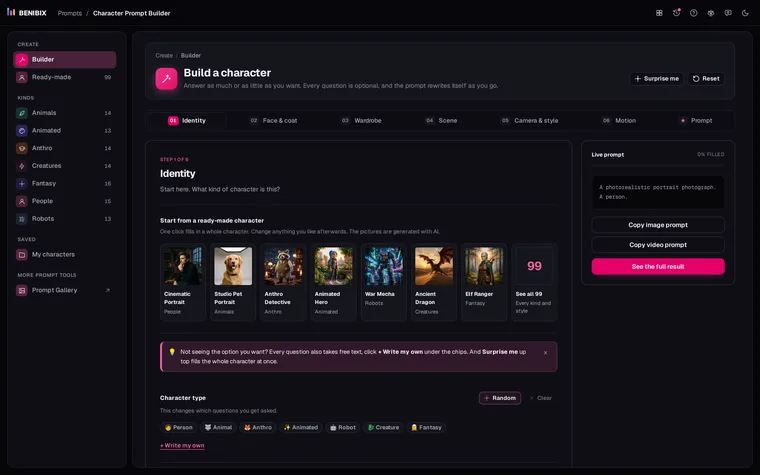
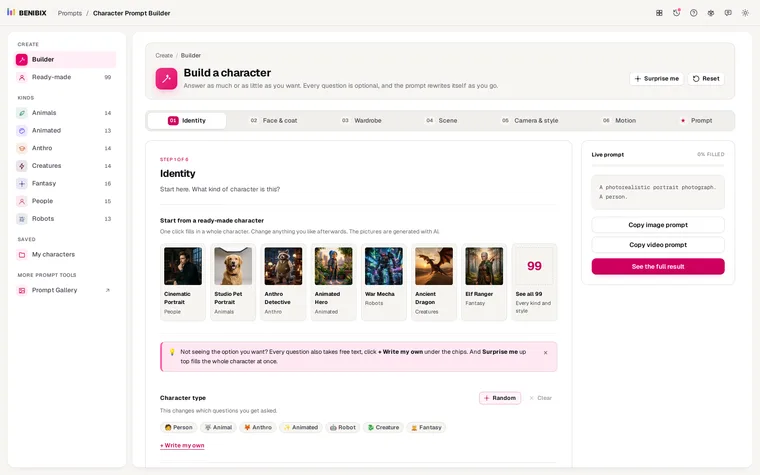
Short answer: to put the same AI character in a different art style, keep the identity block (the words that describe only the character) exactly as it is, and change only the style line at the start of the prompt. The model reads the first words as the medium, so "A stop-motion claymation still" turns the same astronaut into clay without touching his face, suit or story. Then drop the words that belong to the old style, such as a camera lens for a painting.
What does swapping only the style look like?
Here is a ready-made character from Character Prompt Builder, an astronaut, as a polished 3D render:
A polished 3D character render, full body shot. A 45-year-old Latino man,
athletic build. They have warm beige skin, chocolate brown hair in a buzz
cut, hazel eyes, clean-shaven. Wearing a white pressurised spacesuit with
orange mission patches, the helmet under one arm. Their face carries a
serious, determined look. In the shadow of a rocket on its launch pad, lit
by dramatic rim lighting. The overall mood is epic and heroic. High dynamic
range and cinematic colour grading. Aspect ratio: 1:1.Everything from "A 45-year-old" to "under one arm" is the identity block. To change the style, replace only the first sentence:
| Style | First sentence |
|---|---|
| Photograph | A photorealistic portrait photograph, full body shot. |
| Film still | A cinematic film still, full body shot. |
| Anime | An anime-style illustration, full body shot. |
| Animated 3D | A charming Pixar-style 3D animated character render, full body shot. |
| Claymation | A stop-motion claymation still, full body shot. |
| Pixel art | A crisp pixel-art sprite, full body shot. |
| Watercolour | A soft watercolour illustration, full body shot. |
| Oil painting | A classical oil painting, full body shot. |
| Comic | A bold comic book illustration, full body shot. |
| Flat vector | A clean flat vector illustration, full body shot. |
| Character sheet | A character concept sheet with multiple views, full body shot. |
The face, the suit, the patches and the helmet under one arm stay, because their words stay. That is the whole method.
What should you drop when the style changes?
Some words only make sense in one medium, and left in, they pull the picture back toward it.
- Lens and focus ("85mm f/1.4", "shallow depth of field") belong to photographs and film stills. Drop them for anime, pixel art, flat vector and paintings, or the model blends in a photo look.
- Skin and fur texture ("hyper-detailed skin texture") fights a cartoon. Use "clean cel shading" for anime and 2D, or "soft subsurface shading" for 3D animation, instead.
- Film grain and colour grading suit photos and 3D. For watercolour, describe paper and wash instead; for pixel art, a limited palette.
- Realistic ages read oddly in cartoons. "A 45-year-old man" works in 3D and clay, but in chibi or flat vector an age vibe ("grown-up", "kid") fits better.
Character Prompt Builder handles part of this for you: its finish options change with the kind of character, and its ready-made characters in painted or drawn styles leave the lens out.
How do you keep a series consistent?
Changing style is a choice. Drifting between styles by accident is the most common reason a character stops looking like themselves, so:
- Pick one style per series and keep its sentence word for word, the same way you keep the identity block.
- Name the medium twice for cartoons. In the style line and in the character ("a stop-motion claymation animated kid"), so the character itself is clay, not a realistic child in a clay world.
- Keep the light family. A soft-lit watercolour and a rim-lit watercolour already feel like two different books.
- Make a sheet in the new style first. Before a series in a new style, make a character sheet in it and attach it as the reference. How to make an AI character sheet shows the prompt.
Which models handle style changes best?
Any model that reads full sentences takes a new style line well: Flux, GPT Image, Nano Banana, Firefly, and Veo 3 or Sora for video. Midjourney does too, but its own default look is strong, so add --style raw to let your style line lead, and use Niji for anime. Stable Diffusion depends most on the checkpoint: an anime checkpoint will not give you a photo, whatever the prompt says.
Where can you check this?
Can you try it on a ready-made character?
The ready-made characters cover 19 art styles, from photorealistic and wildlife photography to claymation, pixel art and character sheets. Pick one, open Camera & style and change Art style: the prompt rewrites itself with the same character in the new medium. More examples are in AI character prompt examples.