Short answer: use a pie chart only when the slices are parts of one whole that adds up to 100%, there are two to five of them, and one or two clearly dominate. For anything else, such as many slices, slices of similar size, values over time, or comparing two pies, a sorted bar chart shows the same numbers more clearly.
Why are pies hard to read?
A pie asks the reader to compare angles and areas. People are good at comparing lengths along a common baseline and poor at comparing angles. Put 23% and 27% side by side as slices and most readers cannot tell which is bigger; as bars, nobody misses it.
That is the whole case against the pie. It is not wrong; it is imprecise. When the message is "most of it is A", imprecision does not matter. When the message needs the reader to compare, it does.
When does a pie work?
All of these at once:
- The parts make one whole. Market share, a budget split, the share of revenue by channel. Not sales of five unrelated stores.
- Two to five slices. Two or three is ideal.
- The message is about the big slice. "Two thirds of revenue comes from one product." "Half the budget goes to salaries."
- One pie, not several. Comparing slices across two pies is the hardest reading task of all.
A donut is a pie with the middle cut out. It reads about the same, slightly easier because the eye compares arc lengths, and the hole is a good place for the total. If you use one of the two, a donut is usually the better choice.
When should you use something else?
| Situation | Problem with a pie | Use instead |
|---|---|---|
| Six or more parts | Small slices become slivers nobody can read | Sorted bar chart, or group the small ones as "Other" |
| Parts of similar size | Angles that differ by a few degrees look equal | Sorted bar chart |
| Change over time | Time has an order; a pie loses it | Line chart, or stacked columns |
| Two pies side by side | Matching slices across pies is guesswork | 100% stacked bars, one bar per group |
| Values that do not add to a whole | A pie implies a total that does not exist | Bar chart |
| Actual against a target | A target is not a share of a total | Bullet chart |
| Negative values | A pie cannot show them | Bar chart, or a waterfall |
How do you make a good pie?
If a pie is right, these make it better:
- Sort the slices, biggest first, starting at 12 o'clock and going clockwise.
- Label slices directly with the name and percentage, instead of a legend the reader has to match by colour.
- Highlight the message. Colour the slice the chart is about, and keep the others in one muted colour.
- No 3D, no exploded slices. Both distort the areas and make the chart lie.
- Add the total in the middle of a donut, so the reader knows what 100% is.
Where can you check this?
What is the fix in most reports?
Most pie charts in business reports have six to twelve slices. The quick fix: turn the pie into a horizontal bar chart, sort it from largest to smallest, label each bar with its value, and colour the one or two bars the chart is about. It takes the same space and the reader gets the ranking at once.
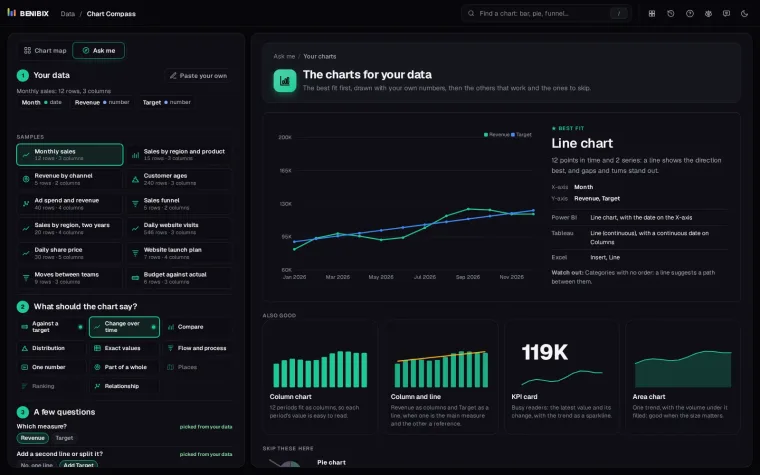
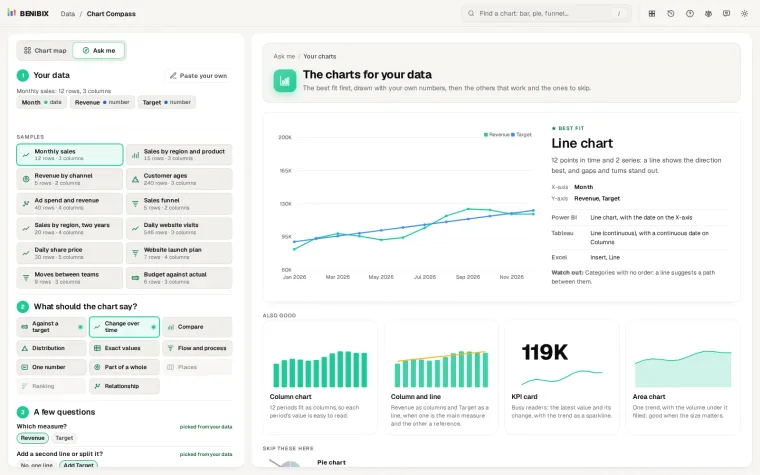
Chart Compass checks this for you. Paste your data, pick Part of a whole, and it suggests a donut only when there are few enough parts, draws the sorted bar chart and the treemap as alternatives with your own numbers, and lists the pie under Skip these here with the reason when it would mislead.