Short answer: in your terminal, run claude mcp add --transport http <name> <url> with the address the service gives you, for example claude mcp add --transport http notion https://mcp.notion.com/mcp. Then start Claude Code and type /mcp to log in to the server and check that it is connected. Remove the servers you no longer use with claude mcp remove <name>.
Connecting Claude Code to the apps you already use, your issue tracker, your docs, your database, is one command once you know which kind of server you have. Most services now offer a remote one, which is the easy kind.
Checked against the Claude Code MCP docs (10 November 2026).
How do you add a remote MCP server?
claude mcp add --transport http notion https://mcp.notion.com/mcpThree parts after --transport http: the name you will see in Claude Code (notion), and the server's address. The service's own docs give you the address. If it uses an API key instead of a login, pass it as a header:
claude mcp add --transport http secure-api https://api.example.com/mcp \
--header "Authorization: Bearer your-token"HTTP is the recommended transport for remote servers. The older SSE transport is deprecated; Claude Code tries HTTP first and falls back to SSE only when a server does not accept HTTP.
How do you log in with /mcp?
Start Claude Code and type /mcp. It lists your servers with their status; pick the one that needs a login and Claude Code opens the service's sign-in page in your browser (OAuth). After you approve, the server shows as connected and its tools are available in the session. "Clear authentication" in the same menu signs you out again.
From the shell, claude mcp list shows each server's health: ✔ Connected, ! Needs authentication or ✘ Failed to connect.
What is the difference between a remote and a local server?
| Remote (HTTP) | Local (stdio) | |
|---|---|---|
| Runs | At the company that offers it | On your machine, as a process Claude Code starts |
| You add | An address | A command, after -- |
| You sign in | With /mcp, in the browser | Usually with a key in an environment variable |
| Good for | Cloud services: Notion, GitHub, Linear | Your files, local tools, your own scripts |
A local server looks like this: claude mcp add --env AIRTABLE_API_KEY=YOUR_KEY --transport stdio airtable -- npx -y airtable-mcp-server. Everything after -- is the command that starts it.
Why keep the server list short?
Every server brings its tools, and each tool is something Claude has to keep in mind when it decides what to do next. Claude Code's tool search, on by default, loads tool details only when they are needed, which helps, but a server you never use is still one more thing to start, sign in to and trust. Removing one is a single line:
claude mcp remove notionRemoving a remote server deletes the login tokens Claude Code stored. To revoke them at the service too, run claude mcp logout notion first.
Where can you check this?
- Claude Code docs: Connect Claude Code to tools via MCP:
claude mcp add, the transports,/mcp,claude mcp listandclaude mcp remove
Can you see all your MCP servers in one place?
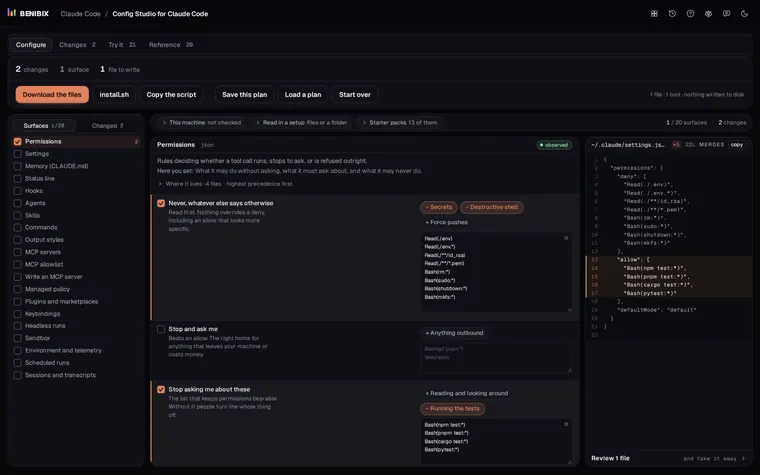
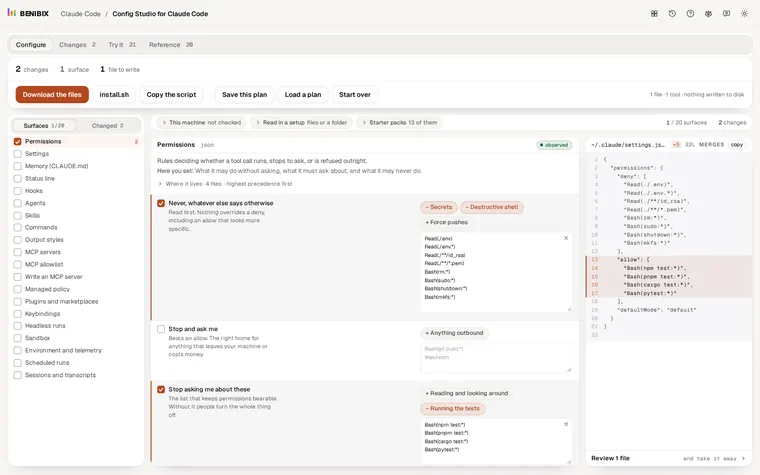
Config Studio for Claude Code has MCP servers among the 20 surfaces Claude Code reads: it shows every file a server can live in, in order of precedence, says what each option does, and writes the exact file for you to copy, without touching your disk. For scopes, sharing a server with your team and fixing errors, see Claude Code MCP servers; for what MCP is in the first place, what an MCP server is.