Short answer: Open a terminal in your project and type claude. Spend the first minutes asking, not changing: "what does this project do?", "where is the main entry point?". Then ask for one small change, read the diff Claude shows you, and approve it. Two habits carry you from there: be specific ("fix the login bug where users see a blank screen after a wrong password", not "fix the bug"), and press Shift+Tab to switch how much Claude may do without asking.
Most people's first prompt is a big one: "build me a dashboard" or "refactor this". It usually goes wrong, not because Claude can't, but because neither of you knows the project yet. The quickstart's order fixes that, and it takes ten minutes.
Checked against Anthropic's Claude Code quickstart on 23 November 2026 (Claude Code 2.1.330).
Minute 1: how do you start a session?
Install Claude Code if you have not (see How to install Claude Code), then:
cd /path/to/your/project
claudeThe first time, it asks you to log in through your browser. After that the prompt shows the version, the model and the folder you are in. Start it in the project folder, not your home folder: Claude reads files relative to where you start it.
Minutes 2 to 5: what should you ask first?
Questions that make Claude read the project, straight from the quickstart:
what does this project do?
what technologies does this project use?
where is the main entry point?
explain the folder structureYou do not need to paste files or point at them; Claude Code reads what it needs. Read its answers as a check: if it gets the project wrong, you have found what your CLAUDE.md should explain. You can also ask about Claude Code itself: "what can Claude Code do?" works.
Minutes 6 to 8: how do you make the first change?
Pick something small and safe, a change you could make yourself in two minutes:
add a short docstring to the main function explaining what it returnsClaude finds the file and shows the change before it writes it. If it asks, choose Yes to approve. Then look at the result in your editor or with git diff. Small first changes teach you how Claude works in your code before you trust it with bigger ones.
Minutes 9 and 10: which two habits matter most?
Be specific. The quickstart's own example: instead of "fix the bug", say "fix the login bug where users see a blank screen after entering wrong credentials". Name the file, the error message or the behaviour you see. For bigger tasks, give the steps as a numbered list.
Use Shift+Tab. It cycles the permission mode of the session you are in. The default asks before each edit and command; accept-edits mode lets Claude change files without asking; plan mode has Claude explore and propose a plan without editing anything. Plan mode is the right start for any task you would want to discuss before code changes.
Three more keys from the quickstart: / shows the commands and skills you have, Tab completes them, and the up arrow brings back earlier prompts.
What should you do after the first session?
- Run
/initonce, so Claude writes a CLAUDE.md with what it learned about your project. - Commit before bigger tasks, so
gitcan undo anything. - Learn
Esc(stop Claude mid-step) and/rewind(undo its changes): How to use Claude Code: the 4 keys you need.
Where can you check this?
- Claude Code docs: Quickstart, the first questions, the first change, Shift+Tab and the pro tips for beginners
- Claude Code docs: Permission modes, what each mode allows
Can you set firm rules before Claude asks for them?
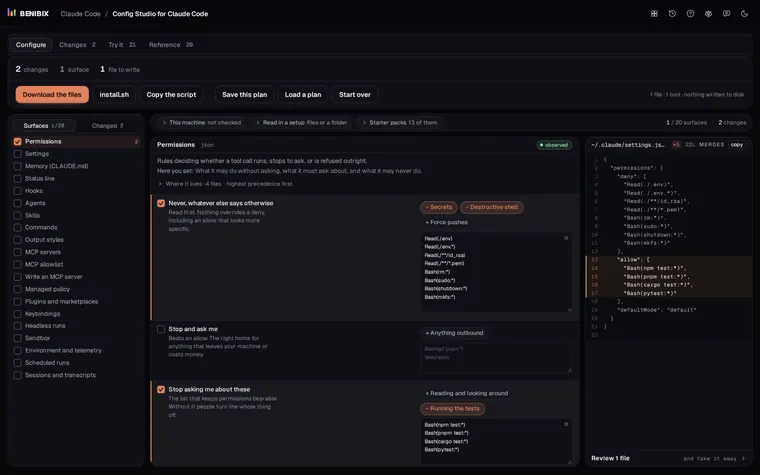
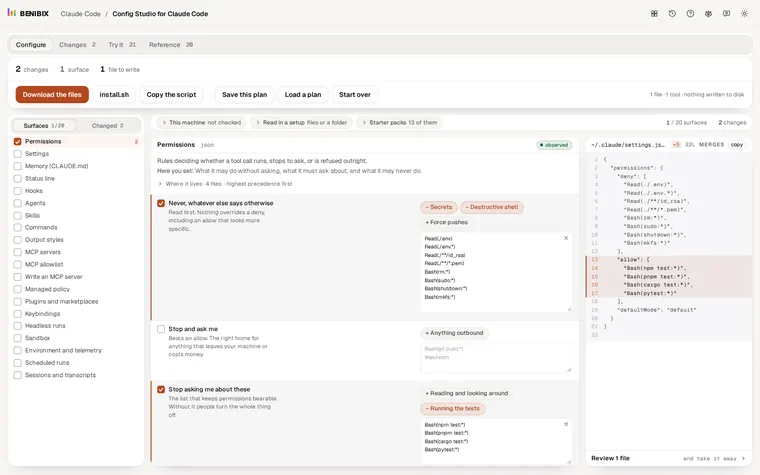
Yes. Permission prompts are how Claude asks; permission rules are how you answer once for good, like "always allow npm test, never touch .env". Config Studio for Claude Code writes those rules into settings.json and tests a rule against a sample command before you use it, so your next session asks only about what matters.