Short answer: On Mac, Linux or WSL run curl -fsSL https://claude.ai/install.sh | bash. On Windows, open PowerShell and run irm https://claude.ai/install.ps1 | iex. Then open a new terminal and type claude --version: a version number means it worked, and claude doctor checks the rest. You need a Pro, Max, Ultra, Team, Enterprise or Console account; the free claude.ai plan does not include Claude Code.
Most install guides start with Node.js and npm. You do not need either: the native installer is one line, and it keeps Claude Code updated by itself in the background.
Checked against the Claude Code setup docs on 14 November 2026 (Claude Code 2.1.325).
What is the install command for my system?
macOS, Linux and WSL, in a terminal:
curl -fsSL https://claude.ai/install.sh | bashWindows PowerShell (the prompt shows PS C:\):
irm https://claude.ai/install.ps1 | iexWindows CMD (the prompt has no PS):
curl -fsSL https://claude.ai/install.cmd -o install.cmd && install.cmd && del install.cmdThe installer shows no progress while it downloads, so give it a moment. On Windows you do not need to run it as Administrator.
Mixed up the Windows shells? The token '&&' is not a valid statement separator means you are in PowerShell, so use the irm line. 'irm' is not recognized means you are in CMD, so use the curl line.
How do you check that it worked?
Open a new terminal window, then:
claude --versionA version number means it is installed. If the shell says claude is not found, the install folder is not on your PATH yet; the docs have a "Fix your PATH" section for that. For a fuller check:
claude doctorIt prints the install health, any settings-file errors and warnings with suggested fixes, without starting a session.
Can you install it with Homebrew or WinGet instead?
Yes: brew install --cask claude-code on a Mac, winget install Anthropic.ClaudeCode on Windows. The difference is updates. The native install updates itself in the background; Homebrew and WinGet do not, so you run brew upgrade claude-code or winget upgrade Anthropic.ClaudeCode yourself.
What does your computer need?
macOS 13 or later, Windows 10 1809 or later, Ubuntu 20.04, Debian 10 or Alpine 3.19 and up, 4 GB of RAM, an x64 or ARM64 processor and an internet connection. On Windows, Git for Windows is optional: with it, Claude Code runs shell commands in Git Bash; without it, it uses PowerShell.
Do you need a paid plan?
Yes. Claude Code needs a Pro, Max, Ultra, Team, Enterprise or Console account. You can also run it through Amazon Bedrock, Google Cloud's Agent Platform or Microsoft Foundry. The free claude.ai plan does not include it.
Where can you check this?
- Claude Code docs: Set up Claude Code, system requirements, install commands,
claude doctorand plans - Claude Code docs: Quickstart, your first session
What do you set up after installing?
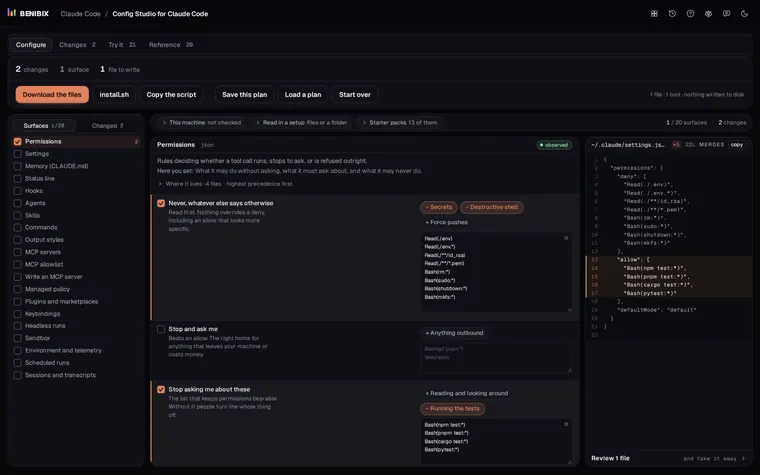
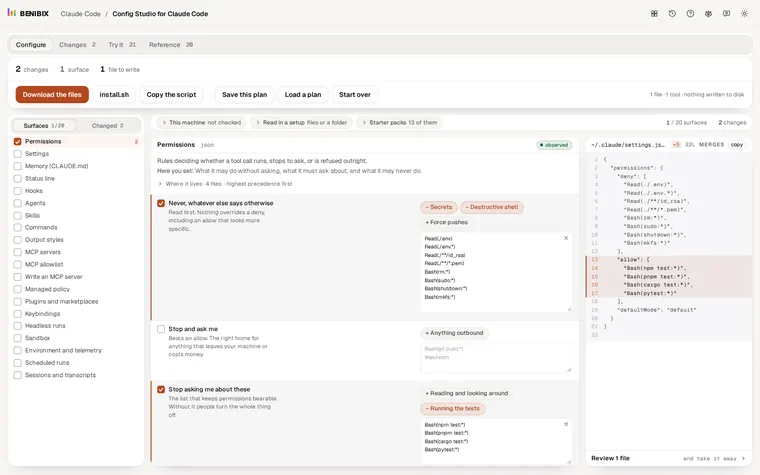
Type claude in your project folder and log in. Then come the files that shape it: CLAUDE.md, permissions, hooks. Claude Code setup: 3 things to do after installing gives the order, and Config Studio for Claude Code explains all 20 surfaces Claude Code reads, shows which file wins and writes each file for you to copy.