Short answer: @ points Claude at a file, ! at the start of a line runs a shell command yourself, Esc stops Claude mid-step so you can redirect it, and Esc twice on an empty prompt opens the rewind menu to go back to an earlier message. With those four, you steer instead of just typing and waiting.
Most people start Claude Code by typing a request and watching. That works until Claude reads the wrong file, runs off in the wrong direction or you want to try something yourself. Each of the four keys fixes one of those moments.
Checked against the Claude Code docs and Claude Code 2.1.317 (3 November 2026).
What does each key do?
| Key | What it does | Try it with |
|---|---|---|
@ | Opens file path autocomplete and adds the file to your message. | explain @src/lib/auth.ts |
! | Shell mode: runs the command directly, without Claude approving or interpreting it, and adds the command and its output to the conversation. | ! npm test |
Esc | Stops the current response or tool call. Claude keeps the work done so far. | Press it the moment it heads the wrong way |
Esc Esc | With an empty prompt, opens the rewind menu. With text in the prompt, clears the draft instead (Up brings it back). | Go back to before the last request |
Why run tests with ! instead of asking Claude?
Because Claude sees the output either way, and you save a round trip. ! npm test runs at once, without a permission prompt, and the failures land in the conversation. Your next message can be just "fix the first failure". The same works for ! git status or ! ls.
What should you do after pressing Esc?
Say what you meant. Esc does not undo anything; it stops the turn and keeps what Claude already did, so a short correction ("use the existing helper in utils, not a new one") gets it back on track. If you already have messages queued, Claude Code sends those next.
What does the rewind menu restore?
It lists the prompts you sent in the session. Pick one, then choose:
- Restore code and conversation: both go back to that point.
- Restore conversation: the chat goes back, your files stay as they are.
- Restore code: the files go back, the chat stays.
The code options only undo edits Claude made with its file tools (and Bash changes to files it had already edited). A file that only a shell command changed is not tracked, so keep Git for anything you would hate to lose. The same menu opens with /rewind.
Which keys come next?
Once these four are habit, add Shift+Tab to switch permission modes, Ctrl+R to search your prompt history and Ctrl+G to write a long prompt in your editor. The full list, and how to rebind any of them: Claude Code keyboard shortcuts. Just installed it? Claude Code for beginners starts from the very first claude.
Where can you check this?
- Claude Code docs: Interactive mode (keyboard shortcuts and shell mode)
- Claude Code docs: Checkpointing (the rewind menu)
Where do you set up the rest?
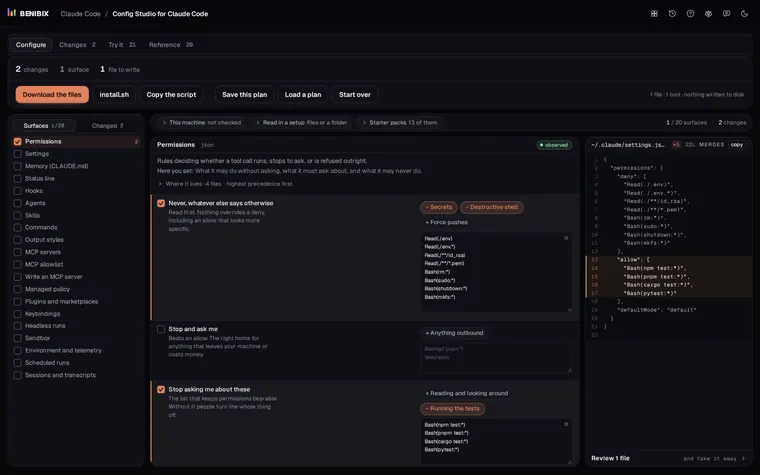
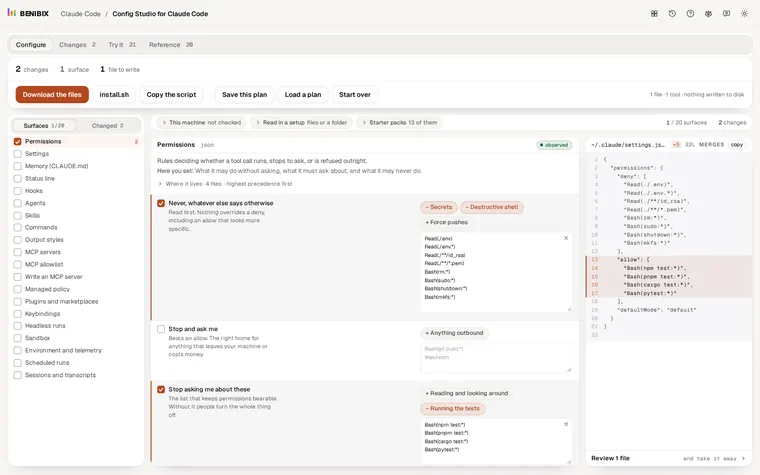
The keys steer one session; your settings decide what Claude may do in all of them. Config Studio for Claude Code explains every file Claude Code reads (permissions, settings.json, CLAUDE.md, hooks, MCP servers and key bindings), shows which file wins, and writes the one you need. Nothing touches your disk until you copy it.