Short answer: In iTerm2, Ghostty and Kitty, Claude Code already sends a desktop notification when it finishes or needs you. In any other terminal, add "preferredNotifChannel": "terminal_bell" to ~/.claude/settings.json for a bell, or add a Notification hook that runs your system's notification command (osascript on macOS, notify-send on Linux). For a ping the moment every reply ends, use a Stop hook instead.
You give Claude Code a long task, switch to your browser, and come back ten minutes later to find it has been waiting for a "yes" since minute two. The fix takes one setting or one hook. Checked against Claude Code 2.1.308.
Which terminals notify you without any setup?
With the default setting ("auto"), Claude Code sends a desktop notification in iTerm2, Ghostty and Kitty. In macOS Terminal it rings the bell only when you have turned Terminal's audible bell off, and in every other terminal, such as Warp or the VS Code terminal, it does nothing. It also only notifies when you seem to be away from the terminal.
How do you turn on the terminal bell?
One line in ~/.claude/settings.json:
{
  "preferredNotifChannel": "terminal_bell"
}It also appears in /config as Local notifications. The values:
| Value | What happens |
|---|---|
"auto" (default) | A desktop notification in iTerm2, Ghostty and Kitty; elsewhere see above |
"terminal_bell" | Rings the bell in any terminal |
"iterm2", "kitty", "ghostty" | That terminal's desktop notification |
"iterm2_with_bell" | iTerm2's notification and the bell |
"notifications_disabled" | Nothing |
How do you get a desktop notification in any terminal?
With a Notification hook: a command Claude Code runs whenever it would notify you. Hooks run alongside the built-in notification, not instead of it. Add the block for your system to ~/.claude/settings.json; if the file already has a hooks object, add Notification inside it.
macOS:
{
  "hooks": {
    "Notification": [
      {
        "hooks": [
          { "type": "command", "command": "osascript -e 'display notification \"Claude Code needs your attention\" with title \"Claude Code\"'" }
        ]
      }
    ]
  }
}Linux:
{
  "hooks": {
    "Notification": [
      {
        "hooks": [
          { "type": "command", "command": "notify-send 'Claude Code' 'Claude Code needs your attention'" }
        ]
      }
    ]
  }
}Windows (a message box, which can open behind your terminal window):
{
  "hooks": {
    "Notification": [
      {
        "hooks": [
          { "type": "command", "command": "powershell.exe -Command \"[System.Reflection.Assembly]::LoadWithPartialName('System.Windows.Forms'); [System.Windows.Forms.MessageBox]::Show('Claude Code needs your attention', 'Claude Code')\"" }
        ]
      }
    ]
  }
}For a sound instead of a picture on macOS, the command can be afplay /System/Library/Sounds/Glass.aiff.
Type /hooks in Claude Code to check that it loaded.
When does the Notification hook fire?
Without a matcher it fires for every kind of notification. To pick one, add "matcher" next to "hooks":
| Matcher | Fires when |
|---|---|
permission_prompt | Claude needs your approval, and the prompt has waited about six seconds |
idle_prompt | Claude finished about 60 seconds ago and you have not typed since |
auth_success | You finished signing in |
So "done" through a Notification hook comes a minute late, on purpose: it is meant for when you have walked away.
How do you get a ping the moment Claude finishes?
Use the Stop event, which runs every time Claude finishes responding (not when you interrupt it):
{
  "hooks": {
    "Stop": [
      {
        "hooks": [
          { "type": "command", "command": "notify-send 'Claude Code' 'Finished'" }
        ]
      }
    ]
  }
}Swap in the macOS command for a Mac. Stop takes no matcher. It fires after short answers too, so it suits people who send long tasks and leave; for a back-and-forth chat it gets noisy, and the 60-second idle_prompt is the calmer choice.
Why does no notification appear?
| Symptom | Cause | Fix |
|---|---|---|
Nothing on macOS with osascript | Script Editor has no notification permission, and macOS does not ask | Run osascript -e 'display notification "test"' once, then allow Script Editor in System Settings, Notifications |
notify-send: command not found | The package is missing | Install libnotify-bin (Debian, Ubuntu) or your system's equivalent |
| Nothing over SSH or in a container | notify-send needs a desktop | Use the terminal bell, or Ghostty or Kitty, whose notifications reach your computer over SSH |
| Nothing inside tmux | tmux swallows them | Add set -g allow-passthrough on to ~/.tmux.conf |
| The hook never runs | Settings file error, or the session started before the change | Check with /hooks; restart the session |
Where can you check this?
- Claude Code docs: hooks guide, get notified when Claude needs input
- Claude Code docs: terminal bell or notification
- Claude Code docs: hooks reference, Notification and Stop
Can you set this up without editing JSON by hand?
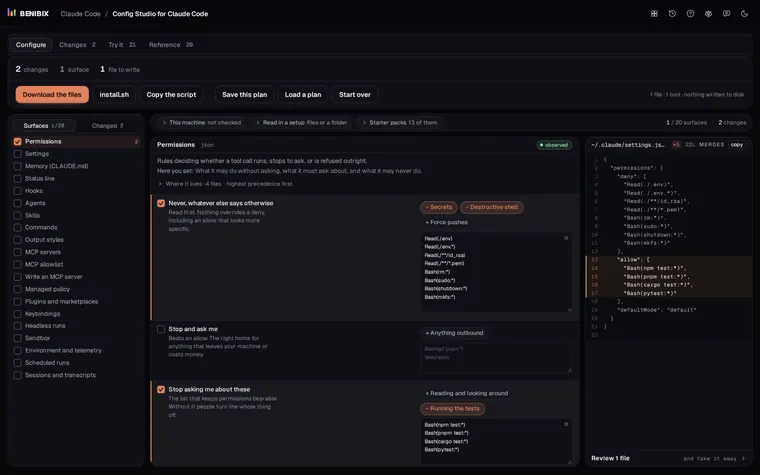
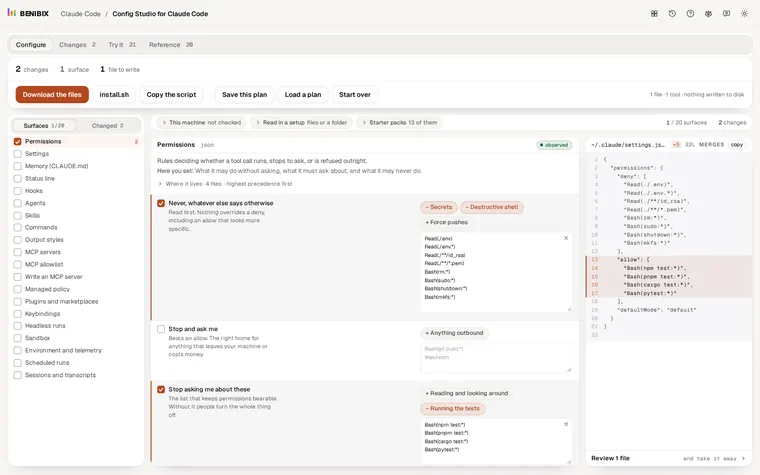
Config Studio for Claude Code has the notification setting under its settings, with every value explained, and hooks as one of its 20 surfaces: it explains each event, writes the block into the right settings file, and nothing changes on your computer until you run its install script yourself.