Short answer: Start with the five list videos for the terminal: 20 Claude Code commands, 20 Codex CLI commands, the keyboard shortcuts for both, and 20 Git commands. Each takes about three minutes and shows one command per chapter in a real terminal. For a single question, the Shorts answer it in under a minute.
The docs list every command, but not which ones you will use every day. Watching someone type them is faster than reading a reference page, and a chapter per command means you can jump straight to the one you forgot.
This page lists every video on the BENIBIX channel that is not part of a course, as of 2 November 2026: 6 list videos, 25 Shorts and 14 one-minute tool overviews. The 67 lesson videos are in the courses at the end.
Which Claude Code commands are worth learning first?
20 Claude Code commands you should be using (3 min 20 s) goes through /init, /clear, /compact, /help, /model, /plan, /context, /memory, /resume, /rewind, /btw, /add-dir, /permissions, /mcp, /diff, /code-review, /security-review, /usage, /export and /doctor, each with its own chapter. What each one does: the 20 Claude Code slash commands worth using.
20 Claude Code keyboard shortcuts you should know (3 min 7 s) is its partner: Shift+Tab to change modes, Esc to stop, Esc Esc to rewind, ! for a shell command, @ for a file, Ctrl+R for history, Ctrl+G to write the prompt in your editor and Ctrl+B to send a task to the background, among others. The written list: Claude Code keyboard shortcuts.
Which Codex CLI commands and shortcuts matter?
20 Codex CLI commands you should be using (3 min 20 s) covers /init, /model, /permissions, /status, /new, /compact, /mention, /plan, /goal, /side, /fork, /resume, /export, /diff, /review, /mcp, /skills, /import, /usage and codex exec for runs without the chat. What each one does: the 20 Codex CLI commands worth knowing.
12 Codex keyboard shortcuts you should know (2 min 8 s): @ to find files, ! for shell commands, Ctrl+R for history, Tab to queue a message, Enter to steer the running turn, Esc Esc to edit and fork, Ctrl+O to copy, Ctrl+L to clear and /keymap to see them all. The written list: Codex CLI keyboard shortcuts.
Which Git commands do you actually need?
20 Git commands you actually need (3 min 40 s) runs from git init, clone and config through status, add, commit, log and diff, then branches (branch, switch, merge, rebase), the remote (fetch, pull, push) and the ways back: stash, restore, reset, revert and reflog. With an undo table: the 20 Git commands you actually need.
How do you get better answers from an AI chat?
20 prompts that fix bad AI answers (3 min 27 s) shows one line per problem, each with an example: ask me questions first, give a role, name the reader, set the format and length, use only my text, allow "I don't know", ask for sources, check the numbers, find the flaws, argue against it, and "fix my prompt" to end with. They work in ChatGPT, Claude and Gemini. All 20 with an example to copy: 20 prompts that fix bad AI answers.
What do the Claude Code Shorts explain?
Seven Shorts, under a minute each:
- What is Claude Code?: what the agent does in your terminal and how it asks before it acts.
- Start in 4 steps: install, open the project, type
claude, then/initfor a CLAUDE.md. - Skills explained: a folder with a SKILL.md that teaches Claude one job, and why its description decides when it loads.
- Subagents explained: a helper with its own context window, made with
/agents. - What is an MCP server?: tools, resources and prompts, on your machine or online.
- Add an MCP server in one command:
claude mcp add, and which scope to pick. - A status line by drag and drop: the line under your prompt, built in the browser.
What do the AI prompt Shorts cover?
Ten Shorts on images, photos and video:
- What is an AI prompt? and stop writing prompts from scratch
- Gemini prompt tips, Nano Banana explained and Gemini photo edits that still look like you
- Photo to cartoon, real anime style and the same face in every image
- For video: Veo 3 prompts written like a shot list and the four parts every video prompt needs
What do the chart and data Shorts cover?
Eight Shorts for anyone who builds reports:
- What is data visualization?: pick the chart by the question.
- Bar charts: 3 rules, pie charts: 4 rules and a histogram is not a bar chart
- A chart palette everyone can read and a Power BI layout people actually read
- Metric or KPI? and profit versus cash flow
Is there a one-minute look at each tool?
Yes, one per tool, all in one playlist:
Where are the step-by-step lessons?
In the courses, one per tool, each lesson with its video: Statusline Studio, Config Studio for Claude Code, Usage Insights for Claude Code, Config Studio for Codex, Usage Insights for Codex, Profile README Studio, Prompt Gallery, Character Prompt Builder, Chart Compass, KPI Atlas, Report Design Studio, Motion Studio and Icon Studio.
Where can you check this?
- Claude Code docs: Slash commands
- Claude Code docs: Interactive mode (keyboard shortcuts)
- Codex docs: Commands and slash commands
- Git: Reference
Where do you start?
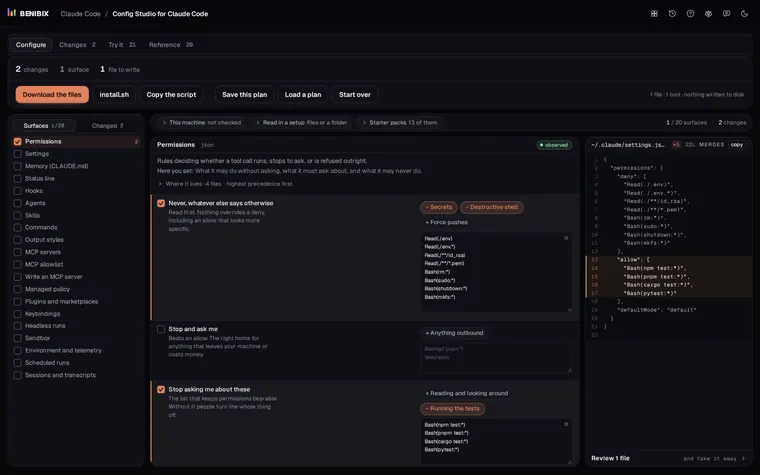
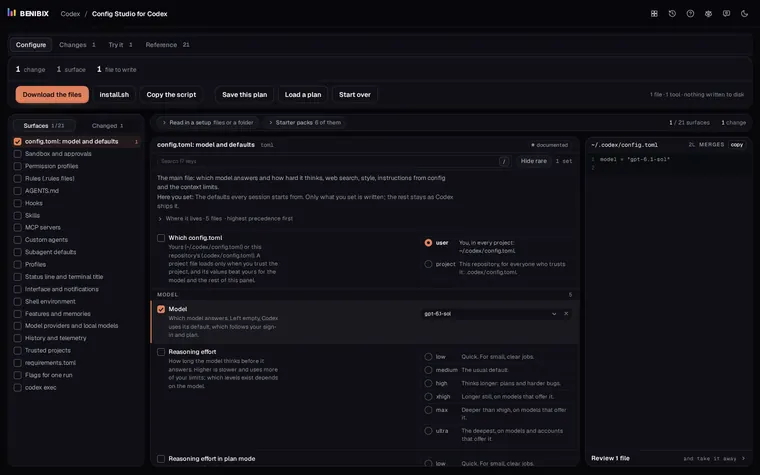
If you watched the command videos and want the files behind them set up too, Config Studio for Claude Code explains every file Claude Code reads, shows which one wins and writes them for you. Config Studio for Codex does the same for config.toml, rules, hooks and AGENTS.md. Both run in your browser, and nothing touches your disk until you run what you take away.