Short answer: start with /init for an AGENTS.md, /status to see what Codex is running with, /compact when a long run fills the context, /plan before big changes, and /diff and /review before you commit. For scripts and CI, codex exec runs Codex without the chat.
Codex's slash menu keeps growing, and most of it you will never need. The commands below are the ones that come up in a normal working day, grouped by the moment you need them.
Each description is checked against the Codex commands reference (2 November 2026). The time in the last column jumps to the moment the video shows it in a real terminal.
Which commands set Codex up?
| Command | What it does | Video |
|---|---|---|
/init | Writes an AGENTS.md scaffold in the current folder. | 0:20 |
/model | Chooses the model, and the reasoning effort where available. | 0:30 |
/permissions | Sets what Codex may do without asking, such as Auto or Read Only. | 0:38 |
/mcp | Lists the MCP tools Codex can call; add verbose for server details. | 2:26 |
/skills | Browses your skills and uses one. | 2:35 |
/import | Brings over a Claude Code or Cursor setup, projects and chats. | 2:42 |
Which commands keep a session healthy?
| Command | What it does | Video |
|---|---|---|
/status | Shows the model, approval policy, writable folders and context left. | 0:46 |
/new | Starts a new chat without leaving the CLI. | 0:55 |
/compact | Summarises the chat to free tokens after a long run. | 1:04 |
/mention | Attaches a file or folder you want Codex to look at next. | 1:13 |
/usage | Shows your token use and rate limits. | 2:51 |
Which commands steer a bigger task?
| Command | What it does | Video |
|---|---|---|
/plan | Switches to plan mode, so Codex proposes before it builds. | 1:22 |
/goal | Sets a goal Codex keeps tracking while a long task runs. | 1:30 |
/side | Opens a side chat for a quick question that stays out of the main one (/btw too). | 1:39 |
/fork | Branches the chat into a new one to try another approach. | 1:48 |
/resume | Continues a saved chat from your session list. | 1:56 |
Which commands check and ship the work?
| Command | What it does | Video |
|---|---|---|
/diff | Shows the Git diff, including files Git is not tracking yet. | 2:11 |
/review | Asks Codex to review your working tree. | 2:19 |
/export | Saves the conversation as Markdown. | 2:03 |
codex exec | Runs Codex from a script or CI and exits when done (codex e for short). | 2:59 |
What goes wrong most often?
- Ctrl+L instead of
/new. Ctrl+L only clears the terminal view; the chat and its context stay./new(or/clear) starts a fresh chat. - A new chat when a fork was enough.
/forkkeeps the current transcript and lets you try another way;/newstarts from nothing. codex execwith full access. When a script needs to write in another folder, the docs prefer--add-dirover--sandbox danger-full-access. More in codex exec in scripts and CI.- Permissions that reset.
/permissionschanges this session. For a lasting default, set it inconfig.toml, as in sandbox and approval modes.
Where can you check this?
Can you set up the rest in one place?
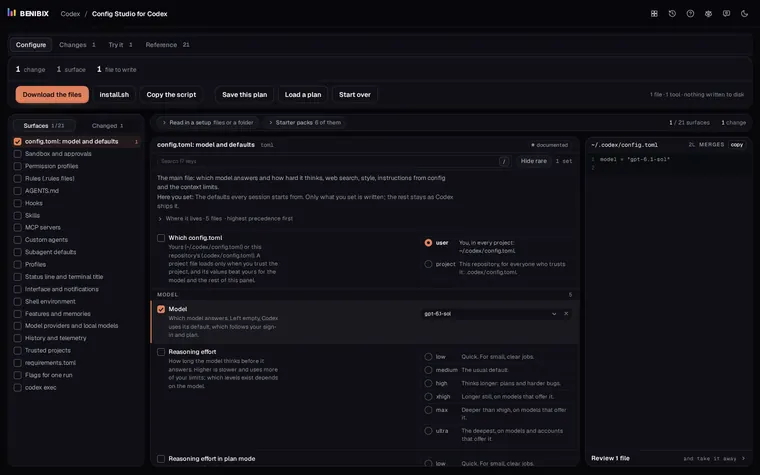
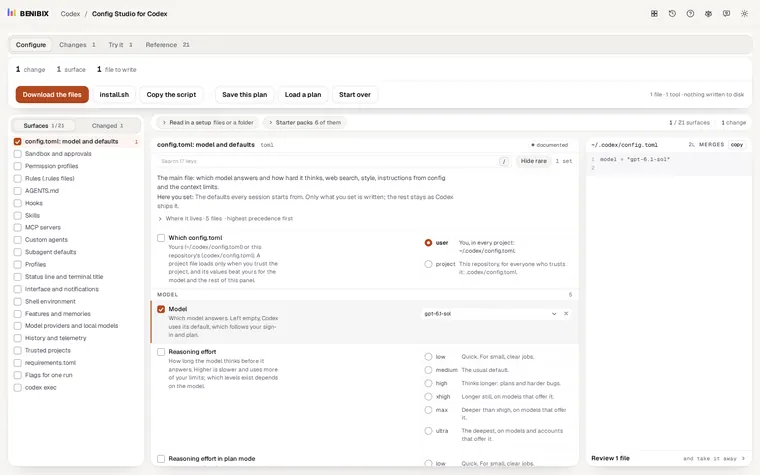
/init writes AGENTS.md and /permissions lasts one session; the lasting setup lives in files. Config Studio for Codex explains all 21 places Codex reads from, config.toml, sandbox and approvals, AGENTS.md, rules, hooks, skills and MCP servers, and writes them for you from 6 starter packs. Nothing touches your disk until you run what you take away.