Short answer: Run codex mcp add <name> -- <command> for a server that runs on your computer, for example codex mcp add context7 -- npx -y @upstash/context7-mcp, or codex mcp add <name> --url <url> for a remote one. Codex writes a [mcp_servers.<name>] table into ~/.codex/config.toml, which you can also edit by hand. Type /mcp in Codex to see which servers are active.
MCP (Model Context Protocol) servers give Codex tools it does not have: documentation search, your browser, a design file, a database. The CLI, the IDE extension and the desktop app all read the same config.toml, so a server you add once is there in all three.
How do you add a local MCP server?
A local (stdio) server is a program Codex starts. Everything after -- is its command:
codex mcp add <server-name> --env VAR1=VALUE1 --env VAR2=VALUE2 -- <stdio server-command>

# For example
codex mcp add context7 -- npx -y @upstash/context7-mcpThe same server in config.toml:
[mcp_servers.context7]
command = "npx"
args = ["-y", "@upstash/context7-mcp"]| Key | What it does |
|---|---|
command | The program that starts the server (required) |
args | Its arguments |
env | Environment variables to set for it |
env_vars | Variables from your own environment to pass on, by name |
cwd | The folder to start it in |
How do you add a remote MCP server?
Give it a url. Keep the token out of the file by naming the environment variable it lives in:
[mcp_servers.figma]
url = "https://mcp.figma.com/mcp"
bearer_token_env_var = "FIGMA_OAUTH_TOKEN"Codex sends the value of FIGMA_OAUTH_TOKEN as Authorization: Bearer .... For other headers there are http_headers (fixed values) and env_http_headers (values from environment variables).
For a server that signs you in with OAuth instead, run codex mcp login <server-name> once; Codex stores the sign-in.
How do you limit what a server may do?
Each server takes a list of allowed tools, a list of blocked ones, and an approval mode:
[mcp_servers.chrome_devtools]
url = "http://localhost:3000/mcp"
enabled_tools = ["open", "screenshot"]
default_tools_approval_mode = "prompt"
startup_timeout_sec = 20
tool_timeout_sec = 45| Key | What it does | Default |
|---|---|---|
enabled_tools | Only these tools | All |
disabled_tools | Never these tools (applied after enabled_tools) | None |
default_tools_approval_mode | auto, prompt, writes (asks only for tools not marked read-only) or approve | |
tools.<tool>.approval_mode | The same, for one tool | |
startup_timeout_sec | How long Codex waits for the server to start | 10 |
tool_timeout_sec | How long one tool call may take | 60 |
enabled | false turns it off without deleting it | |
required | true makes Codex refuse to start if this server fails |
A slow server that keeps "failing to start" usually only needs a higher startup_timeout_sec; one that downloads itself with npx on the first run is the classic case.
Can a project bring its own MCP servers?
Yes: a .codex/config.toml in the project can hold [mcp_servers] tables too. Codex loads a project's .codex/ layers only when you trust the project, so a repository you just cloned cannot start servers on your computer by itself. When the same name is set in both, the project's file (closest to where you work) wins over your own. Which Codex config.toml wins covers all the layers.
Which commands manage MCP servers?
| Command | What it does |
|---|---|
codex mcp add <name> -- <command> | Adds a local server |
codex mcp add <name> --url <url> | Adds a remote server |
codex mcp list | Lists the configured servers |
codex mcp login <name> | Signs in to a server that uses OAuth |
codex mcp --help | Every other MCP command |
/mcp (inside Codex) | Shows the active servers in this session |
In the IDE extension, the gear menu has MCP servers, with Add server and an Authenticate button for servers that need a sign-in; restart the extension after adding one.
Where can you check this?
Can you write the MCP tables without editing TOML by hand?
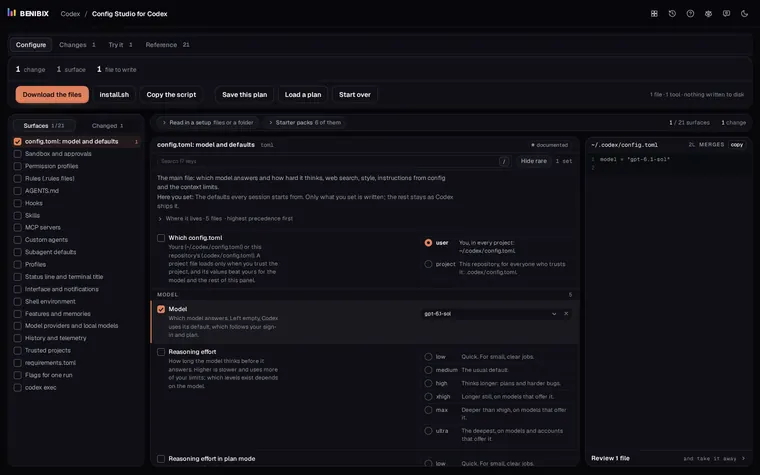
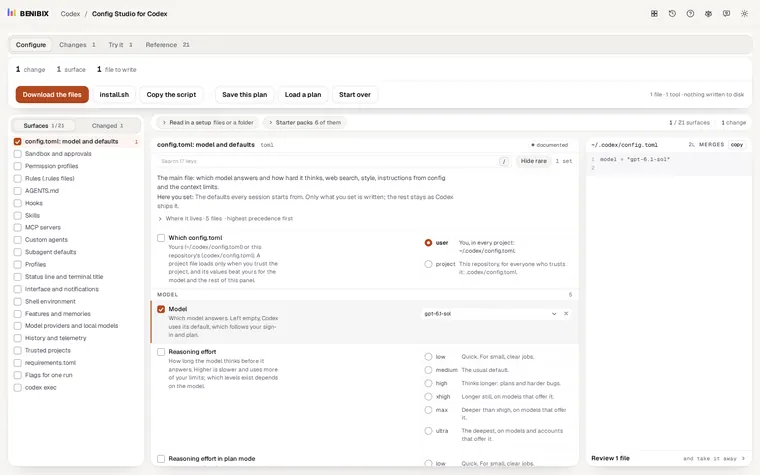
Config Studio for Codex has an MCP servers form: a command or a URL, arguments, environment, where the bearer token comes from, the approval mode, allowed and blocked tools, both timeouts and the required and enabled switches, each explained. It writes the [mcp_servers] table into your config.toml, checked against Codex 0.162.1. Nothing is written to your computer until you run its install script yourself.