Short answer: the ones worth the habit are @ to add a file, ! to run a shell command, Tab to queue a message while Codex works, Enter to steer the running turn, and Esc twice to edit your last message and fork from there. /keymap changes any of them and saves your choice in config.toml.
Codex shows most of its power through the keyboard, but the shortcuts are scattered across its docs. The two that surprise people most are Tab and Enter while Codex is working: one waits for the next turn, the other changes the current one.
Checked against the Codex commands reference (2 November 2026). The time in the last column jumps to the moment the video shows the shortcut.
Which shortcuts should you learn first?
| Key | What it does | Video |
|---|---|---|
/ | Opens the slash commands. | 0:20 |
@ | Searches the workspace for a file and adds its path to your prompt. | 0:28 |
! | Runs the line as a local shell command, under the current approval and sandbox settings. | 0:35 |
| Up / Down | Brings back earlier drafts. | 0:43 |
| Ctrl+R | Searches your prompt history; Enter uses a match, Esc cancels. | 0:50 |
What do Tab and Enter do while Codex is working?
| Key | What it does | Video |
|---|---|---|
| Tab | Queues a prompt, slash command or shell command for the next turn. | 0:59 |
| Enter | Sends new instructions into the turn that is running now. | 1:08 |
| Esc Esc | With an empty prompt: edits your previous message and forks the chat from there. | 1:16 |
Use Enter when Codex is heading the wrong way ("use the existing helper instead"). Use Tab for the next job ("then run the tests"), so you do not interrupt the current one.
Which keys copy, clear and quit?
| Key | What it does | Video |
|---|---|---|
| Ctrl+O | Copies the latest finished answer. /copy lets you pick what to copy. | 1:24 |
| Ctrl+L | Clears the terminal view and keeps the chat. | 1:33 |
| Ctrl+C | Closes the session, like /exit. | 1:39 |
How do you change a shortcut?
Type /keymap, pick the context and the action, and press the new key (1:47 in the video). Codex writes the binding to tui.keymap in config.toml:
- Keys are written as names such as
ctrl-a,shift-enterorpage-down. - A binding for one context wins over
tui.keymap.global. - An empty list unbinds the action.
Because it lands in config.toml, the layer rules apply: a project's config can override yours. Which config.toml wins explains the order.
Where can you check this?
Can you see your whole config.toml in one place?
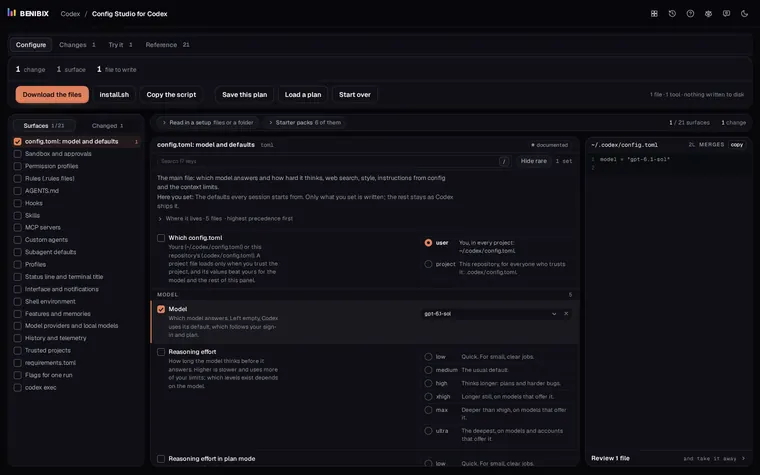
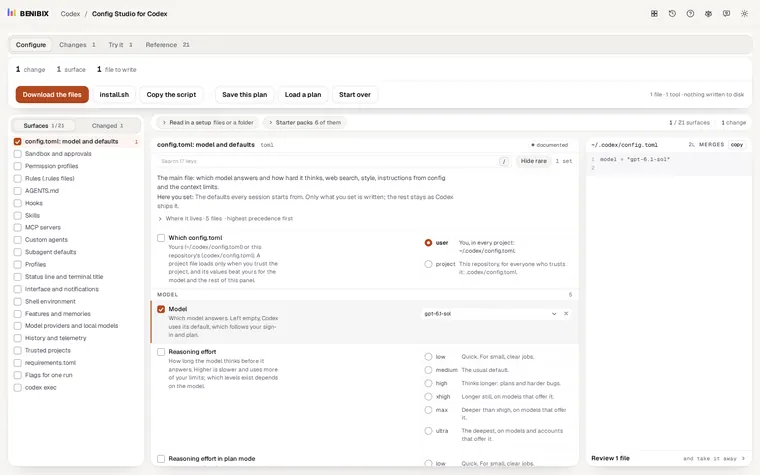
Your key bindings sit next to the model, sandbox, approvals and MCP servers in the same file. Config Studio for Codex explains each of the 21 places Codex reads from and writes config.toml for you, so a new binding does not break the rest. Using Claude Code as well? Its shortcuts are in Claude Code keyboard shortcuts.