Short answer: install Claude Code with one command, open a terminal in your project, type claude, and ask what you want in plain English. Then run /init once, so Claude writes a CLAUDE.md that it reads in every later session.
Starting is easier than most guides make it look. You do not need to configure anything first, and you do not need to add files by hand: Claude Code reads your project as it goes.
Checked against the Claude Code quickstart (2 November 2026).
Step 1: How do you install Claude Code?
Run the line for your system in a terminal. On macOS, Linux or WSL:
curl -fsSL https://claude.ai/install.sh | bashIn Windows PowerShell:
irm https://claude.ai/install.ps1 | iexWith Homebrew it is brew install --cask claude-code, with WinGet winget install Anthropic.ClaudeCode.
Then open a new terminal and run claude --version. A version number means it worked. The native install updates itself; Homebrew and WinGet do not.
Step 2: How do you open your project?
cd /path/to/your/project
claudeOn first use it asks you to log in. You need a Claude subscription (Pro, Max, Ultra, Team or Enterprise), a Claude Console account, or access through a supported cloud provider.
Step 3: What do you ask first?
Plain English works. Good first questions:
- "what does this project do?"
- "where is the main entry point?"
- "add a hello world function to the main file"
When it wants to change a file, it shows the change and asks. Choose Yes to approve. Shift+Tab switches how much it may do without asking.
Step 4: Why run /init?
/init writes a CLAUDE.md guide for your project: how to build it, how to test it, what to keep in mind. Claude reads it at the start of every session, so you stop repeating yourself. Keep it short and edit it as you go; what to put in CLAUDE.md shows what belongs there.
What should you learn next?
Three commands make the next week easier:
/clearstarts a fresh conversation when you switch to a new task./compactfrees up context in a long conversation without starting over./rewindtakes back what Claude changed when it went the wrong way.
The 20 Claude Code slash commands worth using has the rest, each with its moment in a video. New to the idea itself? What is Claude Code? explains what the agent does.
Where can you check this?
What do you set up after that?
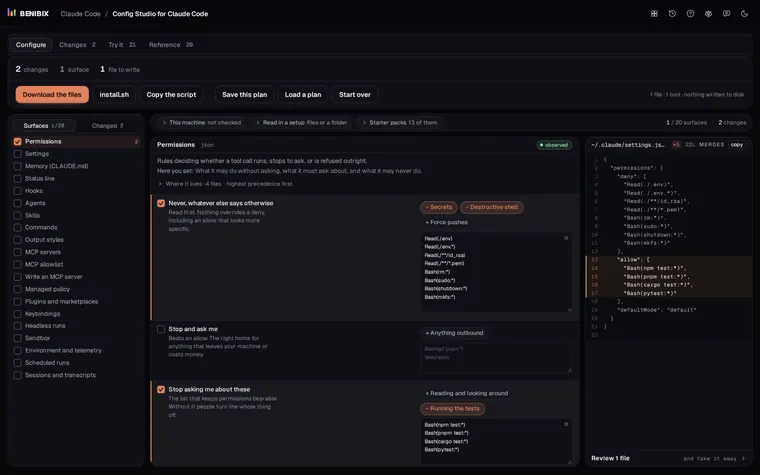
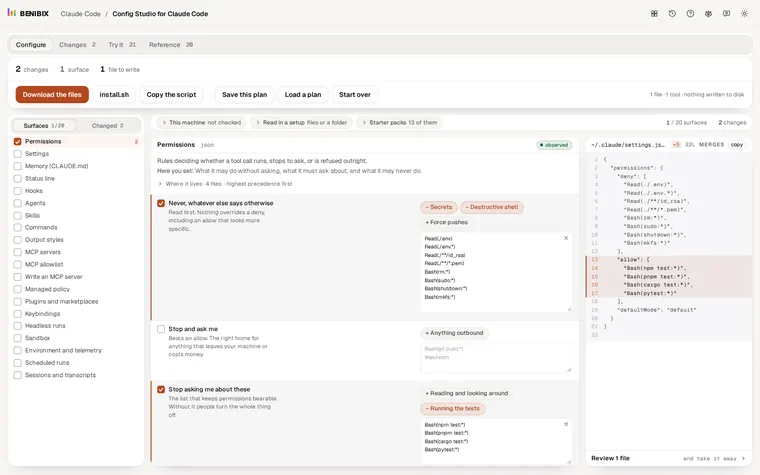
After CLAUDE.md come settings, permissions, hooks and skills, each in its own file. Config Studio for Claude Code explains every one of them, shows which file wins, and gives you 13 starter packs to begin from. It writes the files for you and touches nothing on your disk until you run what you take away.