Short answer: Run claude --continue (or claude -c) in the same folder to reopen your most recent session there. Run claude --resume to choose from a list, or type /resume inside a running session. Name a session with /rename auth-refactor and you can come back to it with claude --resume auth-refactor.
You closed the terminal, the laptop went to sleep, or it was simply the end of the day. Claude Code saved the whole conversation as it went, so there is no need to explain the task again. Checked against Claude Code 2.1.308.
Which command resumes which session?
| Command | What it opens |
|---|---|
claude --continue | The most recent session in the current folder |
claude --resume | The session picker, to choose one |
claude --resume <name> | A named session, directly |
claude --resume <session-id> | A session by its ID, from any folder |
claude --from-pr <number> | The picker, filtered to sessions linked to that pull request |
/resume | The picker, from inside a running session |
/resume <name> | Switches straight to a named session |
If there is nothing to continue in the folder, claude --continue prints No conversation found to continue and exits. Sessions are stored per project folder, so start Claude Code in the same folder as before.
How do you name a session so you can find it again?
| When | How |
|---|---|
| At start | claude -n auth-refactor |
| During the session | /rename auth-refactor (the name also shows on the prompt bar) |
| In the picker | Highlight a session and press Ctrl+R |
A session you never name still gets a generated title, a short summary of your first prompt, and that title works with --resume too. Accepting a plan in plan mode replaces it with a title based on the plan. Names matter most when you run several tasks at once: "auth-refactor" is easier to find than the fifth session called "fix the tests".
How do you use the session picker?
claude --resume with no name, or /resume, opens the picker. Each row shows the name or title, how long ago it was active, the git branch and the size.
| Key | Does |
|---|---|
↑ ↓ or j k | Move |
Enter, or 1 to 9 | Resume the highlighted one, or the one at that number |
Space | Preview the conversation |
Typing, or / | Search; paste a pull request URL to find the session that made it |
Ctrl+B | Only sessions from the current git branch |
Ctrl+W | Sessions from all worktrees of the repository |
Ctrl+A | Sessions from every project on this computer |
Ctrl+R | Rename |
What does a resumed session keep?
| Kept | Not kept |
|---|---|
| The conversation, tool calls and results (from the last compaction summary on, if it was compacted) | Background commands and subagents that were running; they show as unfinished notes |
| The model it was using | Flags like --mcp-config, --settings, --plugin-dir and --add-dir: pass them again |
The permission mode, when you resume from the terminal by --continue, name or ID (with exceptions: bypass permissions is not restored) | Folders added during the session with /add-dir |
| Scheduled tasks that have not expired | A tool call that was cut off: Claude is told to check whether it took effect before running it again |
Your settings.json files are read again at every start, so anything set there needs no flag.
How do you try another approach without losing this one?
Branch the session. Inside it, run /branch try-streaming to copy the conversation so far into a new session and switch to it; the original stays as it was and remains in the picker. From the command line, add --fork-session:
claude --continue --fork-sessionDo not open the same session in two terminals without forking: the messages of both end up mixed in one transcript. To go back to an earlier point within one session instead, use /rewind; Undo Claude Code changes with /rewind covers it.
Why is my session not in the list?
| Cause | Fix |
|---|---|
| You started Claude Code in another folder | cd there, or press Ctrl+A in the picker for every project |
It was a claude -p run or an Agent SDK session | They are left out of the picker and --continue: resume by session ID, or use claude -p --continue |
Its first prompt was a /loop | Such sessions are left out of the picker and --continue |
| It is older than 30 days | Transcripts are deleted after cleanupPeriodDays, 30 by default; raise it in settings.json to keep them longer |
| It is in another worktree | Ctrl+W in the picker |
Where can you check this?
Can you see all your past sessions in one place?
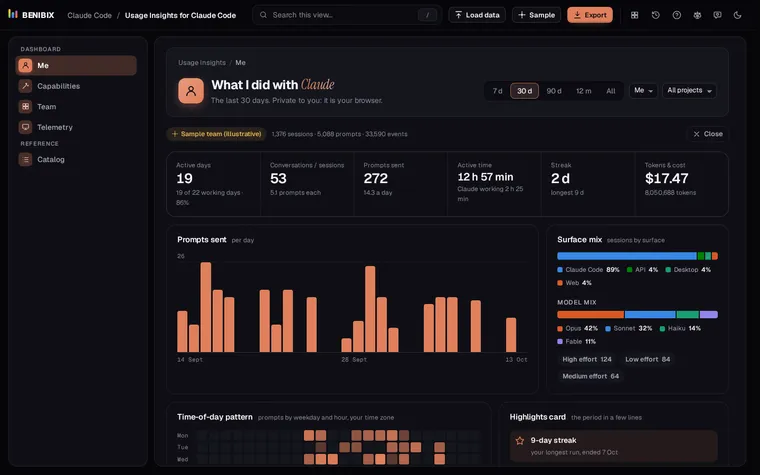
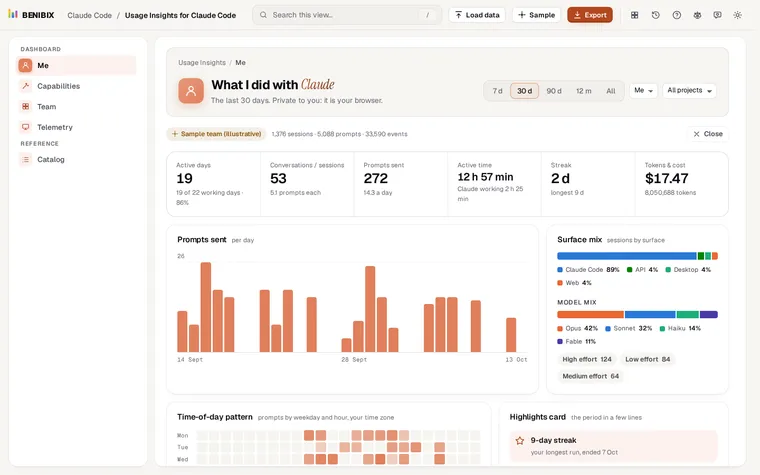
Usage Insights for Claude Code reads the folder where Claude Code keeps these sessions, in your browser with nothing uploaded, and turns it into a dashboard: active days, a weekday by hour heatmap, projects, tools, skills, models, tokens and cost. Where Claude Code keeps your history explains the files themselves.