Short answer: learn /clear, /compact and /context first to keep sessions fast and cheap, /plan, /diff and /rewind to stay in control of what changes, and /code-review and /security-review before you commit. Type / in Claude Code to see every command you have.
Most people use Claude Code for weeks with only /clear and /help. The command list is long, and nothing tells you which ten are worth the habit. These twenty are the ones that change how a day with Claude Code goes.
Every description below is checked against the Claude Code commands reference (2 November 2026). The time in the last column jumps to the moment the video shows the command in a real terminal.
Which commands set up a project?
| Command | What it does | Video |
|---|---|---|
/init | Writes a CLAUDE.md guide for the project. If it finds Codex or Gemini CLI configuration, it offers to bring it over with /import. | 0:19 |
/memory | Edits your CLAUDE.md files and turns auto memory on or off. | 1:16 |
/add-dir <path> | Gives Claude access to another folder for this session. | 1:51 |
/permissions | Shows and edits the allow, ask and deny rules for tools. | 1:59 |
/mcp | Manages MCP server connections and their sign-ins. | 2:08 |
Which commands keep a session fast and cheap?
| Command | What it does | Video |
|---|---|---|
/clear | Starts a new conversation with empty context. The old one stays in /resume. | 0:28 |
/compact | Summarises the conversation so far to free context, with optional focus instructions. | 0:37 |
/context | Draws your context use as a coloured grid, with suggestions. | 1:08 |
/model | Switches the model and saves it as your default. Left and right arrows set the effort where the model supports it. | 0:52 |
/usage | Shows session cost, plan limits and activity (/cost and /stats do the same). | 2:44 |
/btw | Asks a side question without adding it to the conversation. | 1:43 |
Which commands keep you in control of the changes?
| Command | What it does | Video |
|---|---|---|
/plan | Enters plan mode, so Claude proposes before it edits. /plan fix the auth bug starts with that task. | 1:00 |
/diff | Shows the changes in your working tree, including Claude's edits. | 2:17 |
/rewind | Rewinds the conversation, the code or both to an earlier point (/undo works too). | 1:32 |
/resume | Picks up an earlier conversation by name, ID or from a list. | 1:25 |
/export | Saves the conversation as plain text, to a file or the clipboard. | 2:52 |
Which commands check the work?
| Command | What it does | Video |
|---|---|---|
/code-review | Reviews the current diff, a pull request, a branch or a path for correctness bugs. | 2:25 |
/security-review | Checks your branch's changes against the default branch for risks such as injection and data exposure. | 2:35 |
/doctor | Checks your installation, settings, extensions and CLAUDE.md, and proposes fixes you confirm. | 2:59 |
/help | Shows help and the commands you can use. | 0:45 |
What goes wrong most often?
/clearwhen you meant/compact./cleardrops everything Claude knew about the task. Use/compactto keep going with less context, and/clearwhen you switch to a different job. More in what /compact keeps.- A command in the middle of a message. A command is only recognised at the start of a message; anything after its name becomes its arguments.
/security-reviewfails at once. It compares your branch with the default branch onorigin, so it needs that remote.- Undo with Git when
/rewindwas enough./rewindputs back files Claude edited in this conversation. How /rewind works covers what it can and cannot undo.
Want commands of your own? A custom command or a skill turns a prompt you repeat into one.
Where can you check this?
Can you set up the rest in one place?
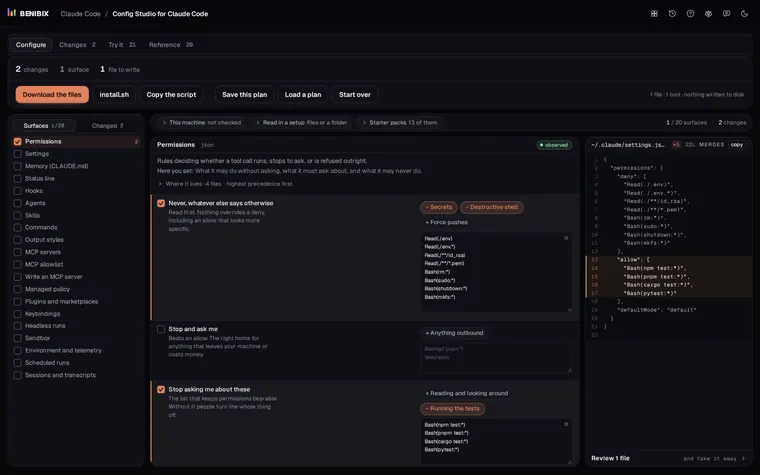
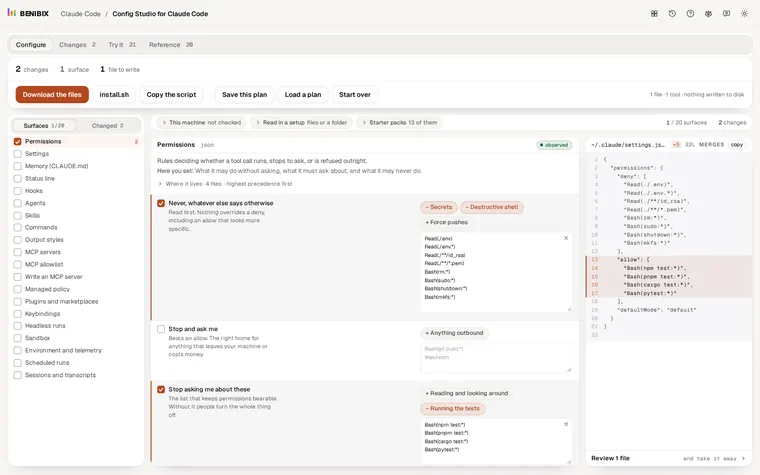
Several of these commands edit files: /init and /memory write CLAUDE.md, /permissions writes rules into a settings file. Config Studio for Claude Code explains all 20 places Claude Code reads its setup from, shows which file wins, and writes the files for you, with 13 starter packs to begin from. Nothing is written to your disk until you run what you take away.