Short answer: start from a picture you like and the prompt that made it. Keep the words for style, light and camera, replace only the subject, and change one thing per try. You keep what made the picture work and add only what is yours.
A blank prompt box invites guessing. You write a few words, get something generic, add more words, and after ten tries you still do not know which word did what. A tested prompt removes most of that guessing, because the hard part, the look, is already solved.
Which parts of a prompt do you keep?
Split the prompt you found into two kinds of words:
| Keep (the look) | Replace (the content) |
|---|---|
| Style: "editorial photo", "watercolour", "3D clay" | The subject: who or what |
| Light: "soft window light", "golden hour" | What the subject does |
| Camera: "close-up", "shot on a 50 mm lens" | Objects and place, when they are yours |
| Mood and colour: "muted earth tones" | Text that should appear |
What does that look like?
The prompt you found:
Your version for a candle shop:
Only the subject changed. The light, colours and framing that made the first picture good are still there.
Why change one thing at a time?
If you change the subject, the light and the style at once and the result is worse, you cannot tell which change did it. One change per try shows you what each word does, and you end up with a prompt you understand.
Does this work in every image model?
The idea works everywhere, but models read prompts differently. Gemini's Nano Banana models want full sentences, as Google's docs say: "Describe a scene in rich detail." More on the differences in which image model to use and Gemini image prompts.
Where can you check this?
Where do you find prompts worth reusing?
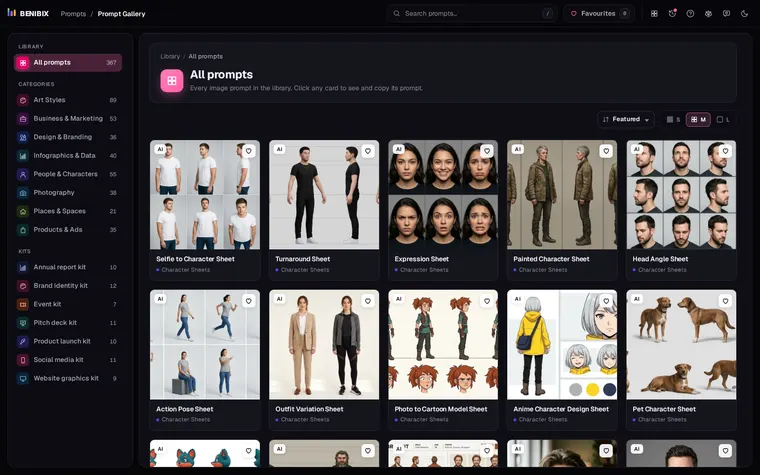
Prompt Gallery has 558 tested image prompts in 9 categories and 69 subcategories, each next to the picture it made. Find a look you like, copy the exact words, and swap in your subject. AI image prompt examples shows a few to start with.