Short answer: Claude Code is Anthropic's AI coding agent. You start it in your project's folder and ask in plain English; it reads the files it needs, proposes and makes changes, runs commands such as tests or Git, and asks before it acts unless you allow more.
A chat assistant answers questions about code you paste in. Claude Code works on the project itself: it finds the right files on its own, edits them and checks the result. That difference is why people describe it as an agent rather than a chat.
This post is checked against Anthropic's Claude Code docs (2 November 2026).
What can Claude Code do?
The things people ask it most, in their own words:
| You type | What Claude Code does |
|---|---|
| "what does this project do?" | Reads the files it needs and explains the project. |
| "add input validation to the sign-up form" | Finds the form, shows the change and makes it after you approve. |
| "write unit tests for the calculator functions" | Writes the tests and can run them. |
| "commit my changes with a descriptive message" | Runs Git for you. |
You do not add files by hand; it reads the project as needed.
Where does Claude Code run?
The terminal is the main one, but the same agent also runs on the web at claude.ai/code, in a desktop app, in VS Code and JetBrains IDEs, in Slack, and in CI with GitHub Actions and GitLab.
Does it change things without asking?
Not by default. The session's permission mode decides which actions it may take without asking, and Shift+Tab switches the mode at any time. If it does something you did not want, /rewind puts the conversation and the files Claude edited back to an earlier point. Permission modes and allow, ask and deny rules go deeper.
What do you need to use it?
A Claude subscription (Pro, Max, Ultra, Team or Enterprise), a Claude Console account with API credits, or access through a supported cloud provider. It logs you in on first use. Claude Code for beginners has the install commands and the first four steps.
How do you make it work your way?
Four files and features shape it:
- CLAUDE.md: what Claude should know about your project every time. What to put in it.
- Skills: instructions for one job that load only when needed. Skills explained.
- Hooks: your own scripts that run before or after a tool call. Hooks.
- MCP servers: connections to outside tools and data. MCP servers.
Where can you check this?
Where do you set all of that up?
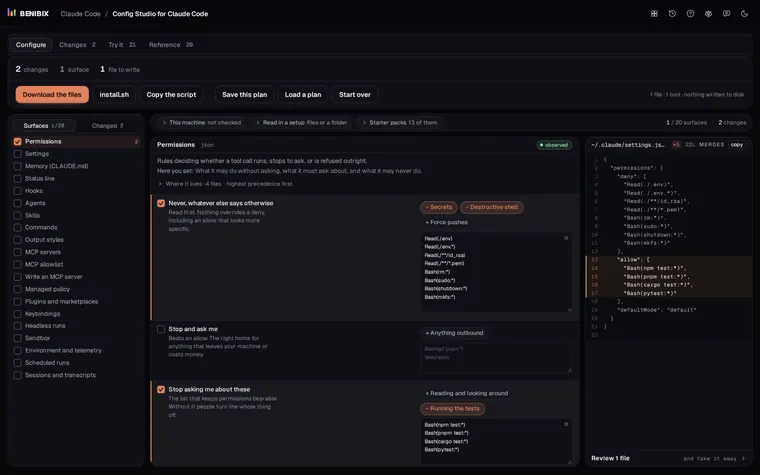
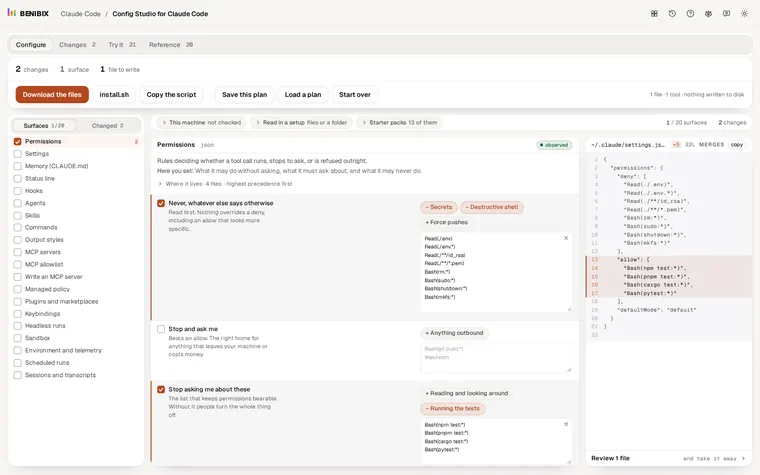
CLAUDE.md, settings, permissions, hooks, skills and MCP servers each live in their own file, and several files can say different things. Config Studio for Claude Code explains all 20 places Claude Code reads its setup from, shows which file wins, and writes them for you. Nothing touches your disk until you run what you take away.