Short answer: Put this line in the README.md of your profile repository, with your username: . Add &label=Visitors, &color=2ea043 or &style=flat-square to change how it looks. It counts every time the picture loads, not unique people.
GitHub does not show how many people visit your profile. A views counter fills that gap with a small badge that goes up each time your profile is opened. The most used one is the open-source GitHub Profile Views Counter by Anton Komarev, which serves the badge from komarev.com.
How do you add the counter?
In your profile README (the repository named exactly like your username):
The text in the square brackets is the picture's alt text for screen readers; keep it. To centre it, wrap it as How to centre an image in a GitHub README shows.
Which options does it take?
Add them to the address with &:
| Option | Example | What it does |
|---|---|---|
label | label=Visitors | The text on the left (default "Profile views"); use + for spaces |
color | color=2ea043 or color=green | A hex colour without #, or a named one (default blue) |
style | style=flat-square | flat (default), flat-square, plastic, for-the-badge, or pixel to count without showing anything |
abbreviated | abbreviated=true | 12345 shows as 12.3K |
base | base=1000 | Adds a starting number, for moving from another counter |
For example:
What does the counter actually count?
Picture loads, not people. Every time GitHub shows your profile, it fetches the badge and the number goes up: when you reload, when you look at your own profile, when the same person comes back. The project says so itself in its FAQ: it is a counter of "page hits", not of unique visitors.
It also cannot tell who anyone is. GitHub loads pictures in READMEs through its own image proxy, Camo, which "hides your browser details and related information", so the counter only ever sees requests from GitHub's proxy, never your visitors' addresses or browsers. That is good for your visitors' privacy, and it is why no counter of this kind can count unique people.
Should you add a views counter?
It is decoration, not analytics. A number that you can raise by reloading tells a visitor little, and a small number on a new profile can look worse than no number. The project's own README puts it plainly: "A billion fake profile views doesn't make you a very popular person, it makes you a person with a billion number in the counter."
Add one if you enjoy watching it grow. Leave it out of a profile meant for recruiters, where every line should say something about your work. A GitHub profile README for job seekers covers what to put there instead.
What if the counter stops working?
It runs on one person's free server, which the README calls a "proof of concept". If the badge ever breaks, delete the line or switch to another counter with base= set to your old number. The repository also has a guide to run your own copy with PHP and a database.
Where can you check this?
Can you add it without writing the address by hand?
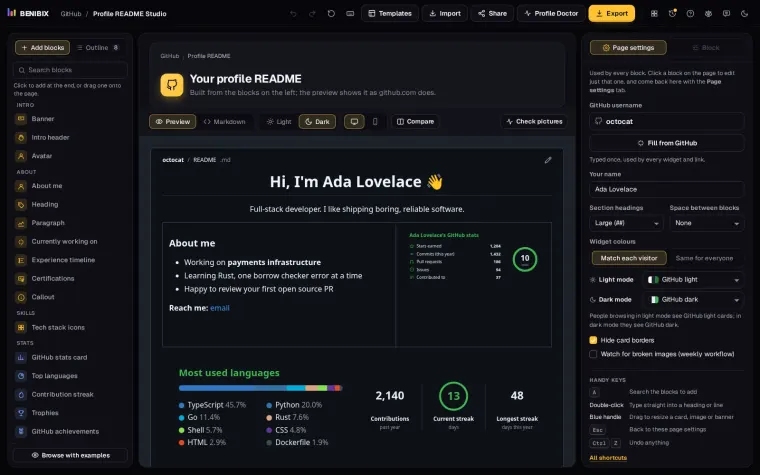
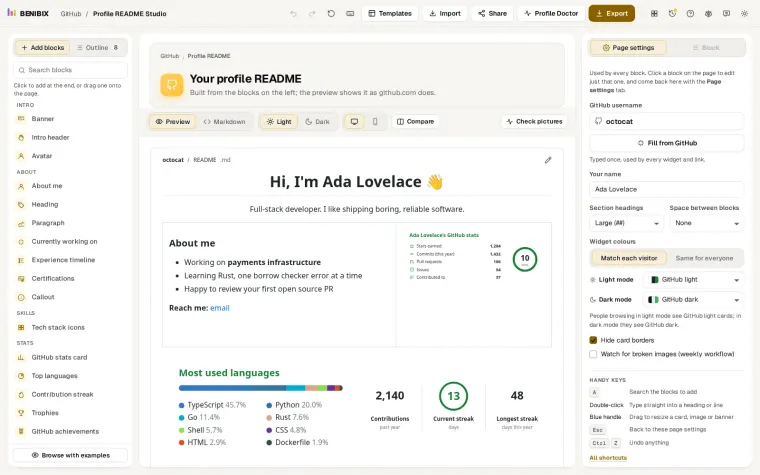
Profile README Studio has a profile views block with its label, colour and style as settings, next to the rest of your profile, and writes the line into your README. It says on the block that the badge counts picture loads, not people, and the studio itself shows an example badge and never contacts the counter.