Short answer: three habits make ChatGPT images come out right much more often. Put any words that should appear in the picture in quotes, exactly as they should be spelled. Say the shape: tall for a story or a phone, wide for a banner or a slide, square for a feed post. And fix the picture in the same chat, one change per message, instead of starting over.
ChatGPT is one of the better image tools for pictures with real, readable text in them: posters, menus, labels, slides. Most bad results come from prompts that leave the important parts to chance.
Why put the text in quotes?
"Make a sale poster" leaves the words up to the model, and you get whatever it invents. Quotes tell it which words are the content:
Keep the text short. A headline and one line under it come out cleanly far more often than a paragraph, and if a word comes out wrong, ask for that word alone to be fixed. OpenAI's own advice for posters is the same idea: say what the poster is for and the text it should include.
How do you get the right shape?
Say it in the prompt, in words people use:
| You want | Say |
|---|---|
| An Instagram story or a phone wallpaper | Tall, portrait |
| A YouTube thumbnail, a banner or a slide | Wide, landscape |
| A feed post or a profile picture | Square |
ChatGPT also has an aspect ratio picker next to the prompt box, and an existing picture can be made again in another ratio. Choosing the shape first is still better than cropping later, because a crop cuts off whatever the model put near the edges, often the text.
How do you fix an image without starting over?
Stay in the same chat and change one thing per message: "Make the background darker", then "Move the headline higher". To change only one part, select the image, use Select to mark the area, and describe the change for that area. Starting a new chat throws away everything that was already right.
One change at a time also tells you what each request did. Ask for three changes at once and something you liked usually changes too.
What else helps?
- Name the style: "flat vector illustration", "photo, soft daylight", "3D render". One style per picture.
- Name the colours you want, especially for text, so it stands out from the background.
- Say what it is for. "For a café window" or "for a LinkedIn post" gives the model a lot of context in a few words.
Where can you check this?
- OpenAI Help: Image generation in ChatGPT: text in posters, the aspect ratio picker and editing an image with Select
Where can you find prompts that already work?
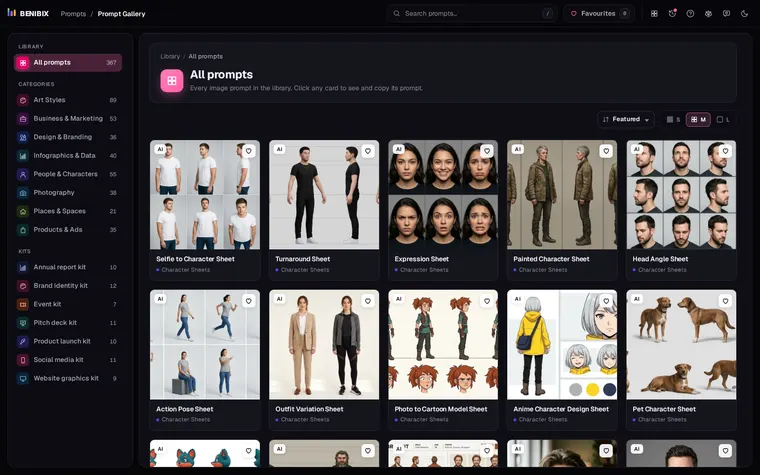
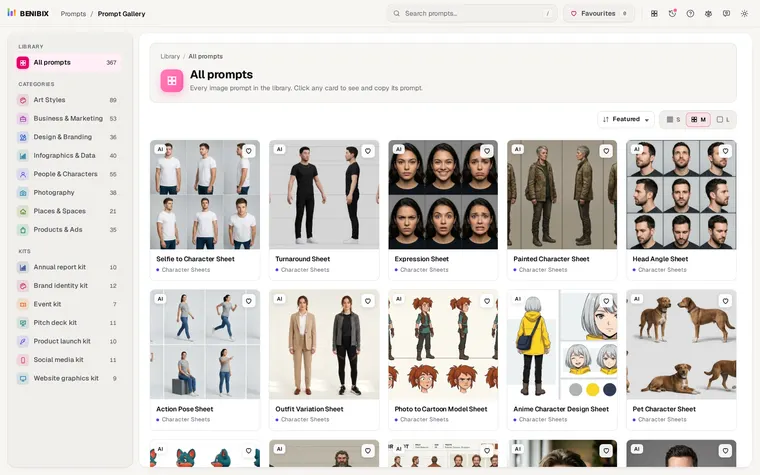
Prompt Gallery has 558 prompts, each next to the picture it made, and 258 of them name GPT Image, the model behind ChatGPT's pictures. They cover posters, signs, logos, slides and social graphics, written with the text in quotes and the shape named, so you copy one, change the words and paste it into ChatGPT. For writing your own from scratch, see image prompts that work.