Short answer: Kling 4.0 generates clips of 3 to 30 seconds in one pass, with up to 10 keyframes to mark what happens when, and up to 15 reference assets per generation: up to 10 images, up to 5 videos (30 seconds combined) and up to 7 subjects, plus voice references for a character. For a long clip, write the prompt in beats, one moment at a time, and give each reference one job.
Kling 3.0 clips topped out at 15 seconds, short enough that one sentence of action was enough. Thirty seconds is a short scene, and a prompt that describes a single picture leaves 25 of those seconds to chance.
Checked against Kling's own Kling 4.0 page on 17 November 2026.
What is new in Kling 4.0?
| What it means for you | |
|---|---|
| 3 to 30 seconds in one generation | A whole short scene without stitching clips together |
| Up to 10 keyframes | Pin moments in time: the character enters, the product appears, the camera pushes in |
| Up to 15 references: 10 images, 5 videos, 7 subjects | Keep faces, products and places the same, and borrow a motion or camera move from a video |
| Voice references | Give a character the same voice every time |
| Stereo audio and better lip-sync | Dialogue that matches the mouth |
| 4K output and 21:9 ultrawide | Cinema framing; 10-bit HDR at 1080p and 4K is listed as coming soon |
Kling notes that features roll out in stages, so what you see depends on your plan and your app.
How do you write a 30-second clip in beats?
Split the clip into moments and write one line each, with its time:
0 to 6 s: A woman in a yellow raincoat walks into a small bakery, rain behind her. Wide shot, camera still.
6 to 14 s: She points at a loaf in the window. The baker smiles and lifts it out. Medium shot, slow push in.
14 to 24 s: Close-up on her hands breaking the warm bread, steam rising. Soft window light.
24 to 30 s: She steps back into the rain, holding the bag to her chest. Camera stays on the door as it closes.
Sound: rain, the door bell, quiet cafe chatter.Each beat has the same three parts as any good video prompt: the subject, the motion and the camera. The keyframes then fix the moments the beats describe. Kling's own advice is the same: plan the clip as story beats, and refine the parts that miss instead of regenerating the whole video.
How should you use the references?
Give each one a single job. One image for the character's face, one for the outfit, one for the product, one video for the camera move. A reference that tries to do everything, like a busy photo with the person, the place and the light all in it, gives the model nothing clear to hold on to.
Where can you check this?
- Kling AI: Inside Kling 4.0, the length, keyframes, reference limits, output and prompting advice
- Kling AI: text to video prompt guide
Can you write the character part once and reuse it?
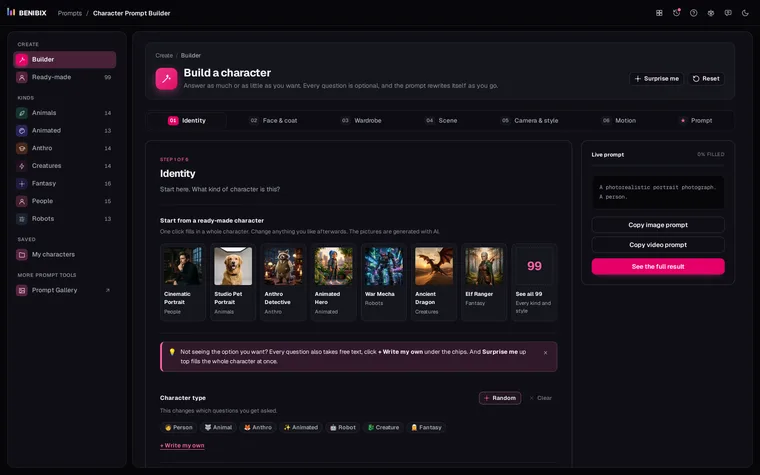
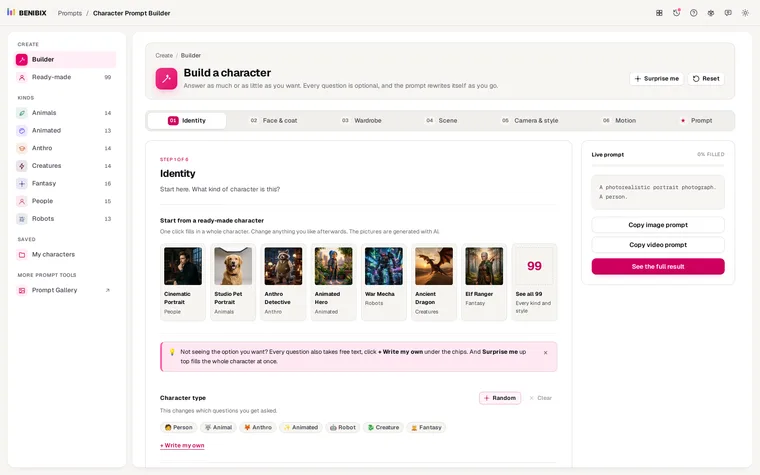
Character Prompt Builder asks a few questions about your character and writes an image prompt, a video prompt and an identity block in plain sentences. Paste the identity block into every beat, and the woman in the yellow raincoat stays the same woman for all 30 seconds. For the basics of any Kling prompt, see Kling AI prompts: subject, motion, camera.